Men's Pants & Joggers — AI Photoshoot Examples
Trousers, jeans and joggers are sold on fit — rise, taper and length — so the model's stance matters as much as the fabric. This gallery includes cotton office trousers, printed and designer jeans, and cargo-style joggers generated from product photos, with hems, pockets and washes kept as in the original garment.
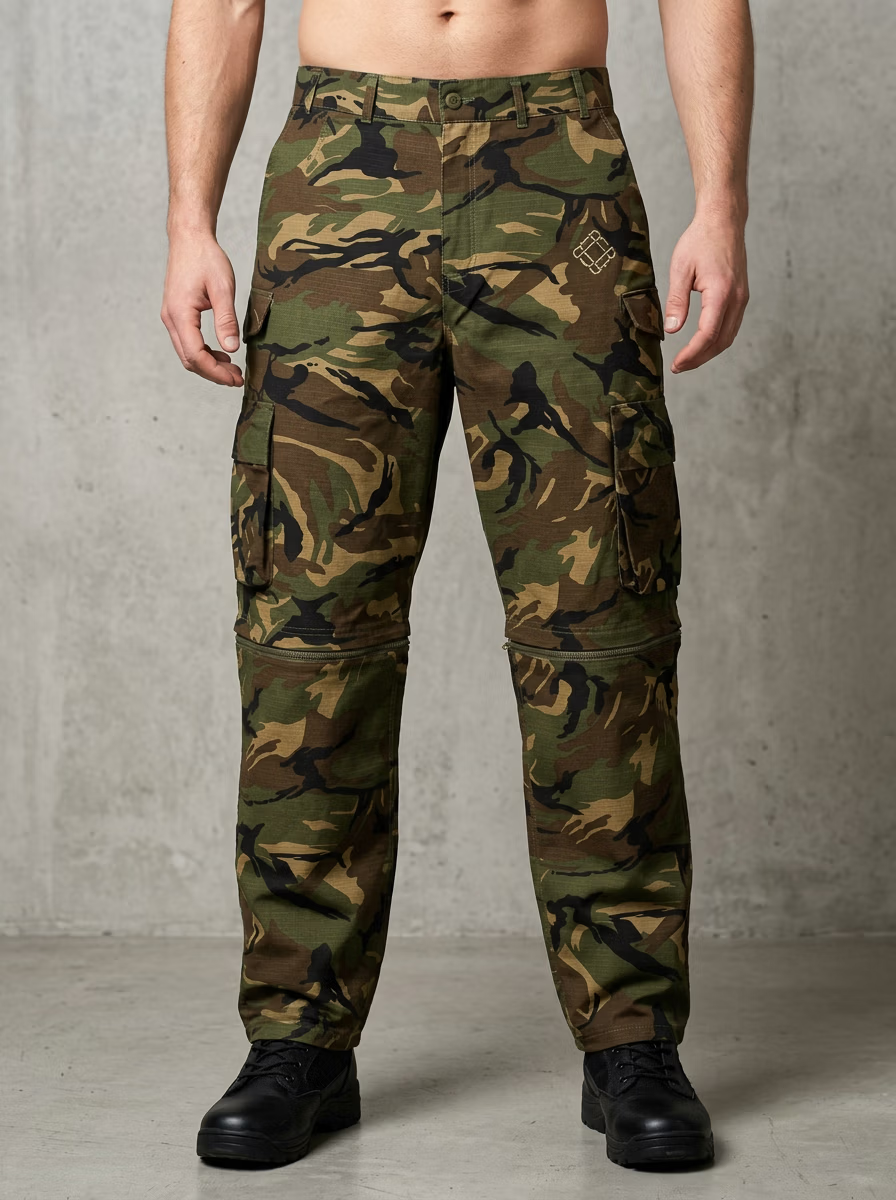
Army Printed Joggers Pant Man — look 1
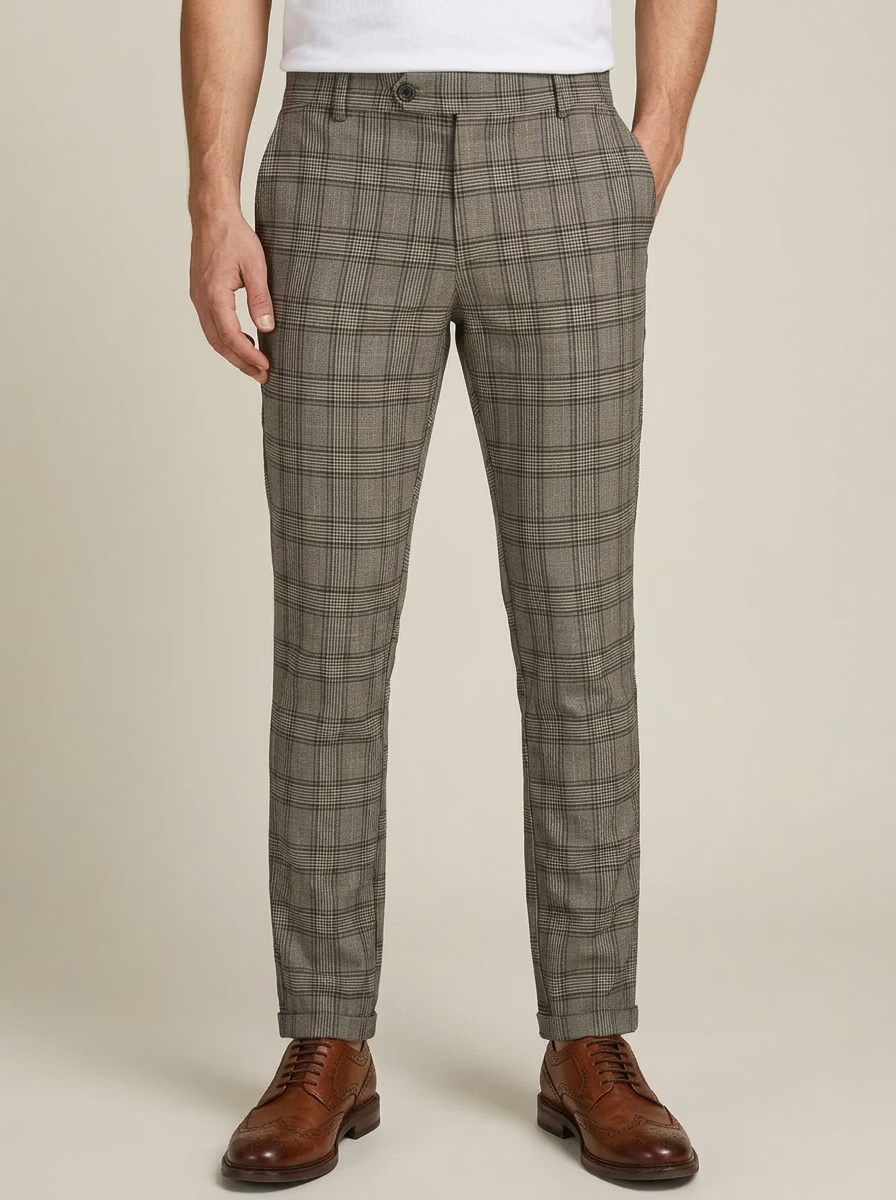
Casual Cotton Office Pant Man — look 2
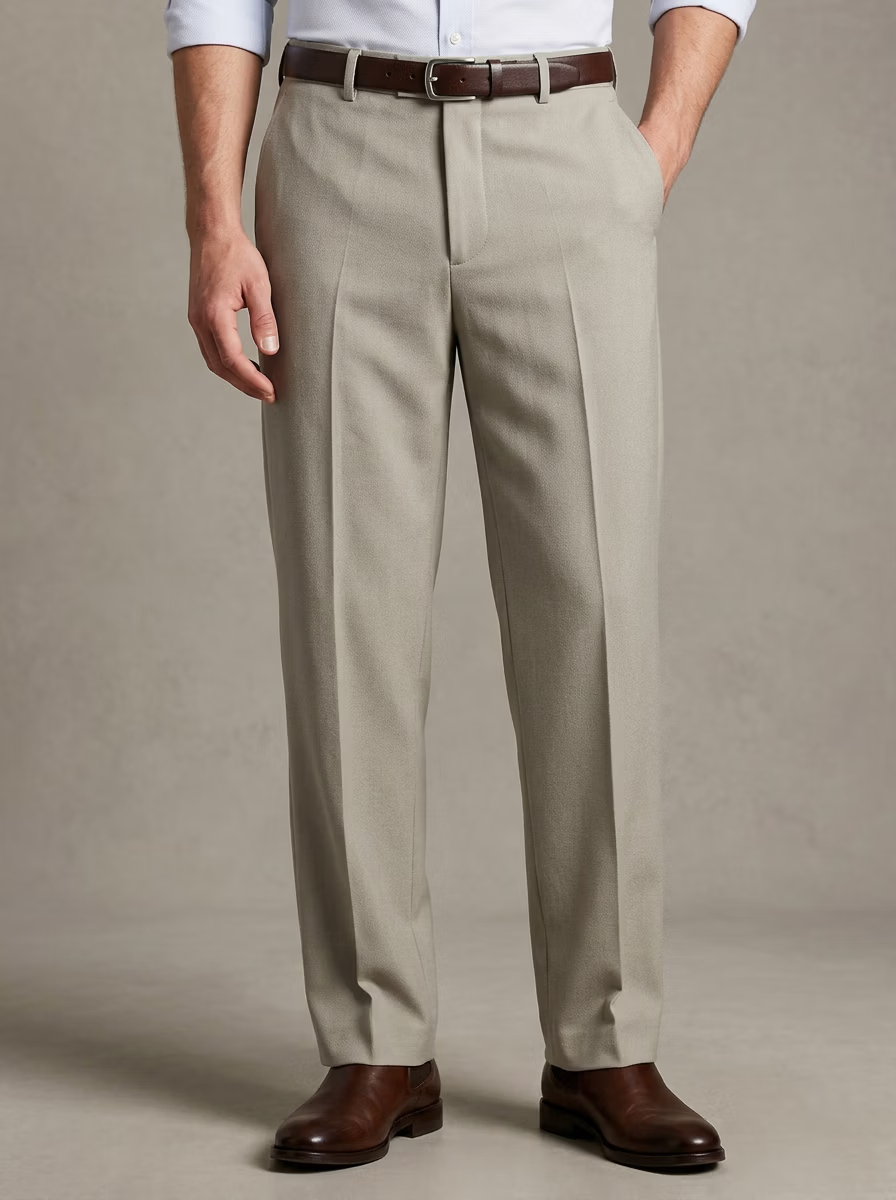
Cotton Office Pant Man — look 3
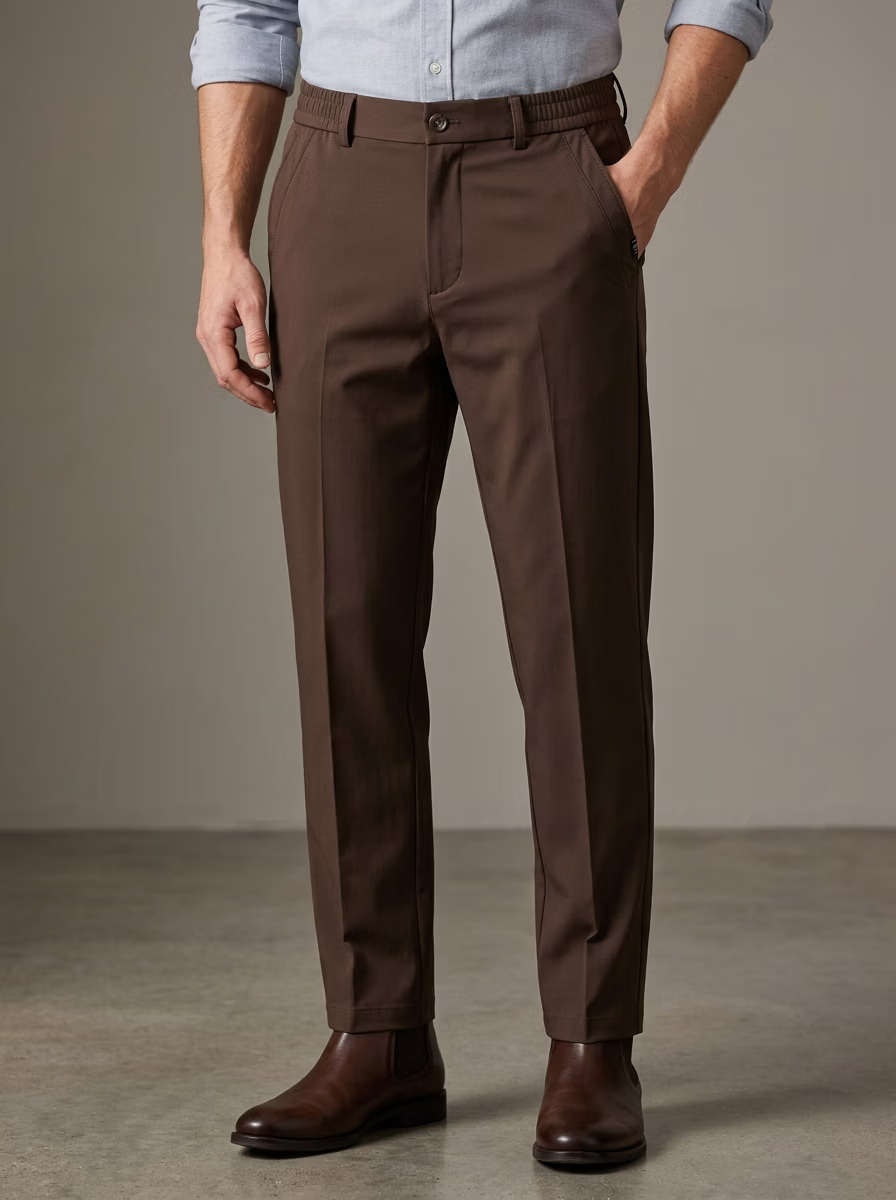
Cotton Pant Man — look 4
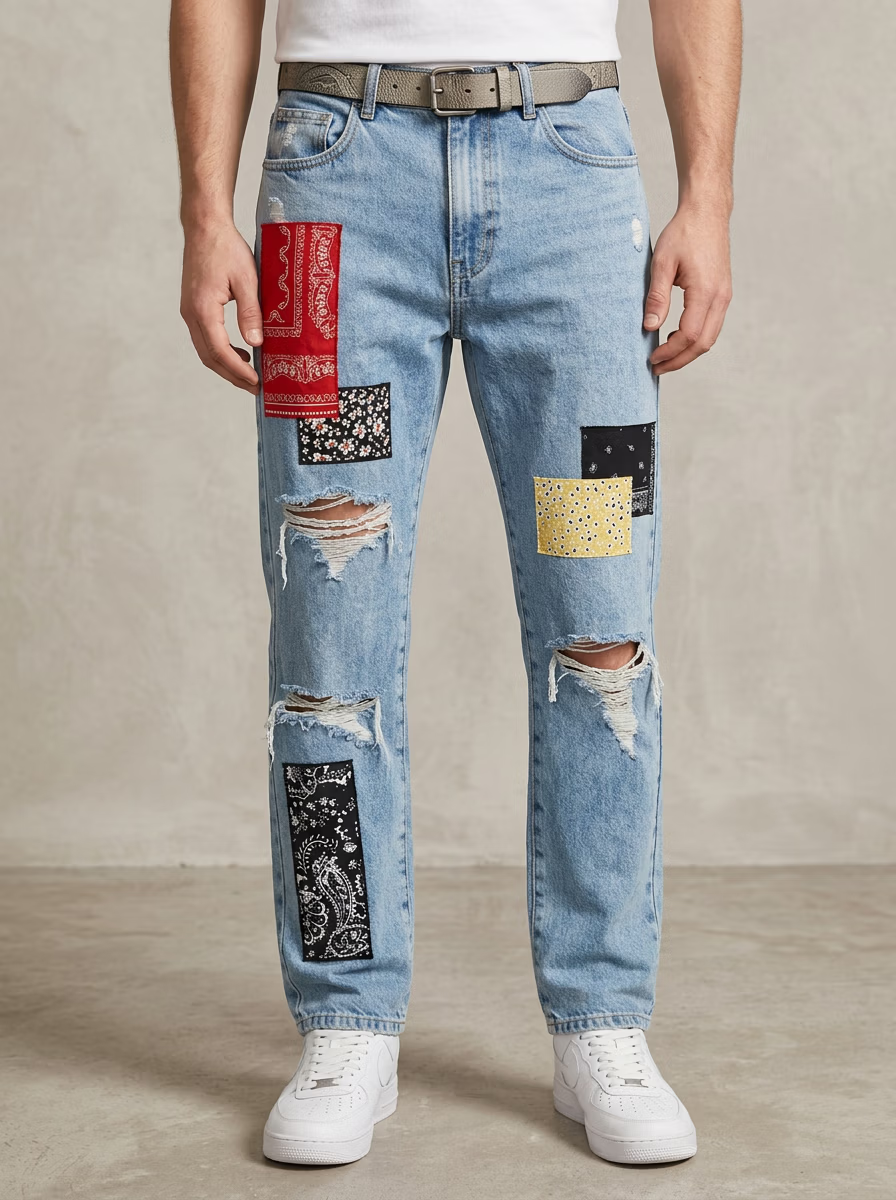
Custom Funky Jeans Pant — look 5
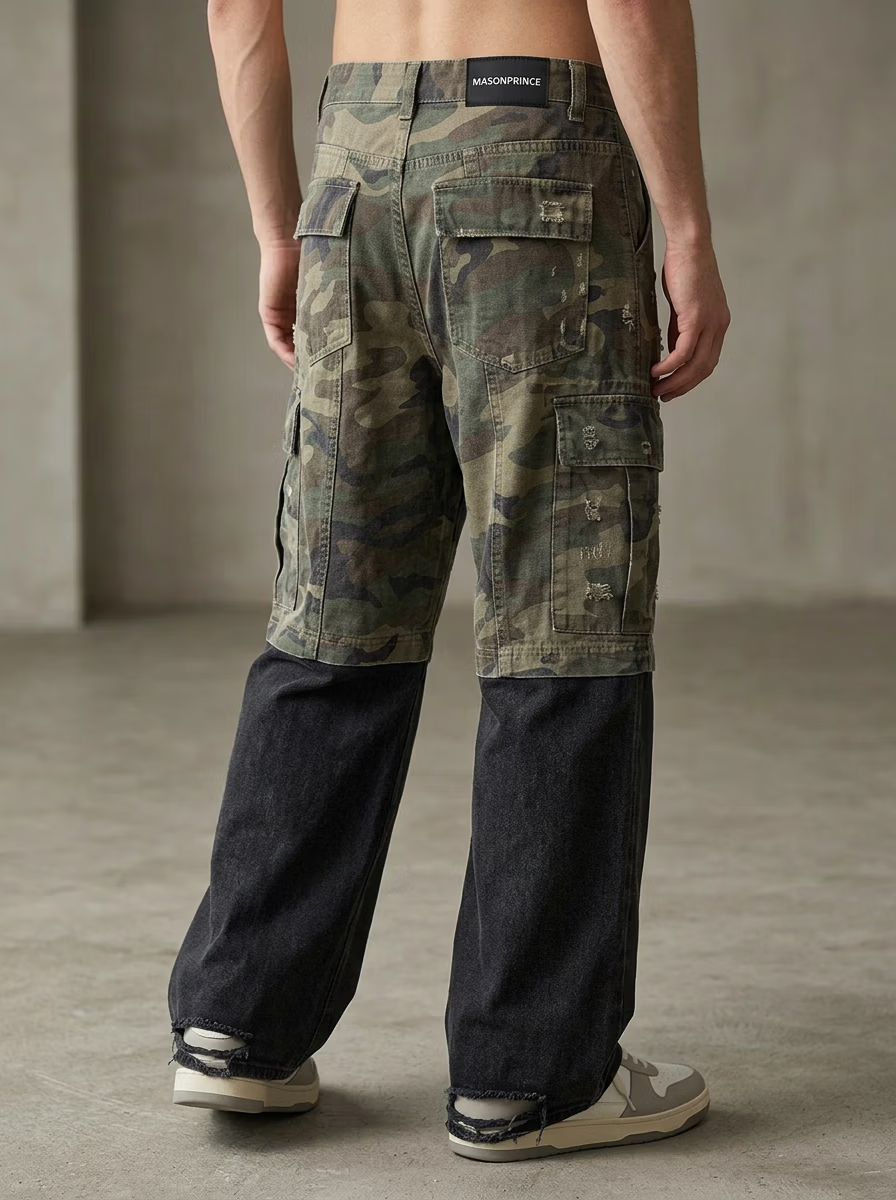
Custom Joggers Pant — look 6
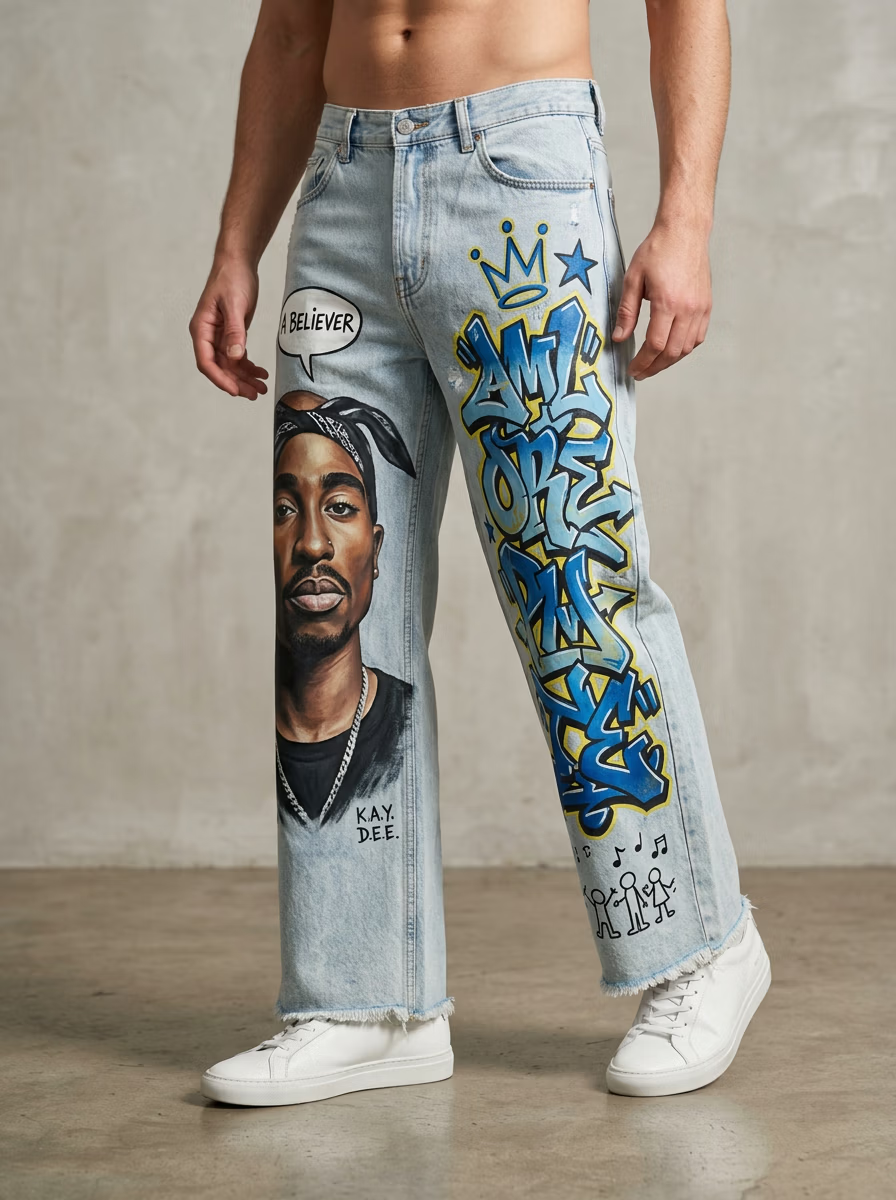
Custom Printed Jeans Pant — look 7
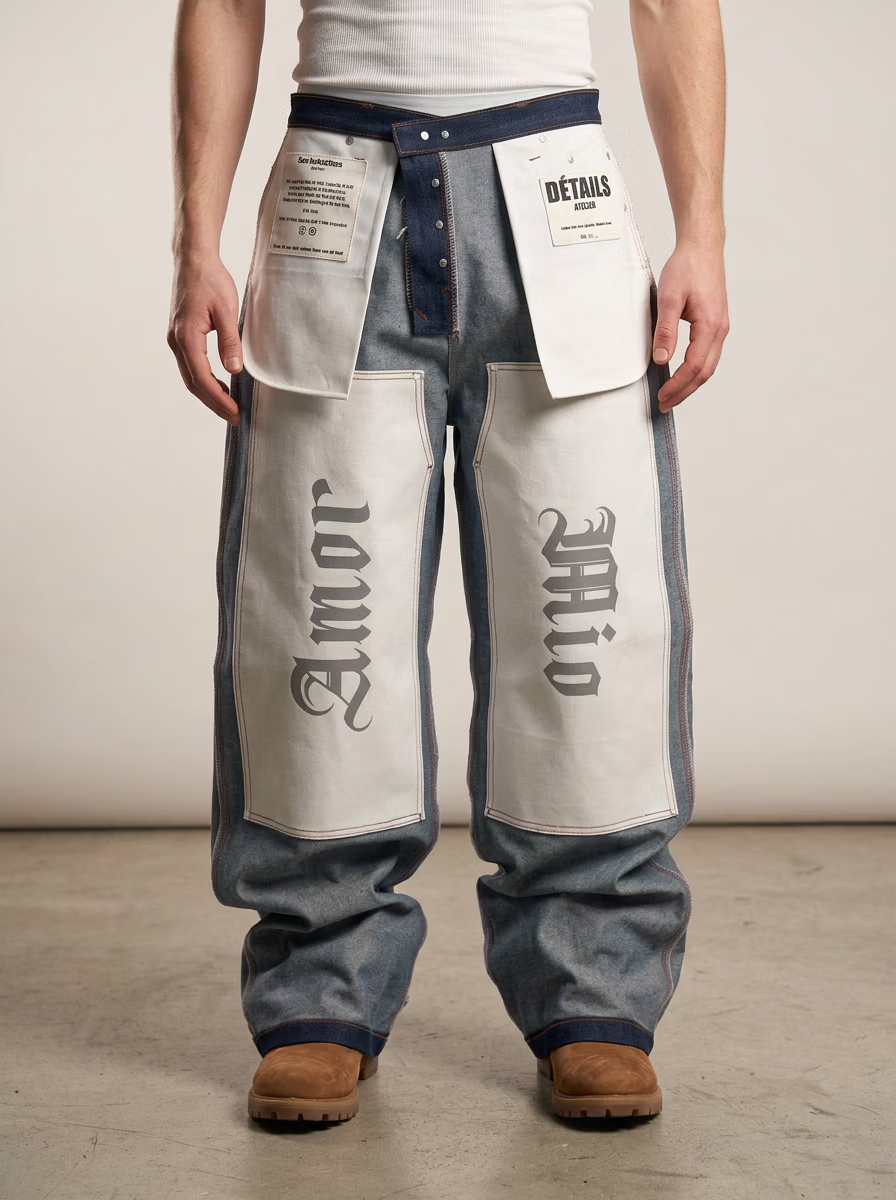
Designer Jeans Pant Man — look 8
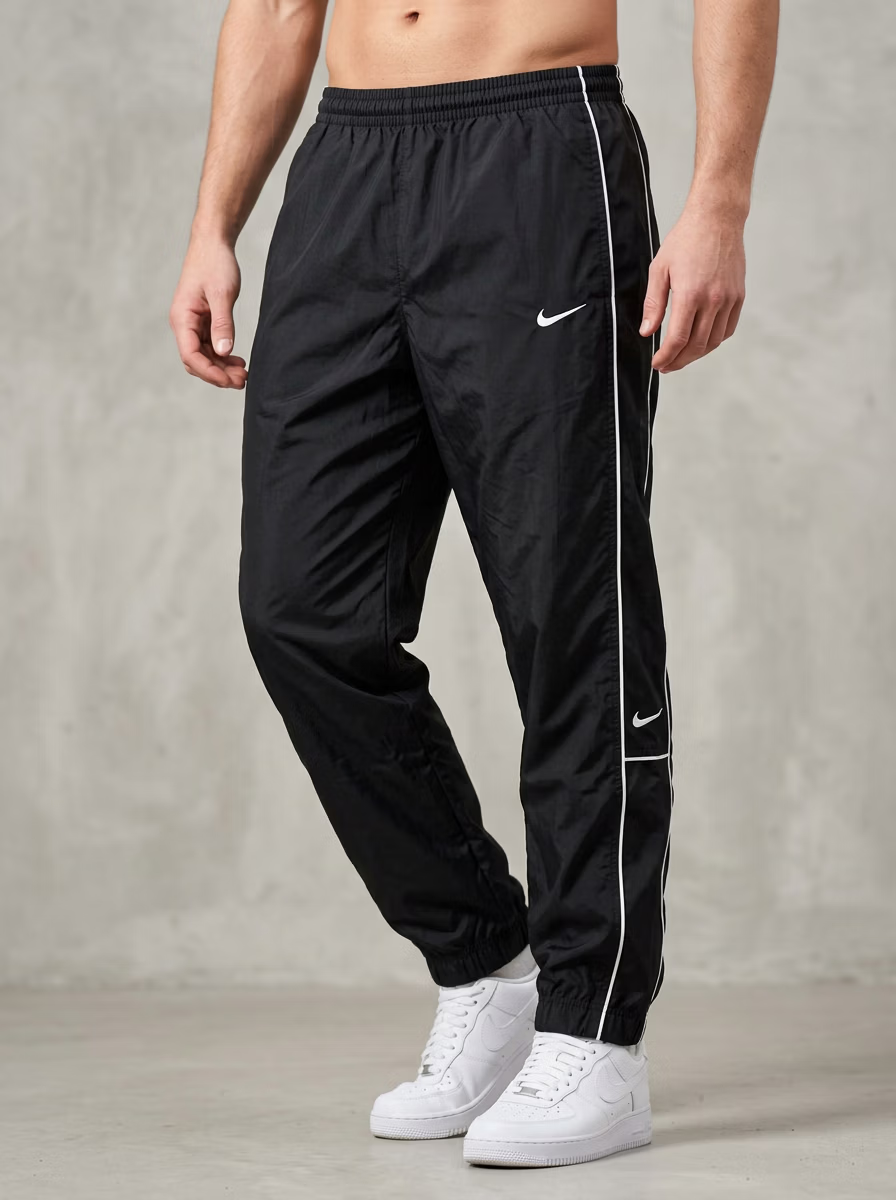
Mens Joggers — look 9
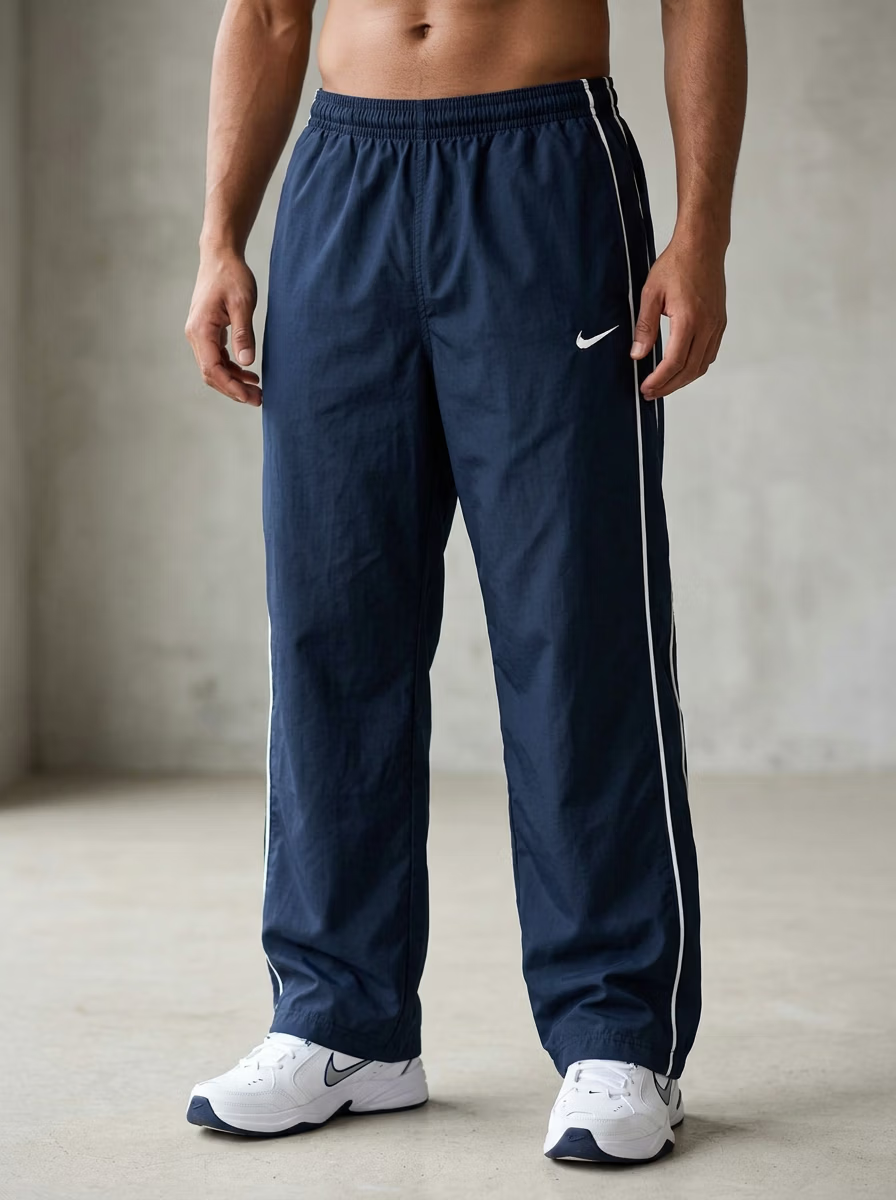
Mens Joggers — look 10
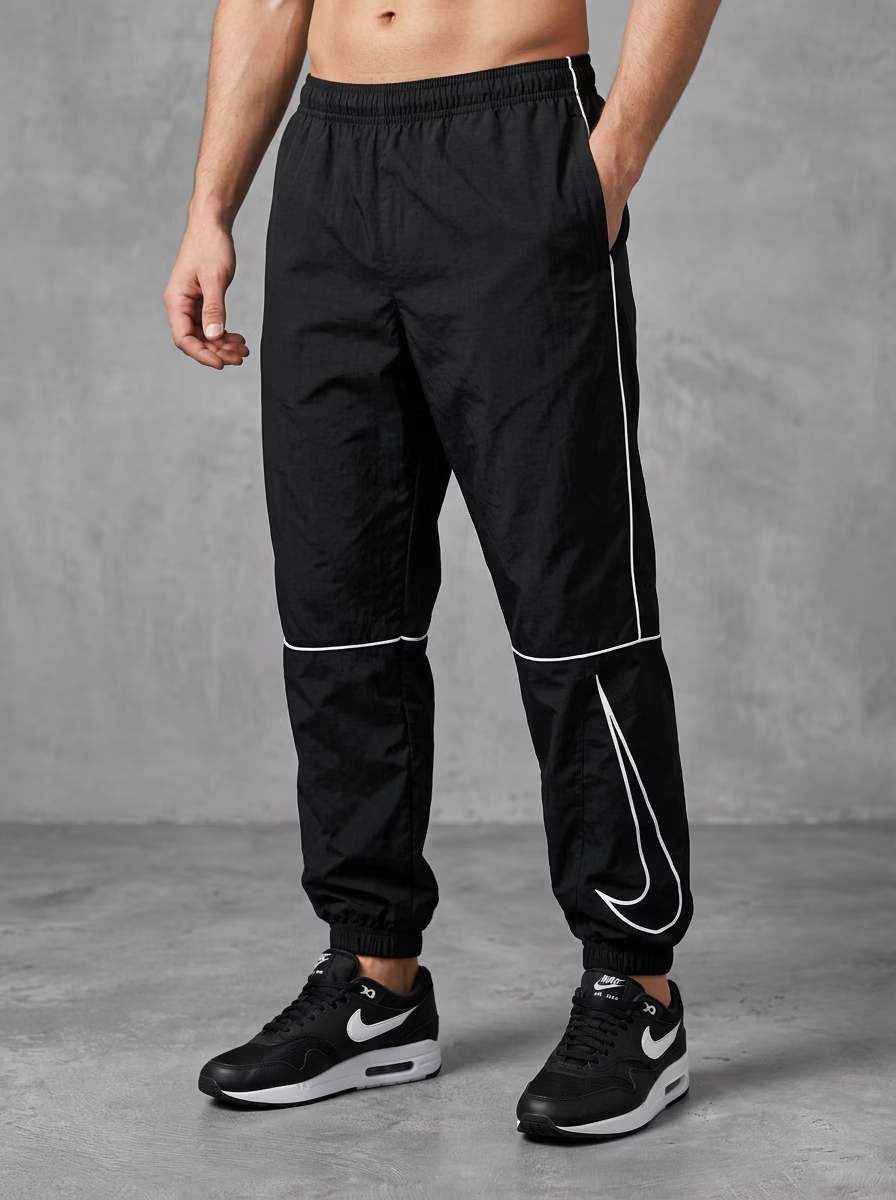
Mens Joggers — look 11
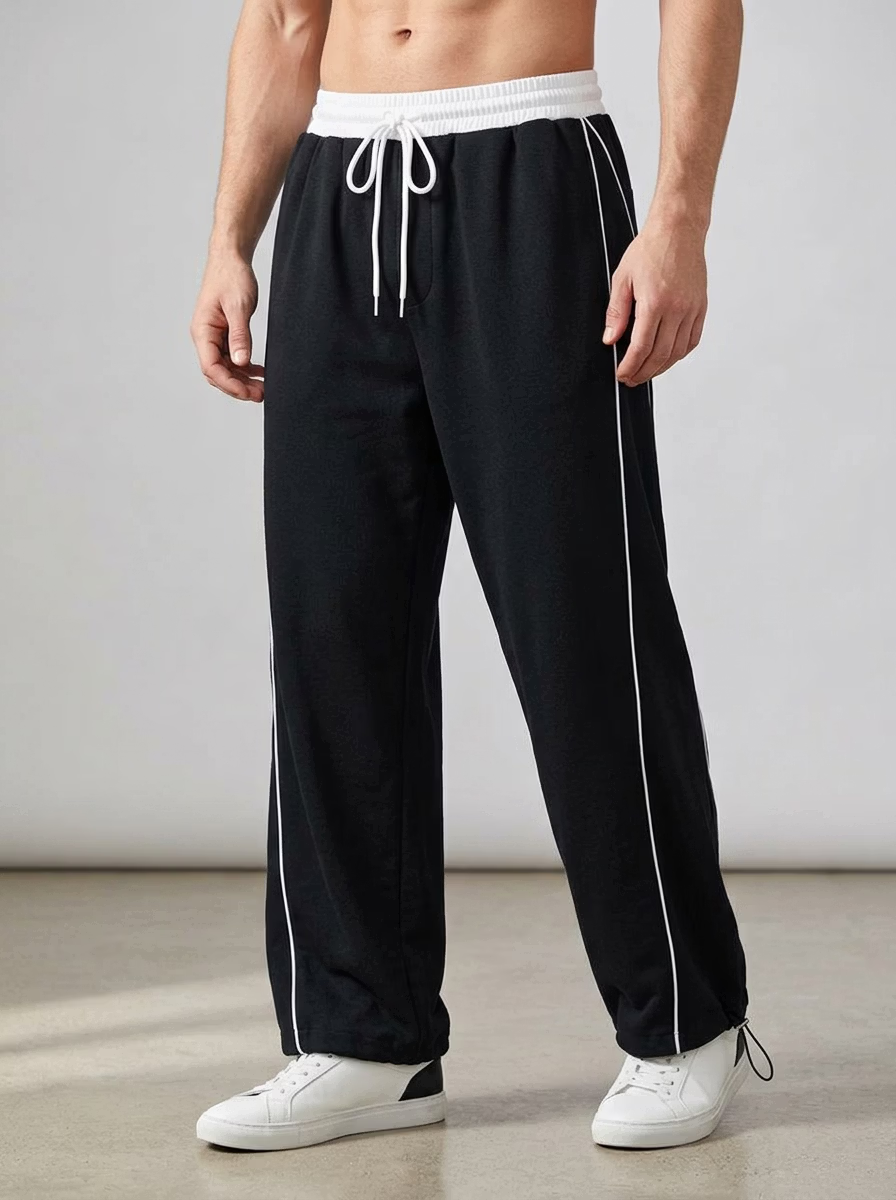
Mens Joggers — look 12
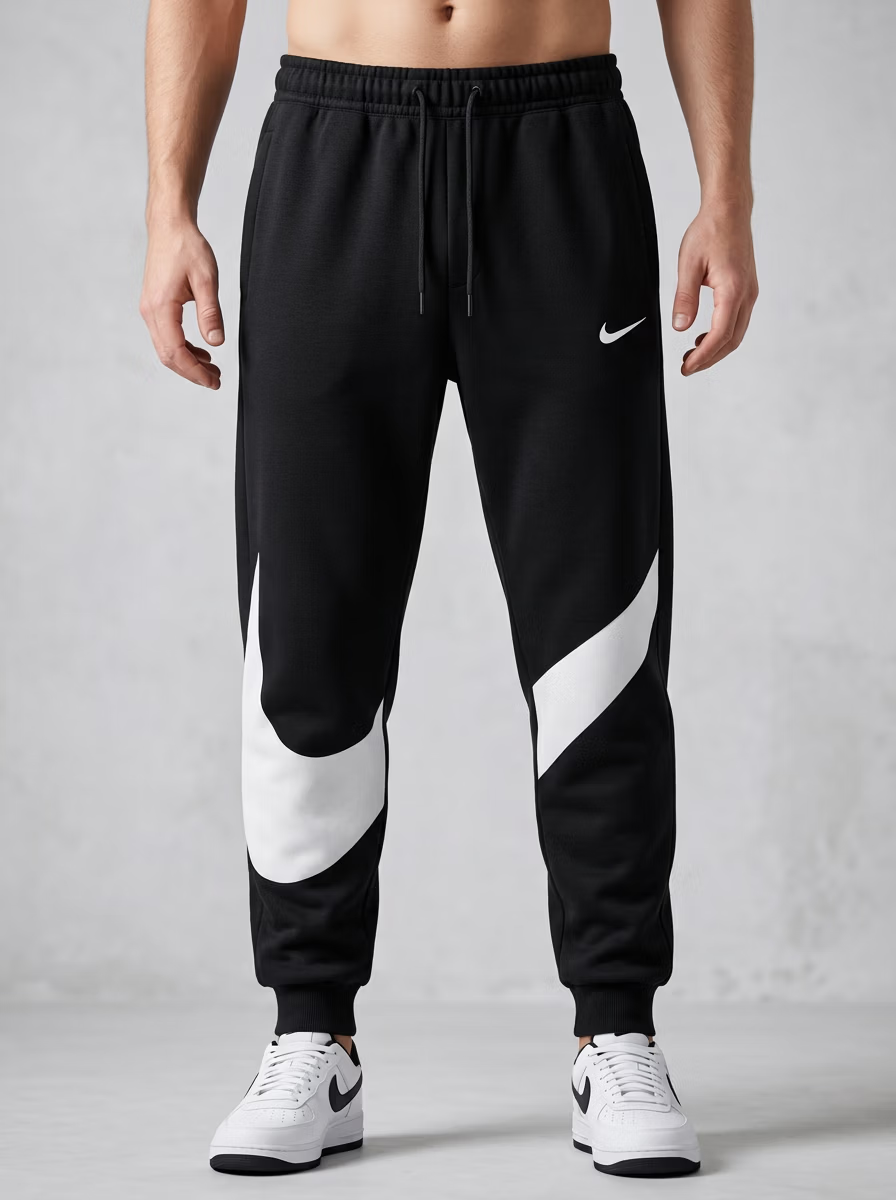
Mens Joggers — look 13
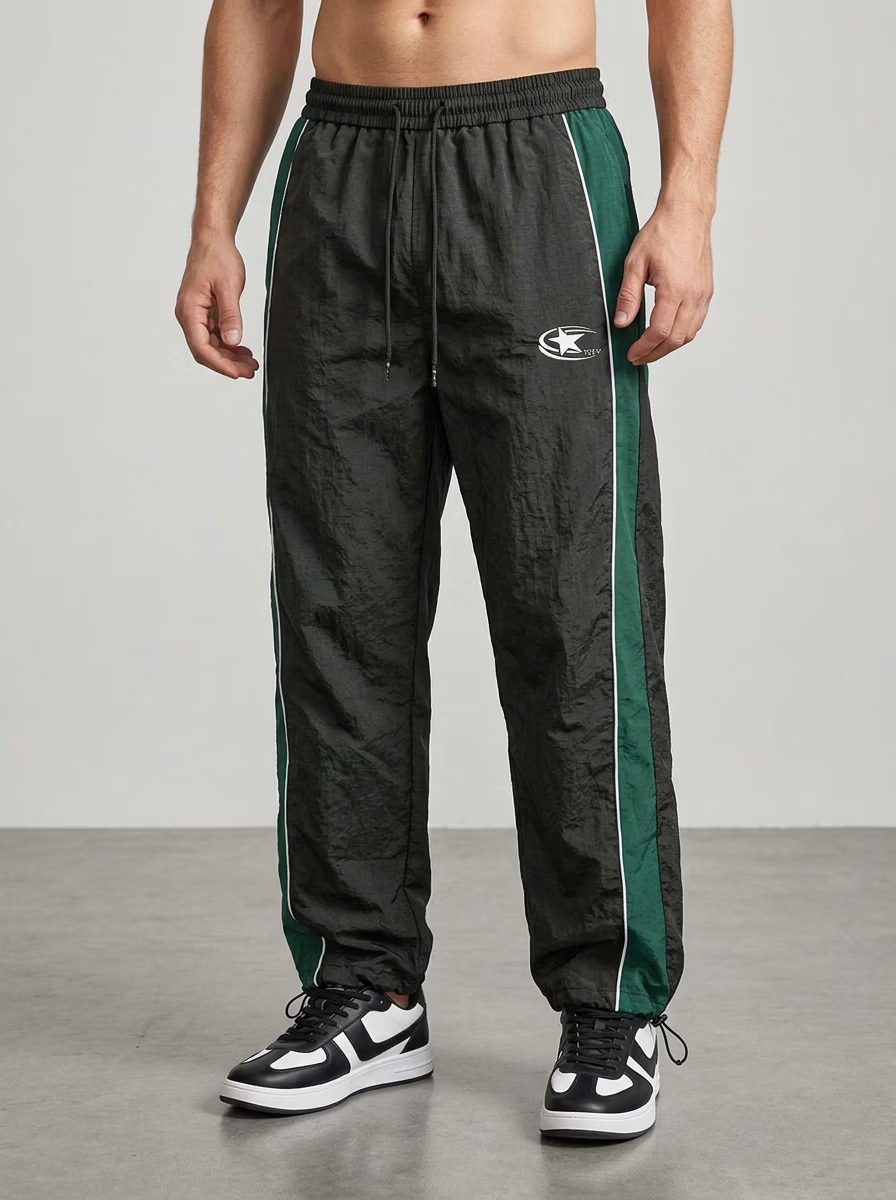
Mens Joggers — look 14
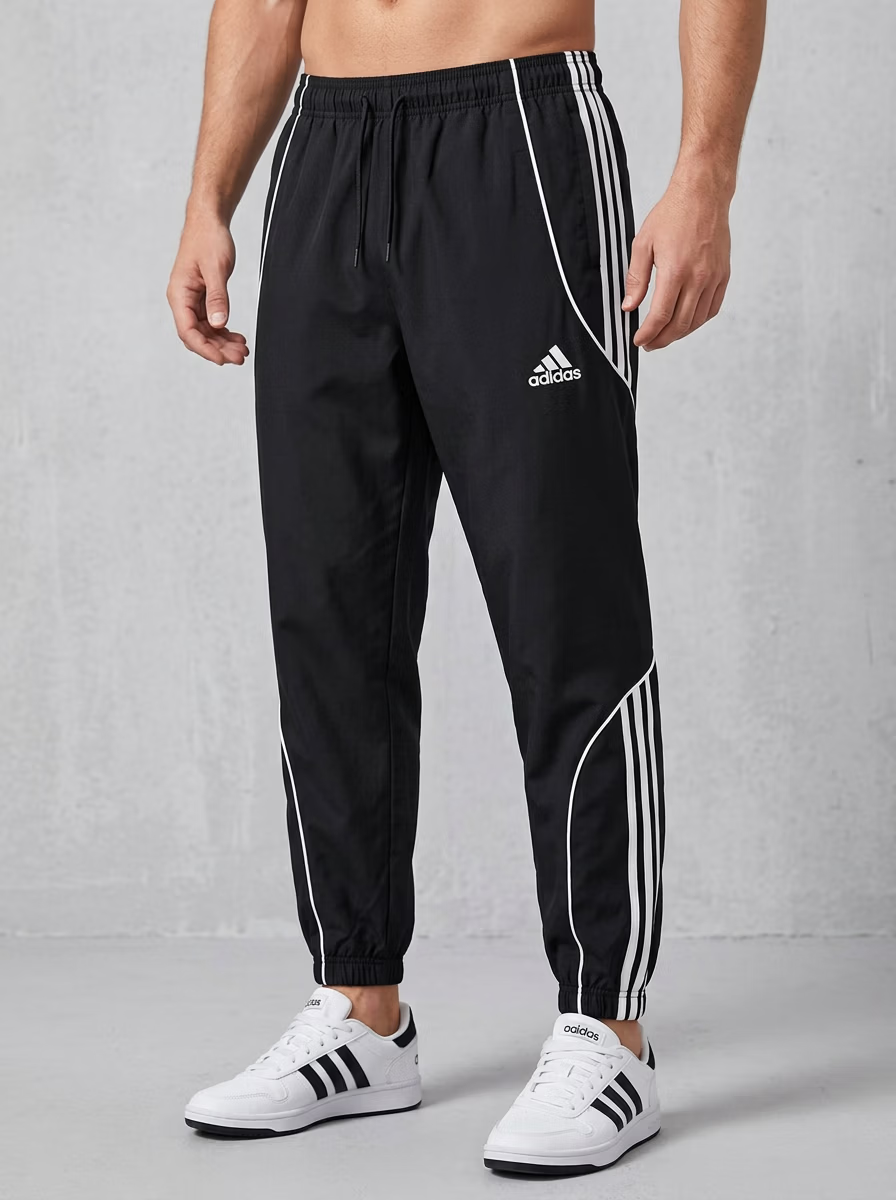
Mens Joggers — look 15
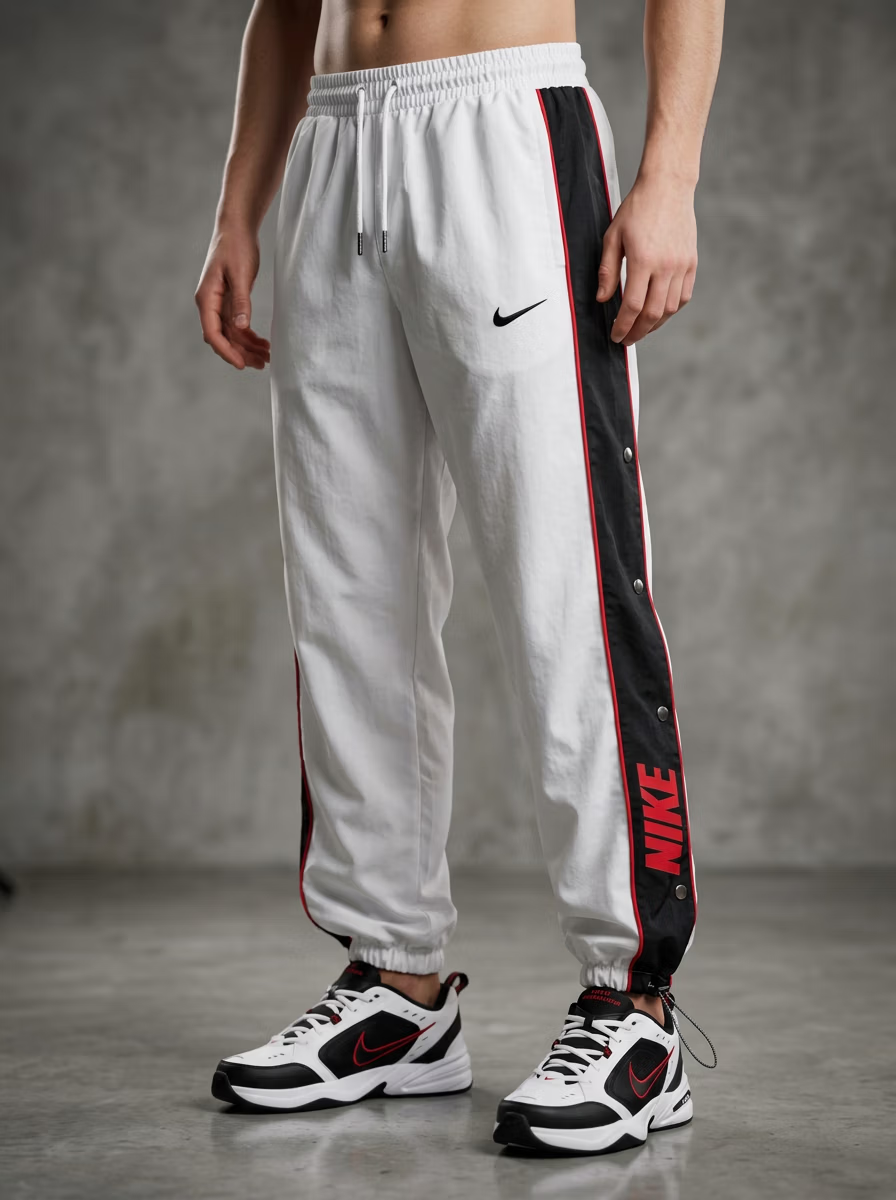
Nike Track Pant Man — look 16
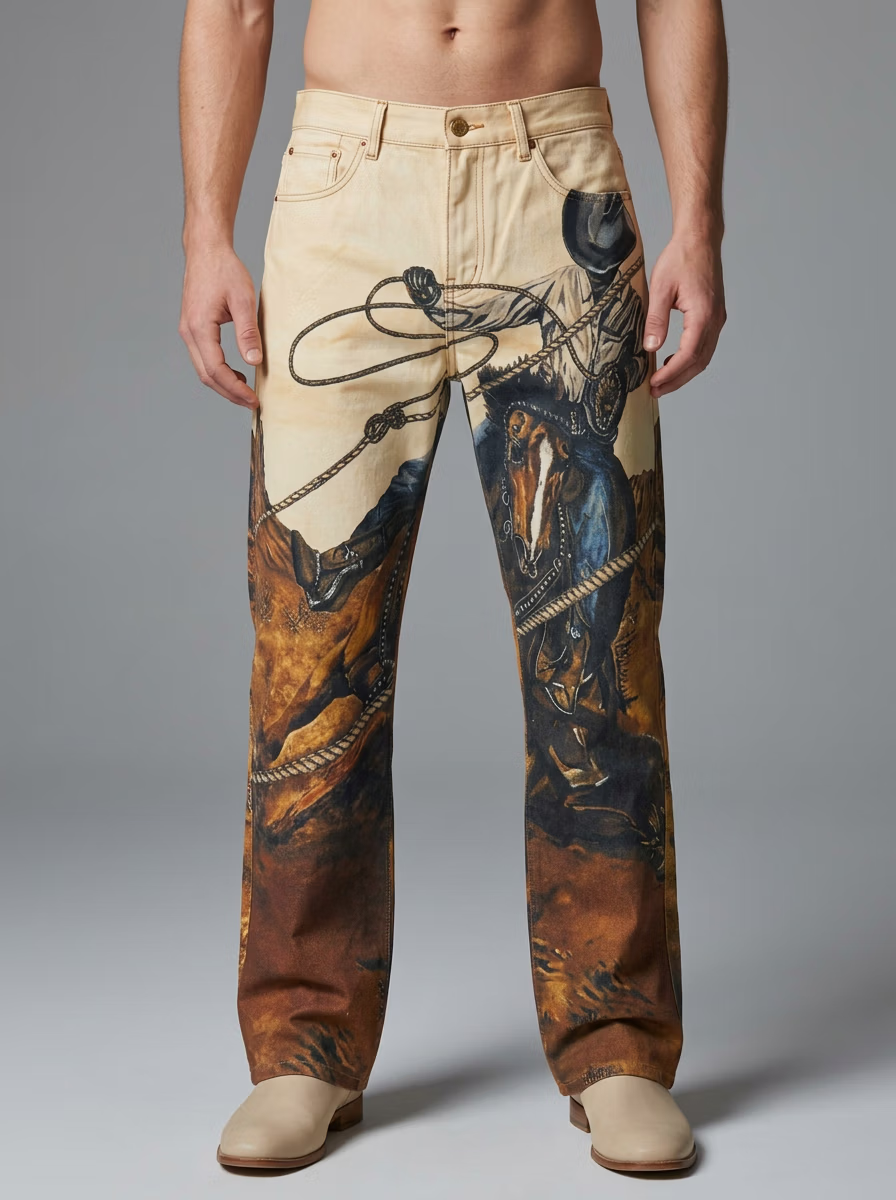
Printed Jeans Pant Man — look 17
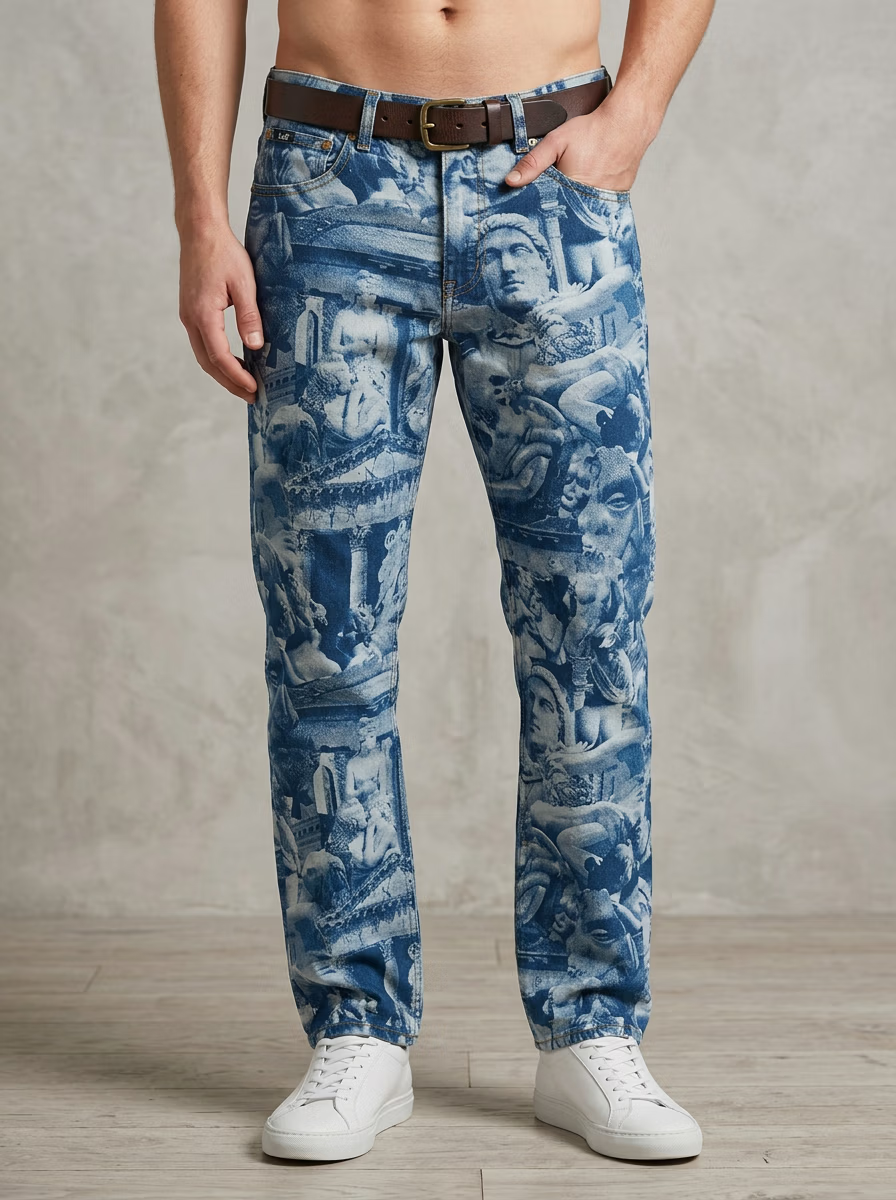
Printed Jeans Pant Man — look 18
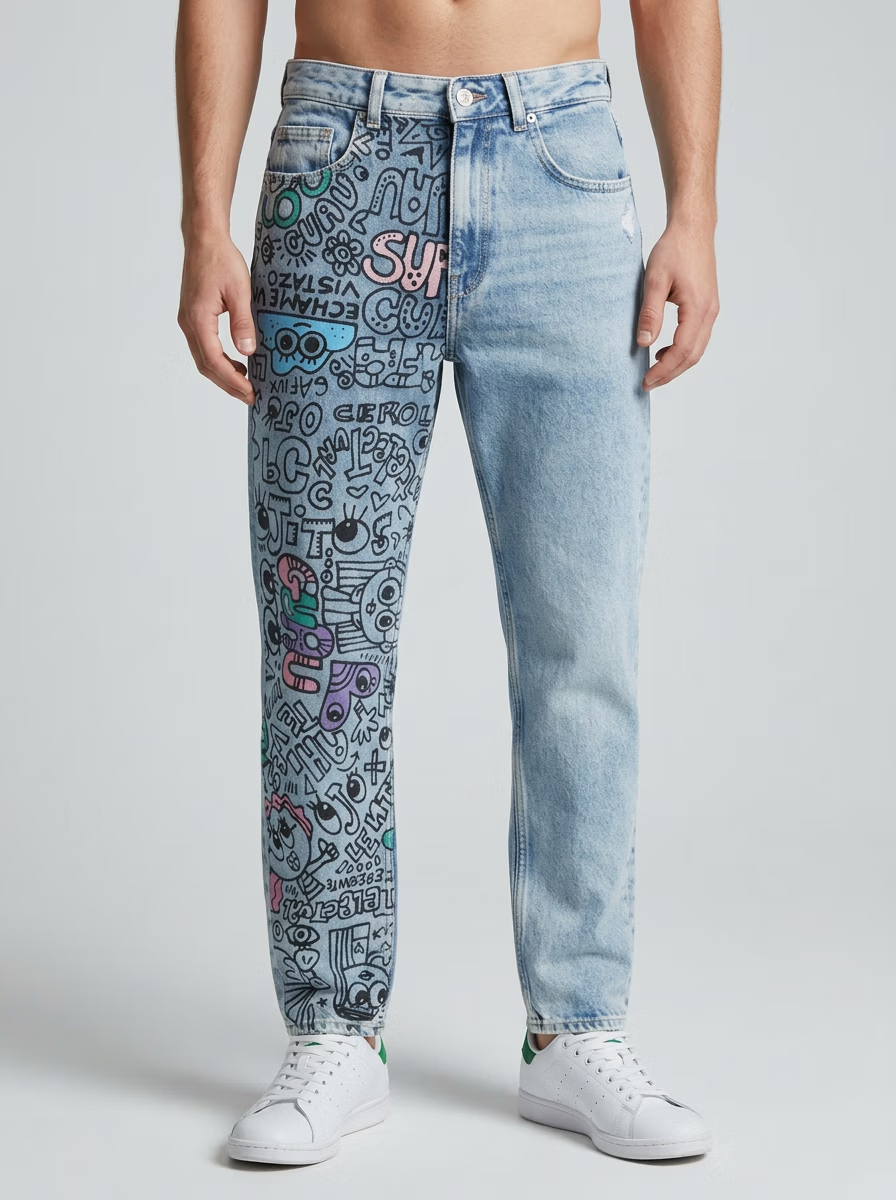
Side Printed Jeans Pant Man — look 19
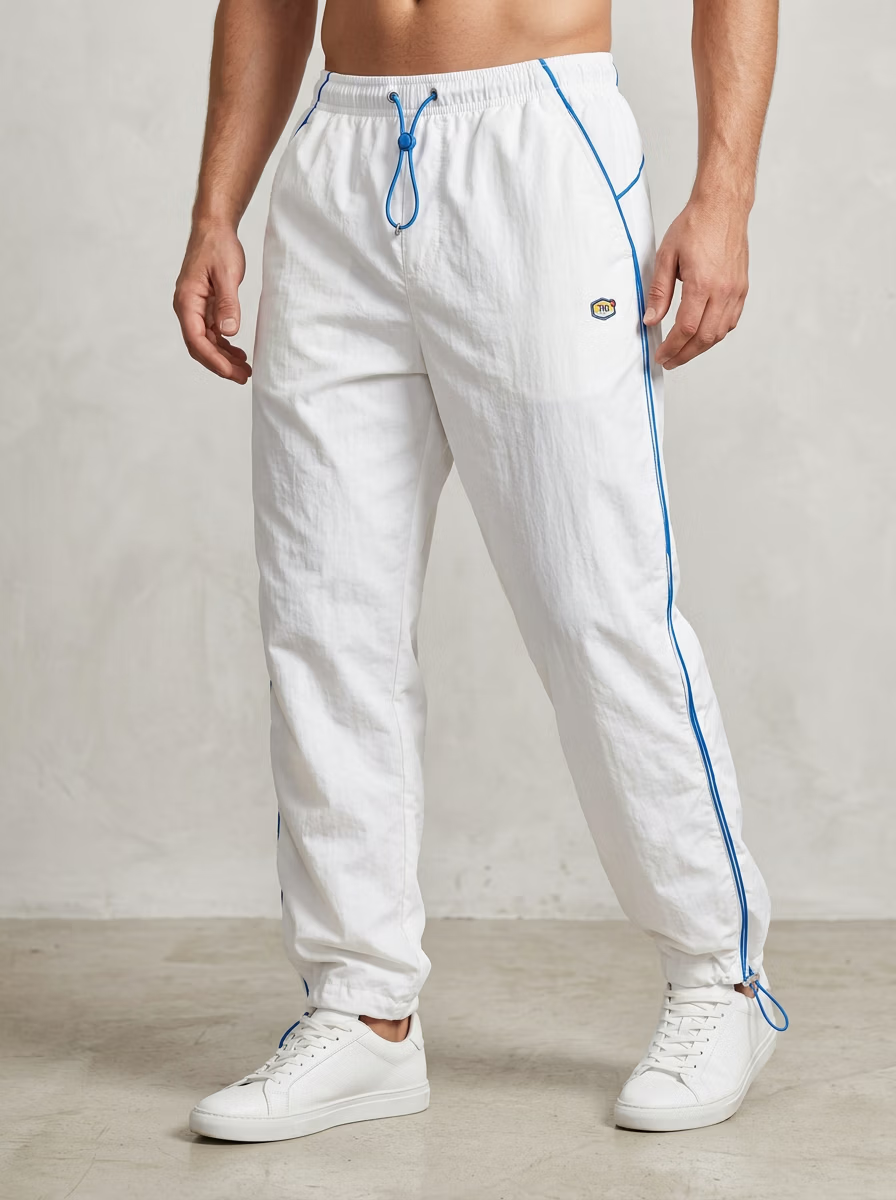
Track Pant Man — look 20
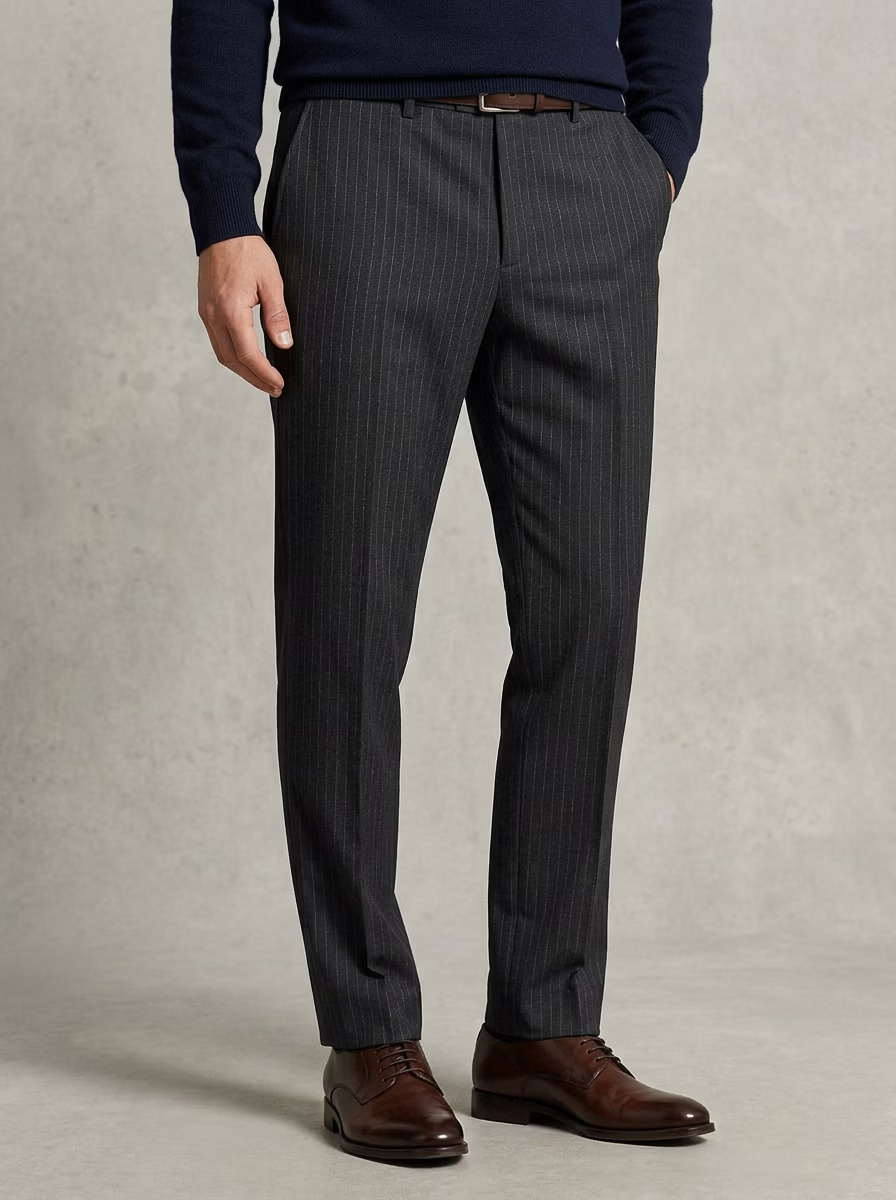
Trouser Cotton Office Pant Man — look 21
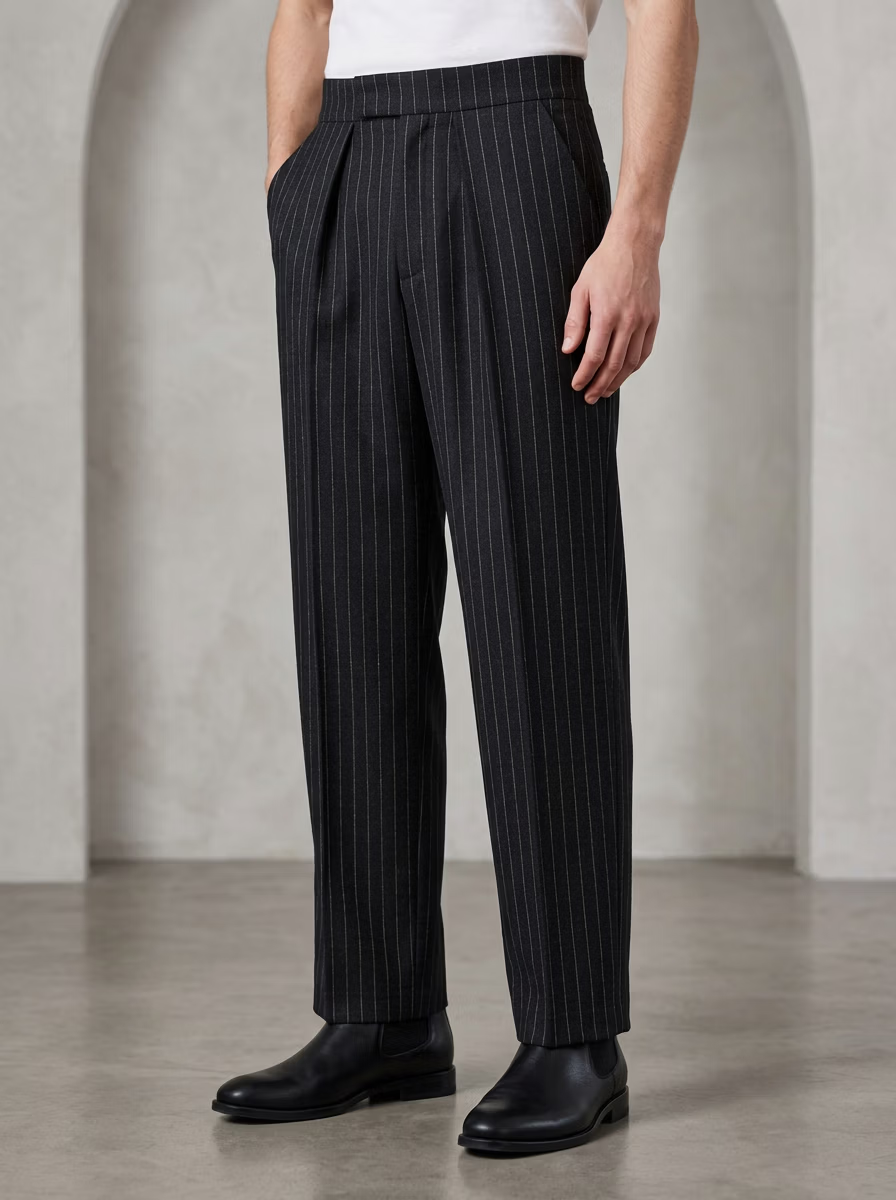
Trouser Cotton Office Pant Man — look 22
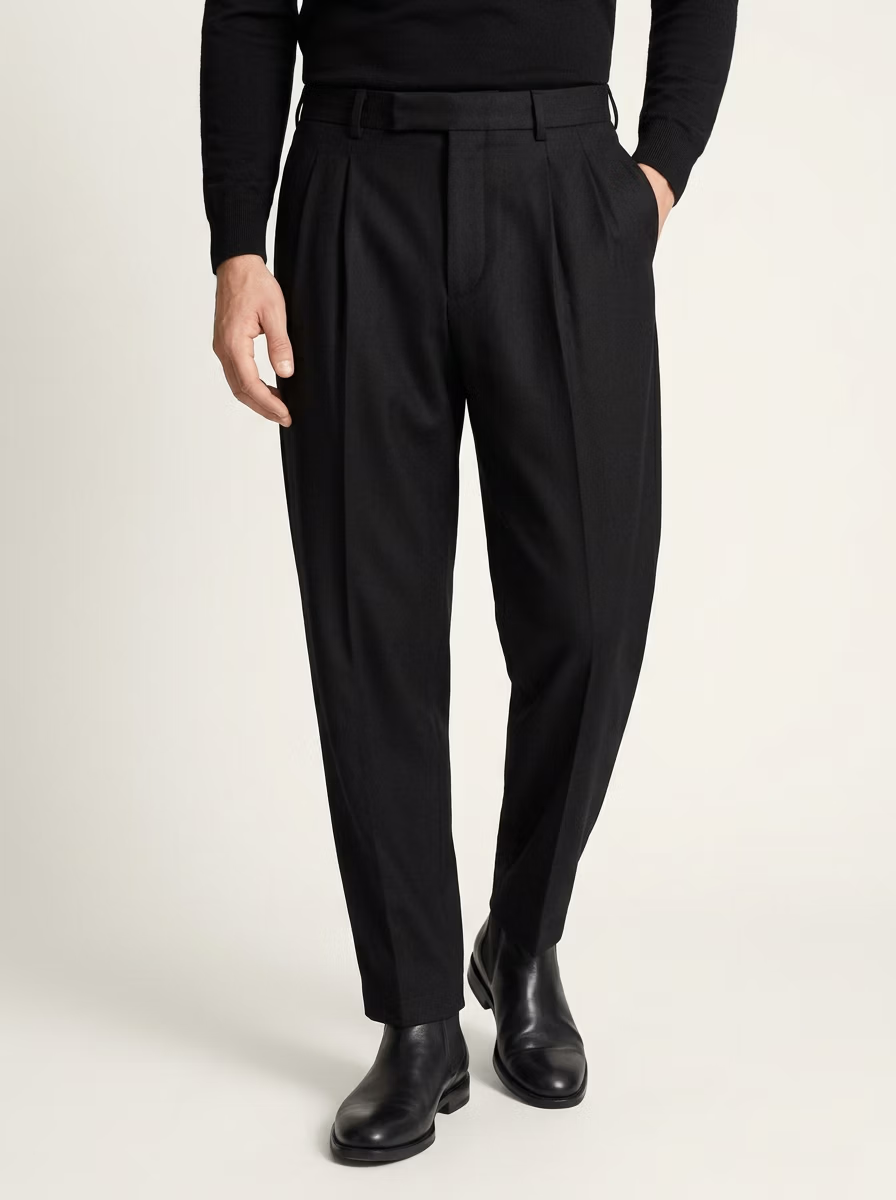
Trouser Cotton Office Pant Man — look 23
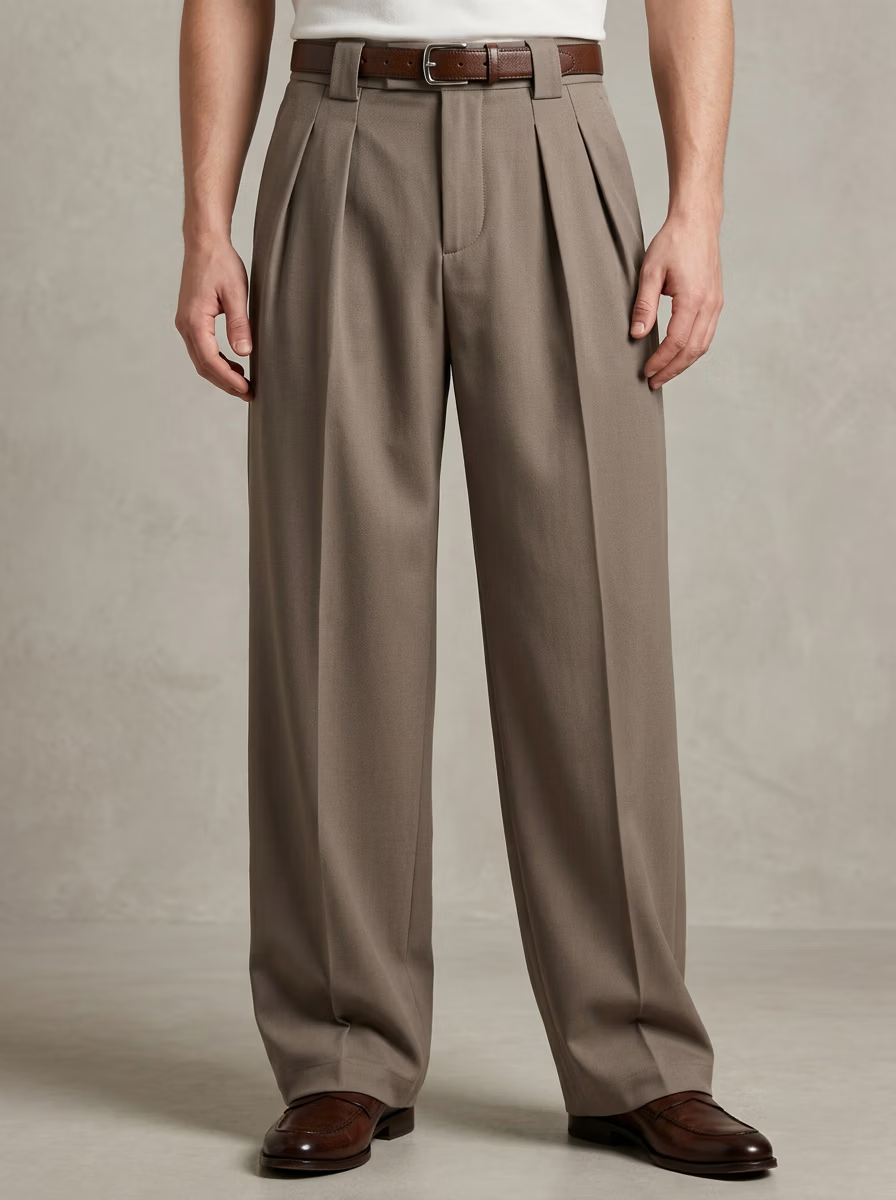
Trouser Cotton Office Pant Man — look 24
How to get a great AI men's pants & joggers photoshoot
- Photograph pants laid straight with the legs parallel so the AI reads the true taper and length.
- Note the fit in your prompt (slim, straight, relaxed, tapered) — it changes how the fabric falls at the knee and ankle.
- Pair the pants with a plain top in the prompt so the eye stays on the product.
Men's Pants & Joggers — questions
Can I show the back pockets?
Yes — upload a back photo as an extra angle and generate a back or three-quarter view.
Will jeans keep their wash and fading?
Washes, whiskering and distressing come from your garment photo, so a well-lit flat lay gives the most faithful result.