Men's Shirts — AI Photoshoot Examples
Formal and casual shirts are judged on structure: the collar roll, cuff shape, button spacing and how a check or stripe lines up across the placket. These examples were generated from shirt product photos and show both tucked formal looks and relaxed casual styling, with patterns kept straight rather than warped.
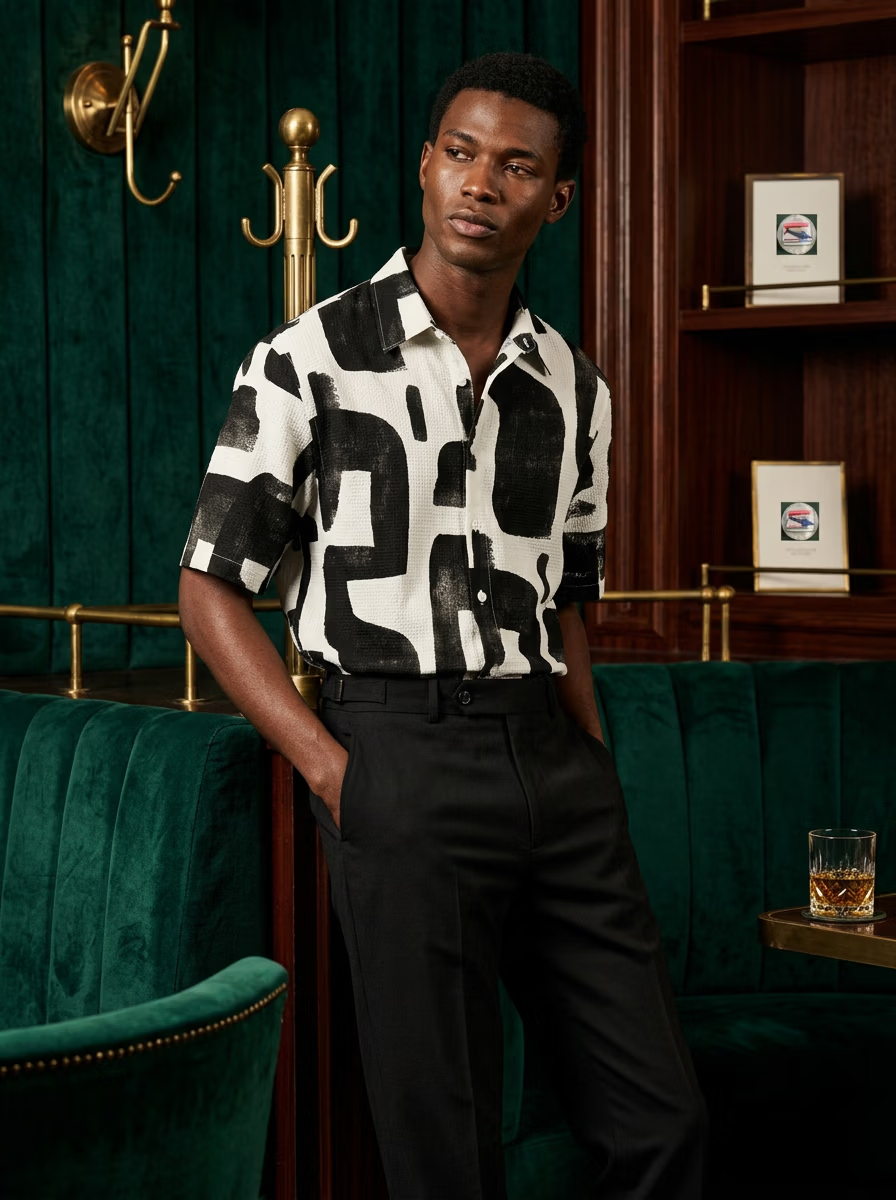
Professional Casual Western Casual Shirts Man — look 1
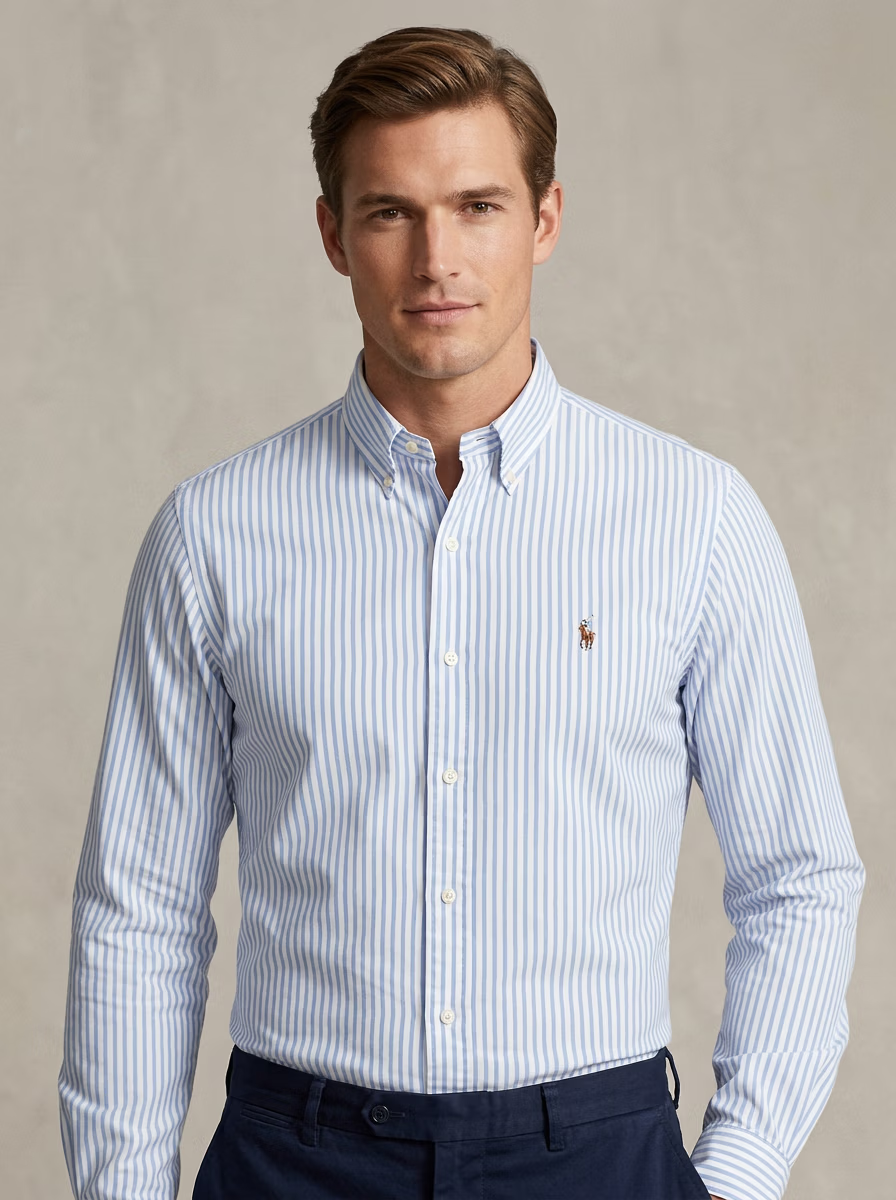
Casual Shirt for Men — look 2
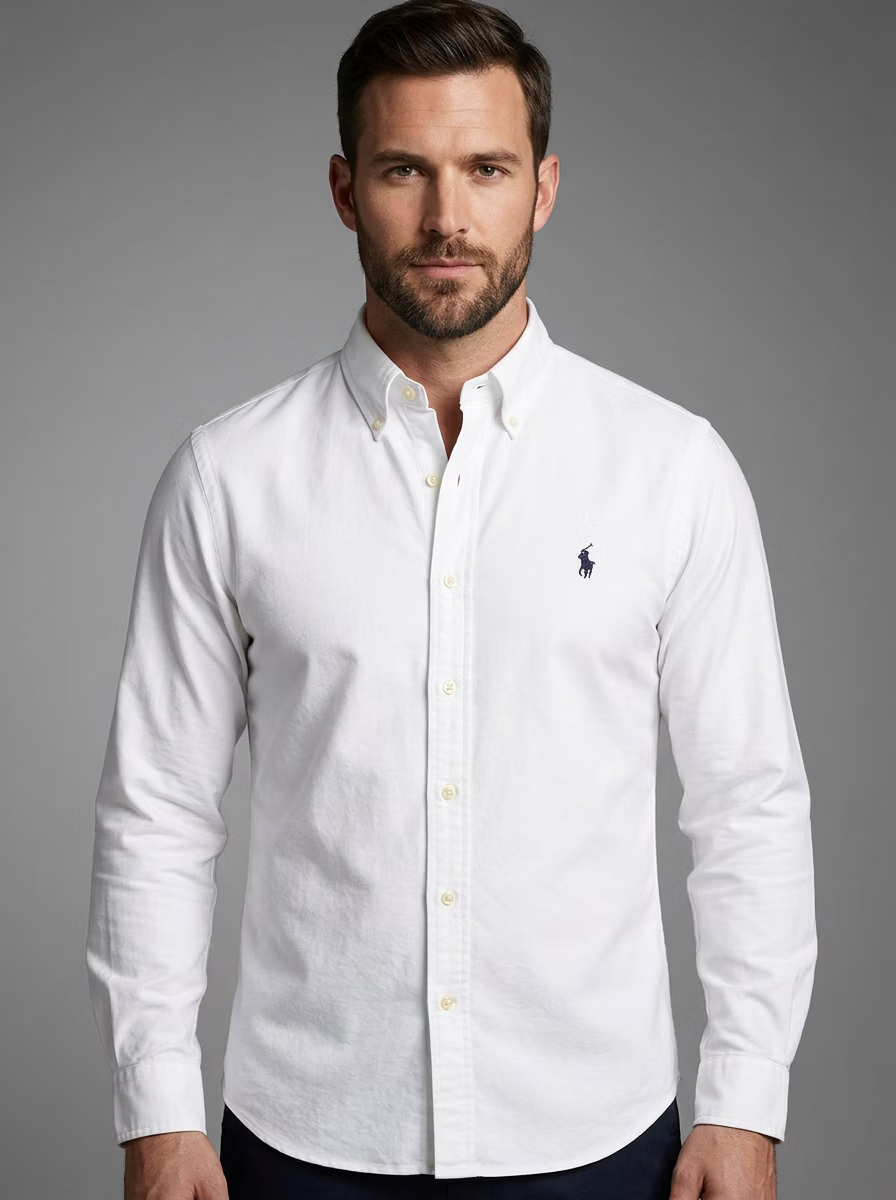
Casual Shirt for Men — look 3
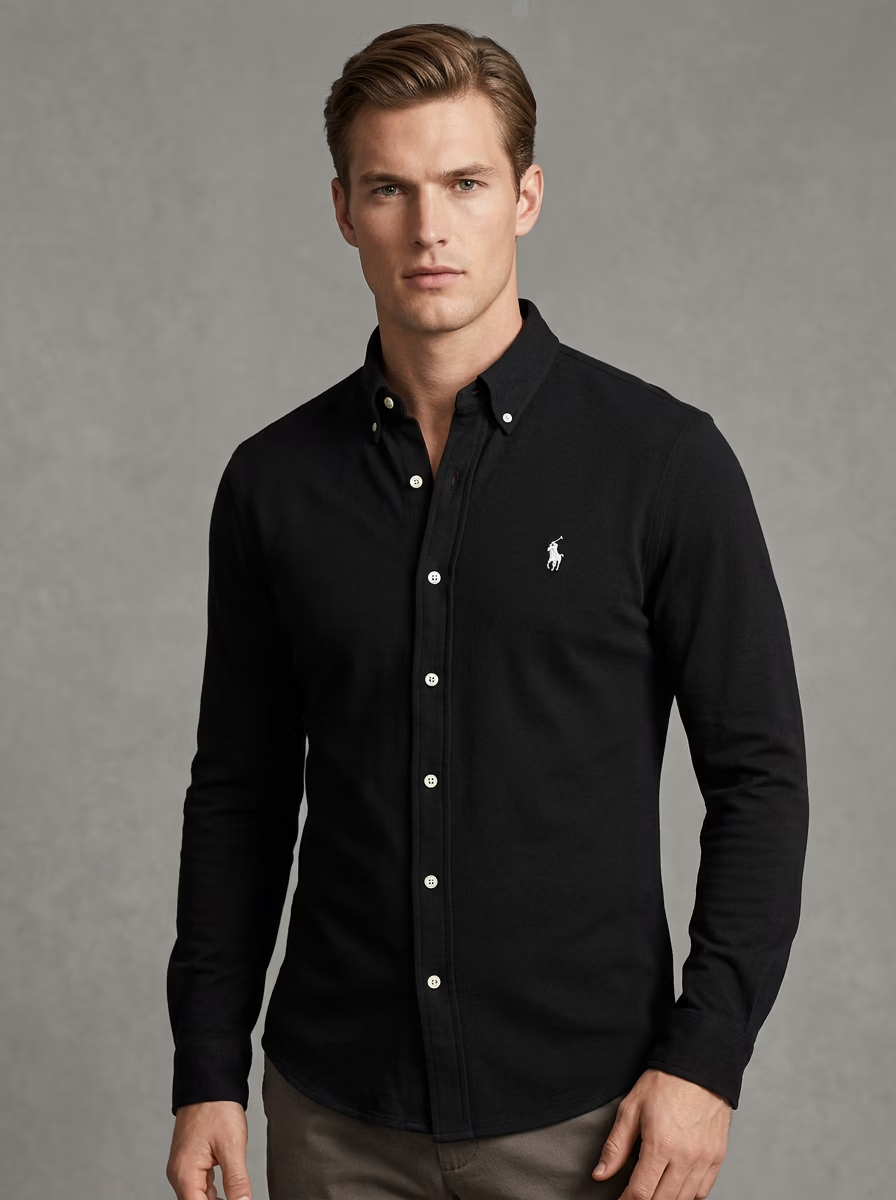
Casual Shirt for Men — look 4
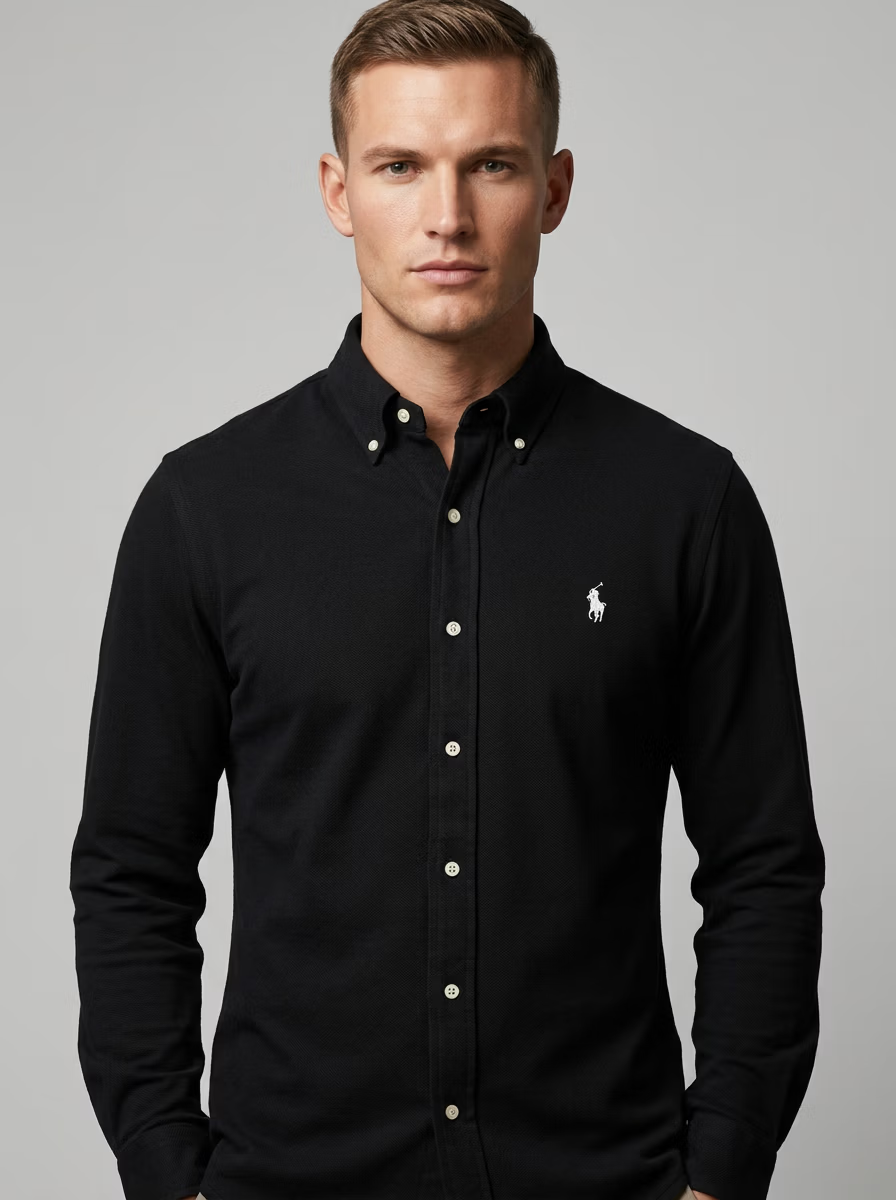
Formal Shirt for Men — look 5
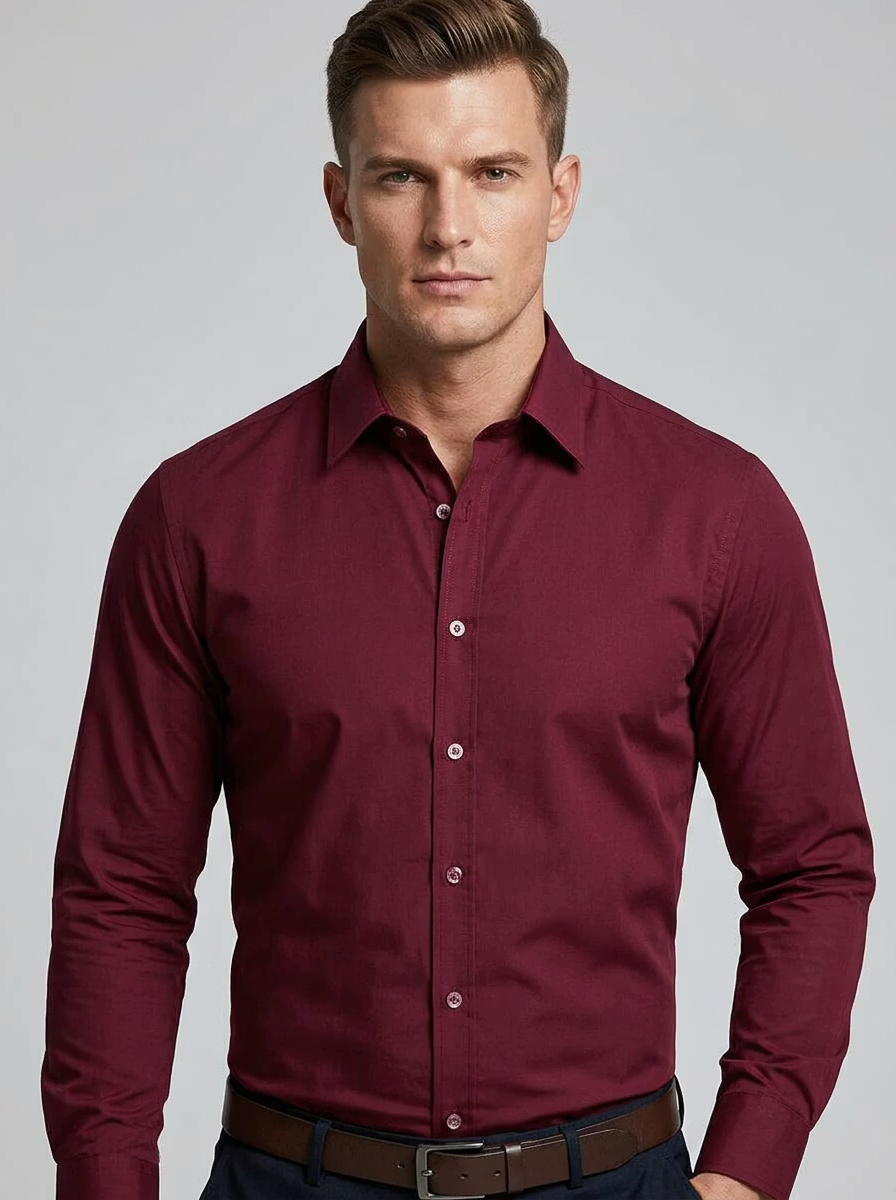
Formal Shirt for Men — look 6
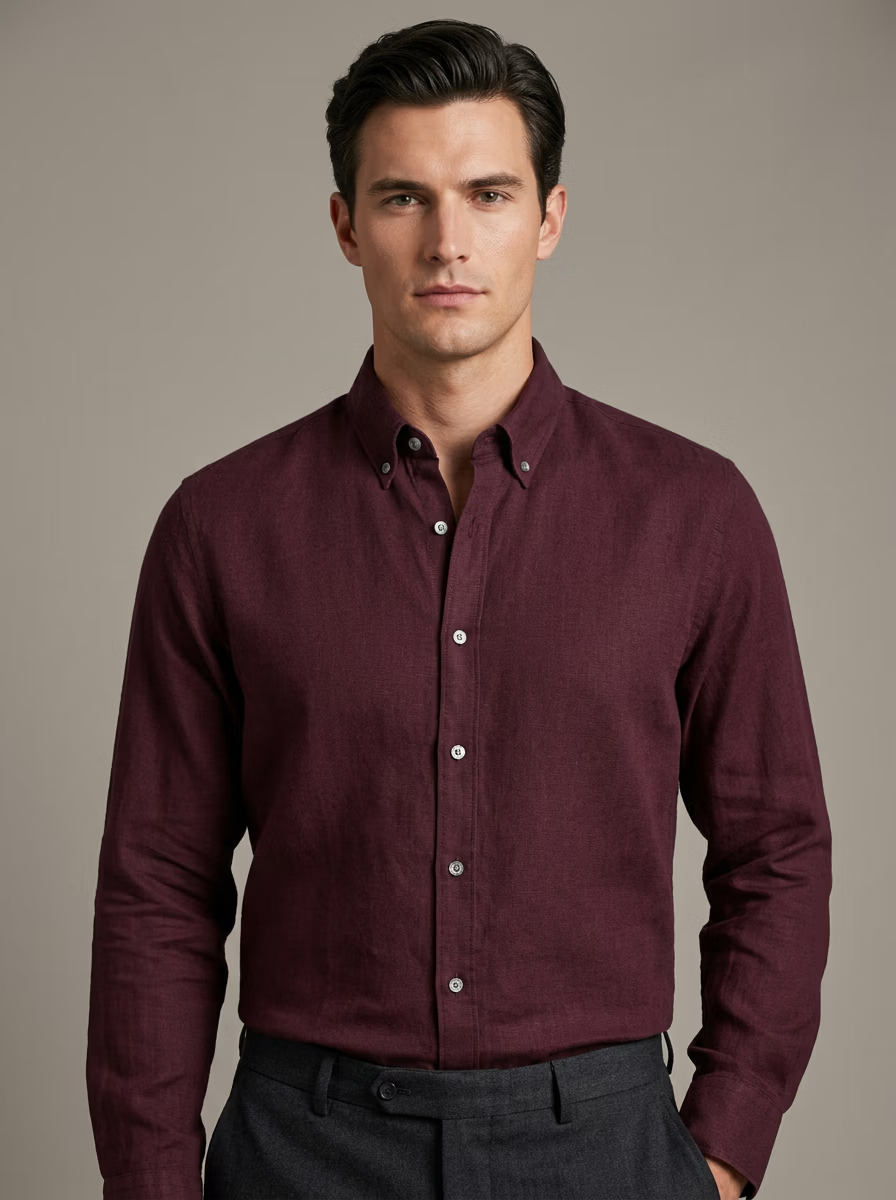
Formal Shirt for Men — look 7
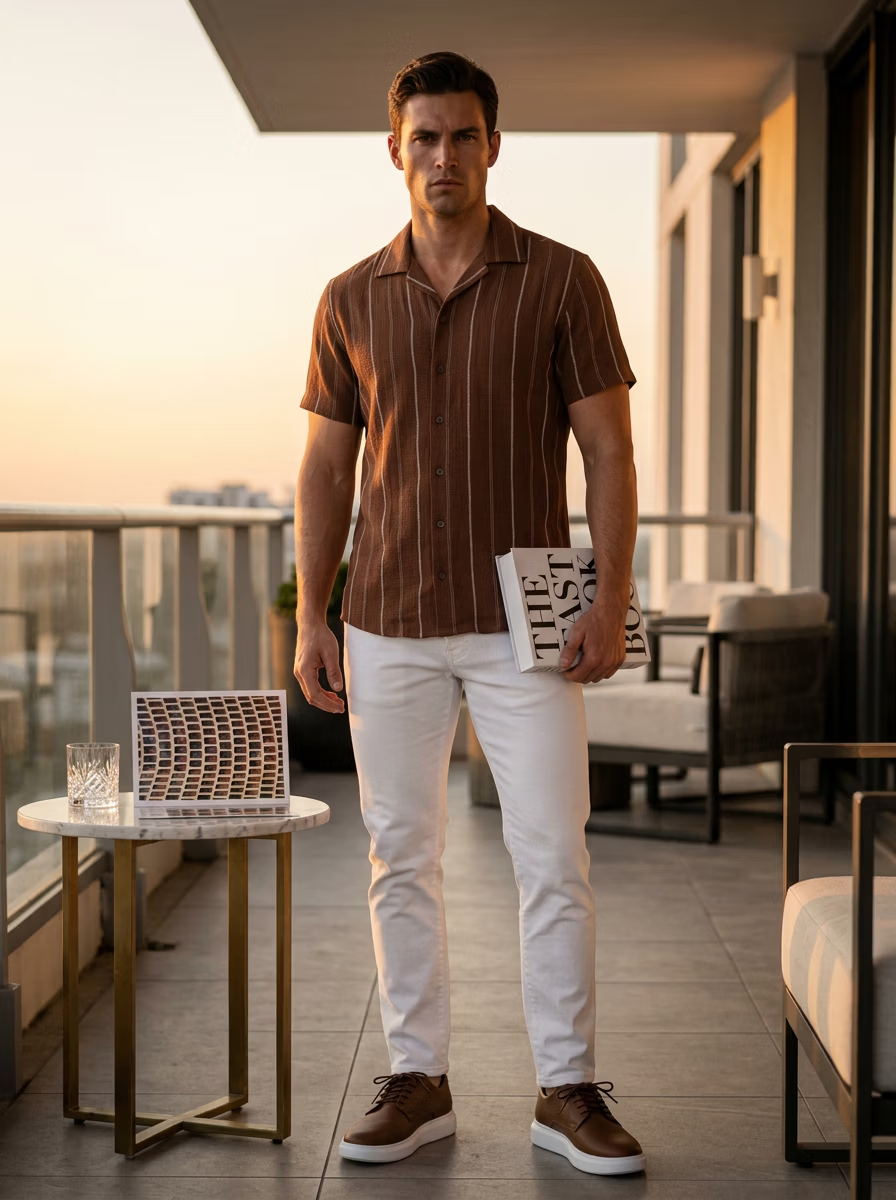
Professional Casual Western Casual Shirts Man — look 8
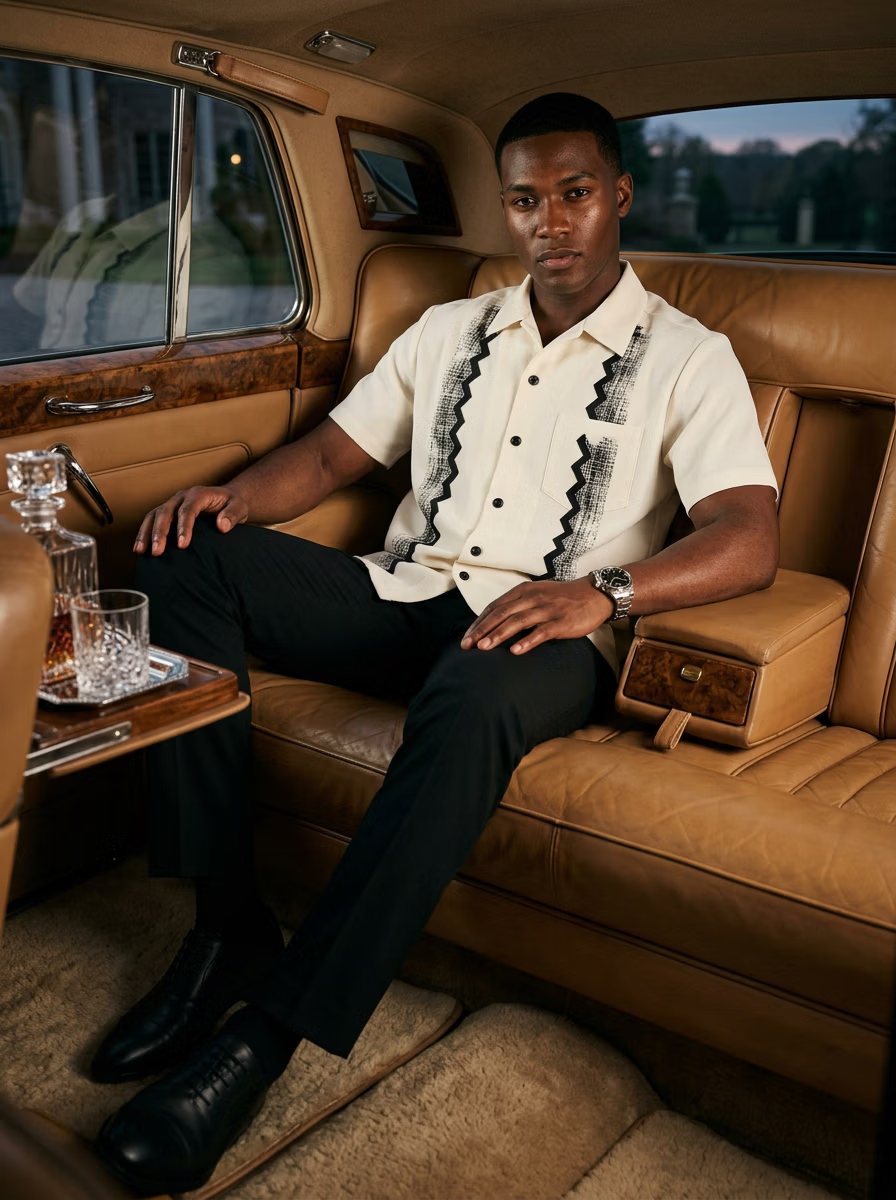
Professional Casual Western Casual Shirts Man — look 9
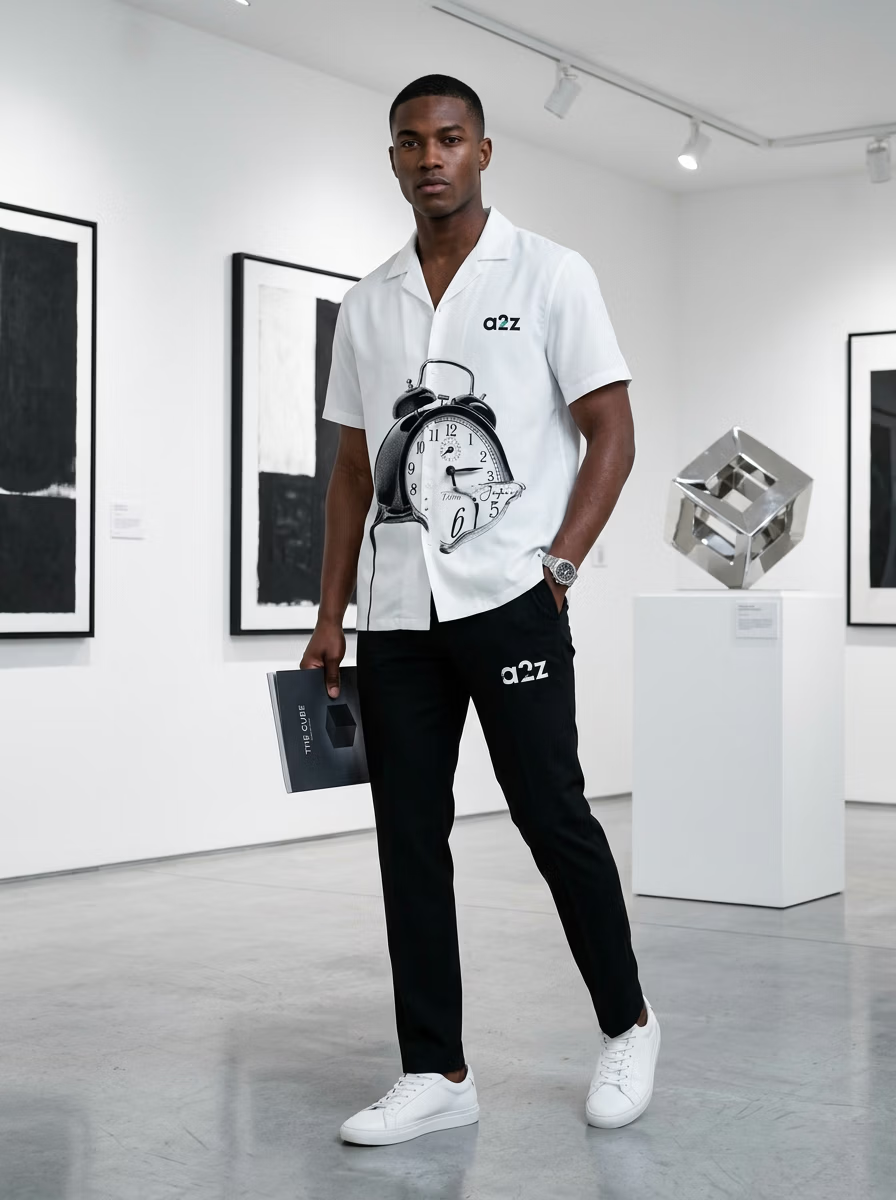
Professional Casual Western Casual Shirts Man — look 10
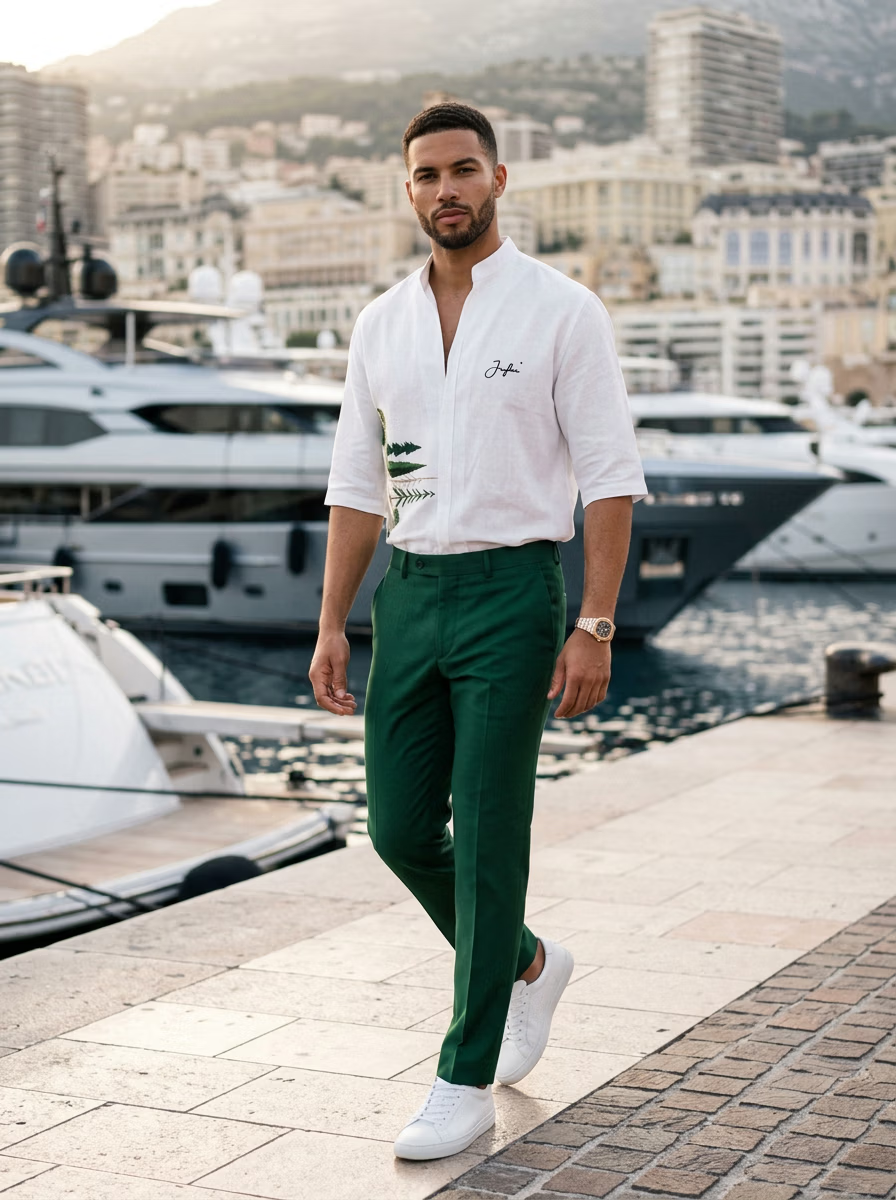
Professional Casual Western Casual Shirts Man — look 11
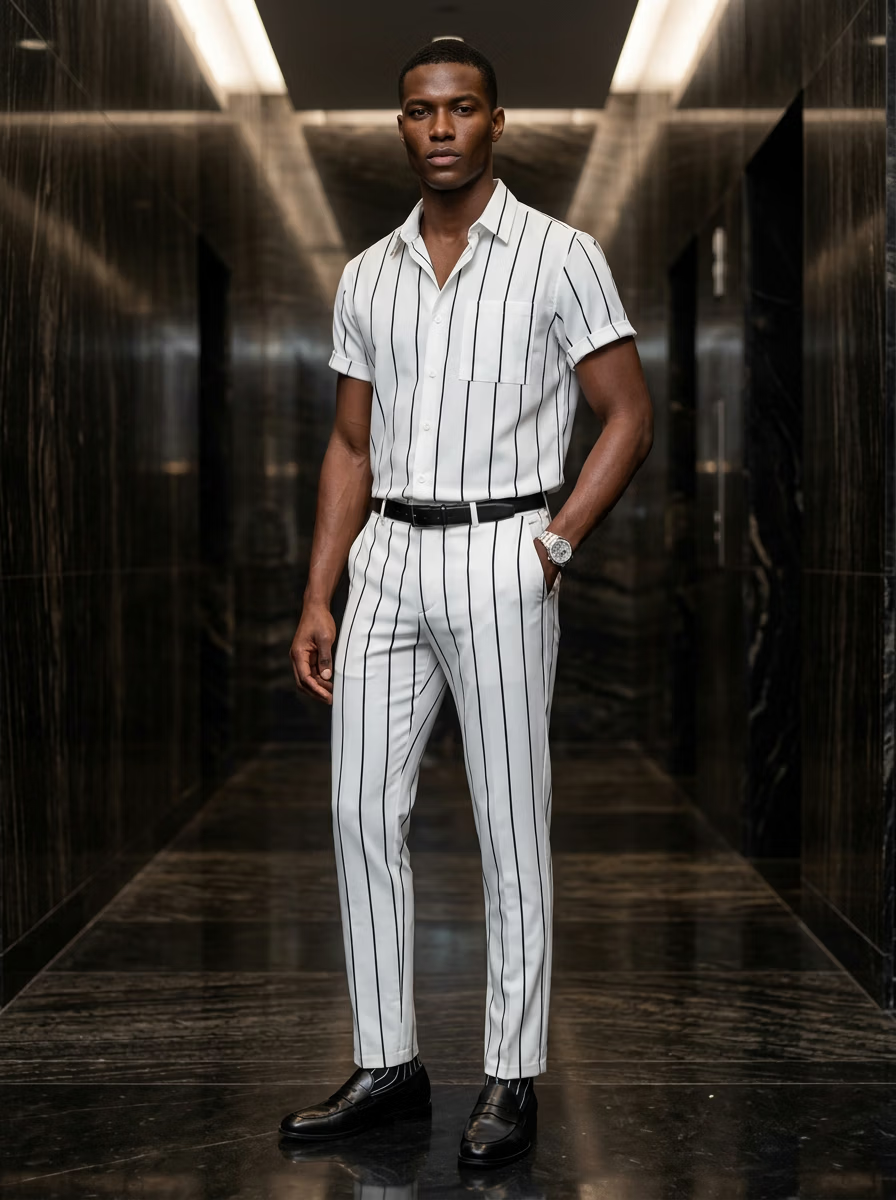
Professional Casual Western Casual Shirts Man — look 12
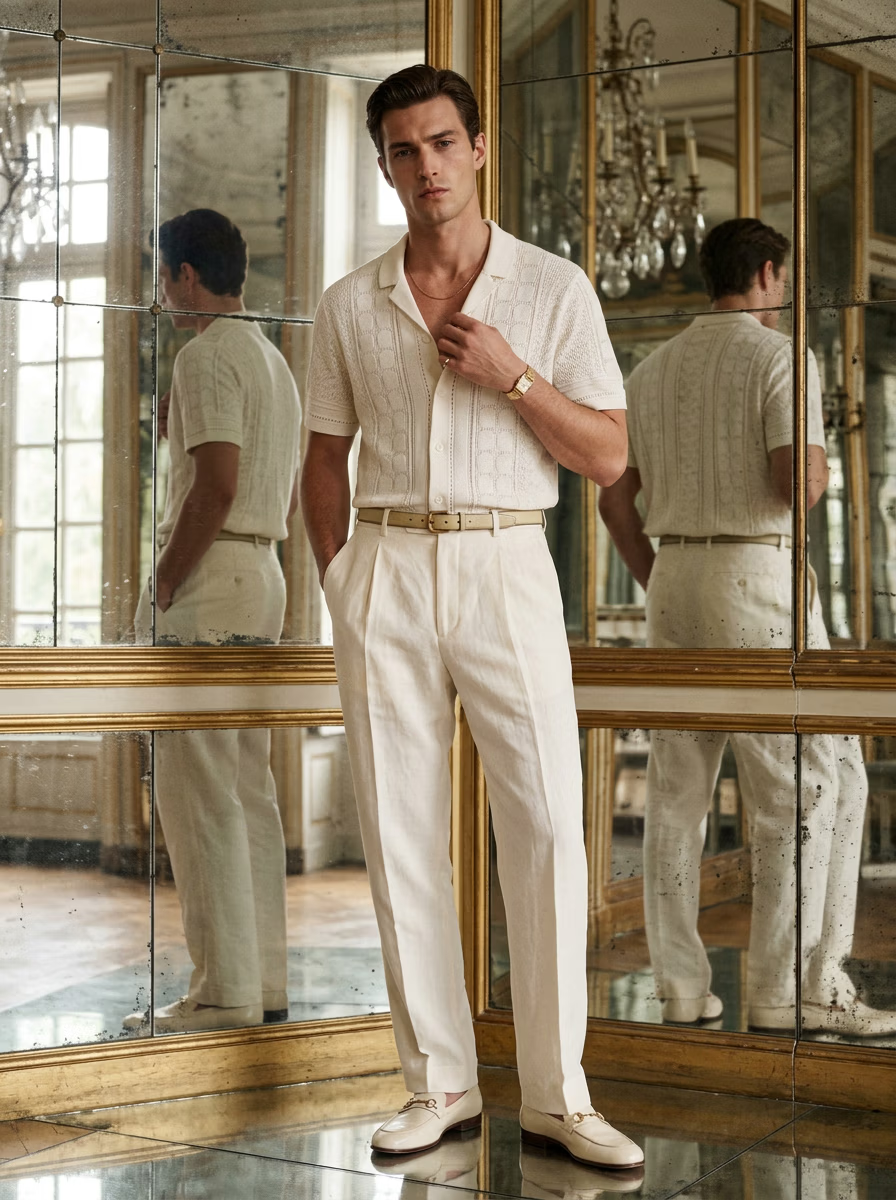
Professional Casual Western Casual Shirts Man — look 13
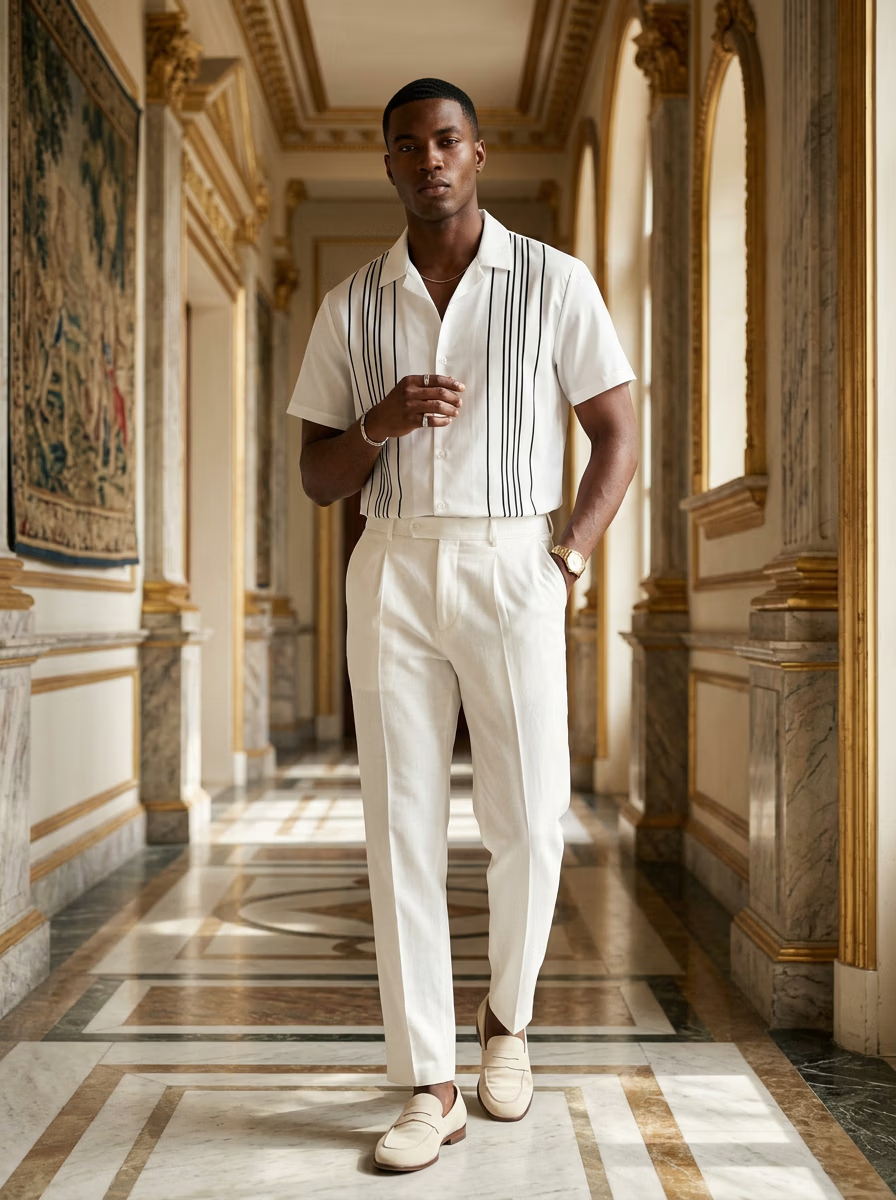
Professional Casual Western Casual Shirts Man — look 14
How to get a great AI men's shirts photoshoot
- Iron the shirt and photograph it buttoned to the top so the collar shape is clear.
- For checks and stripes, shoot the flat lay square to the camera — a skewed photo produces skewed lines on the model.
- Use 360° Design Details for the cuff and back yoke if they have pleats, contrast fabric or embroidery.
Men's Shirts — questions
Can I show the same shirt tucked and untucked?
Yes — describe the styling in the pose or prompt and generate both versions from the same garment photo.
Do checks and stripes stay aligned?
VERA follows the pattern in your photo. A straight, well-lit flat lay gives the most accurate pattern on the model.