Flat Lay to Model AI Generator
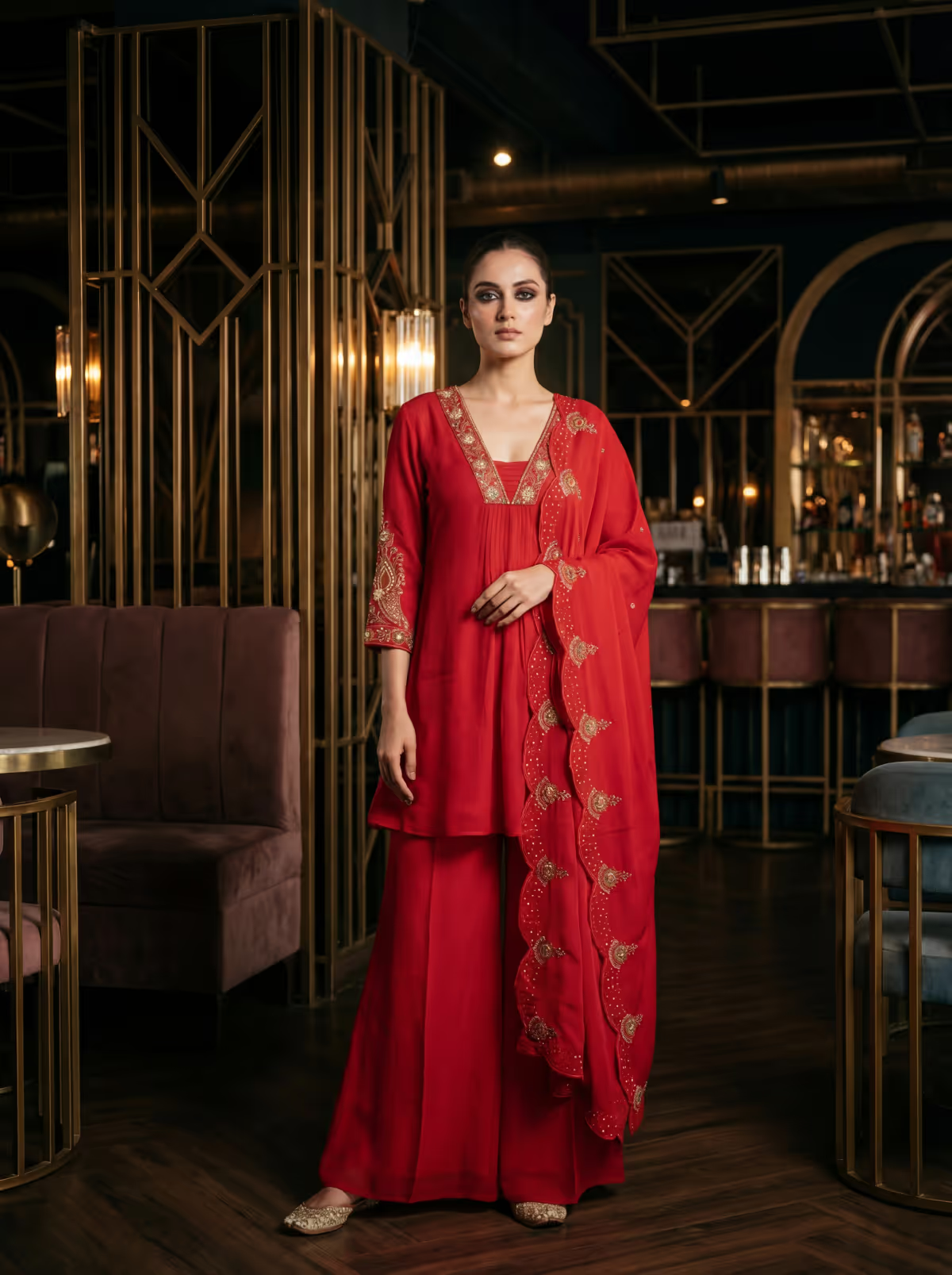
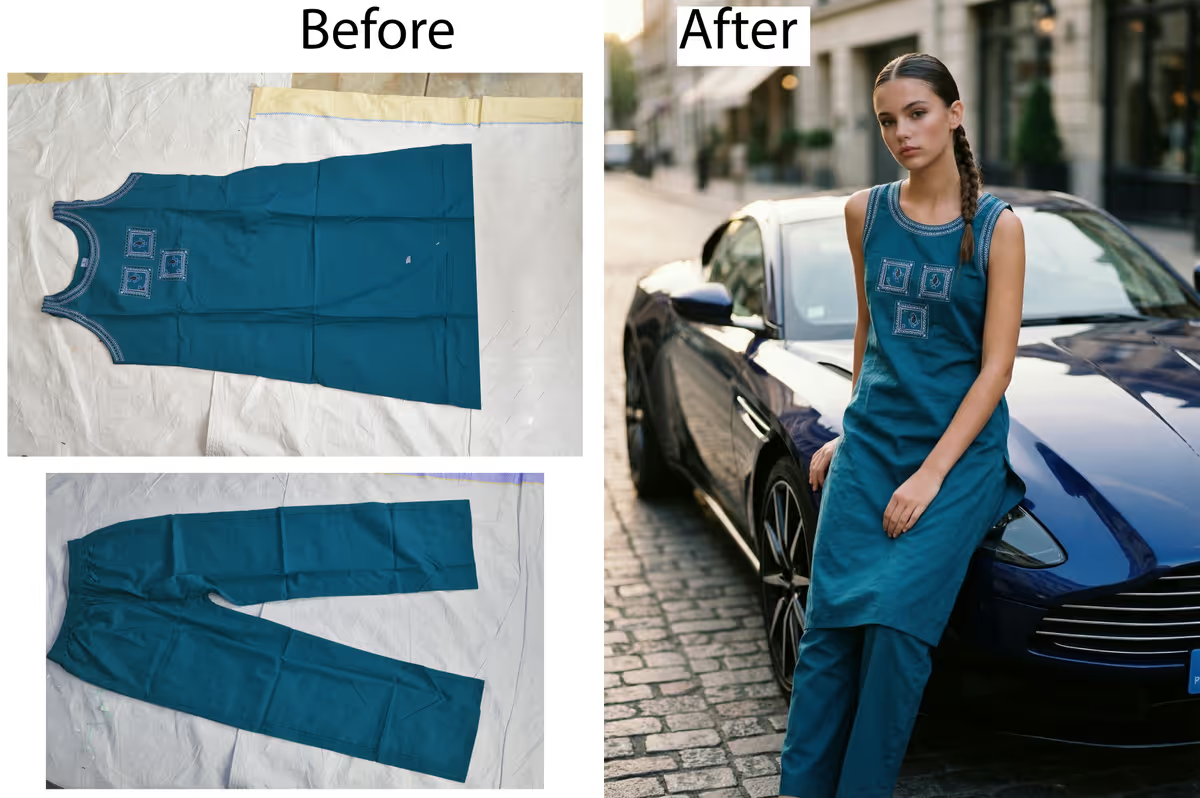
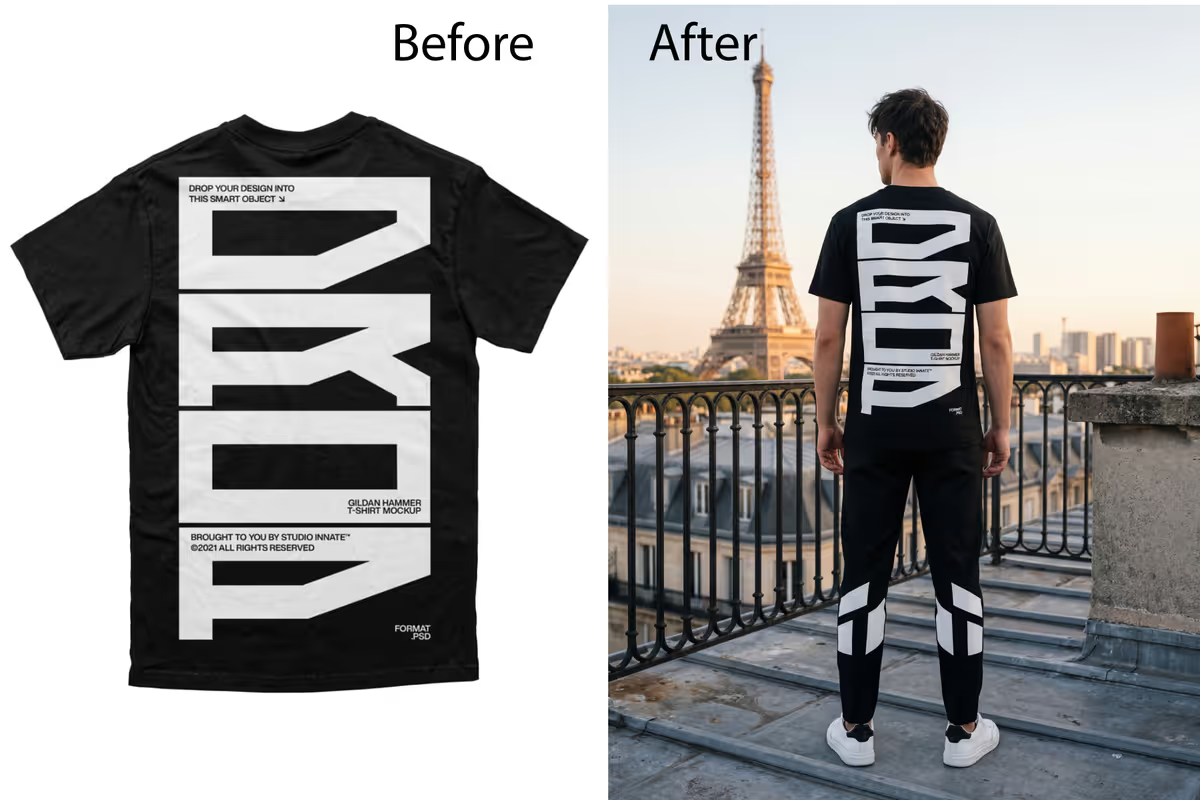
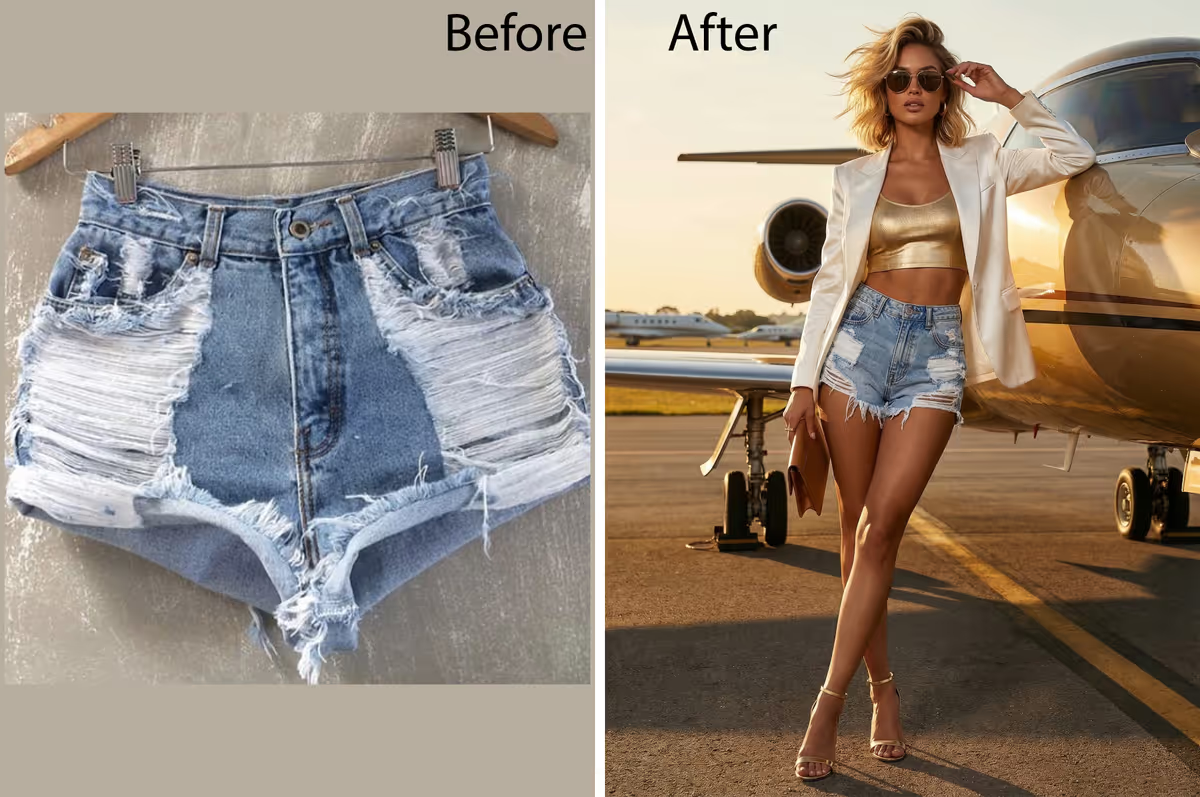
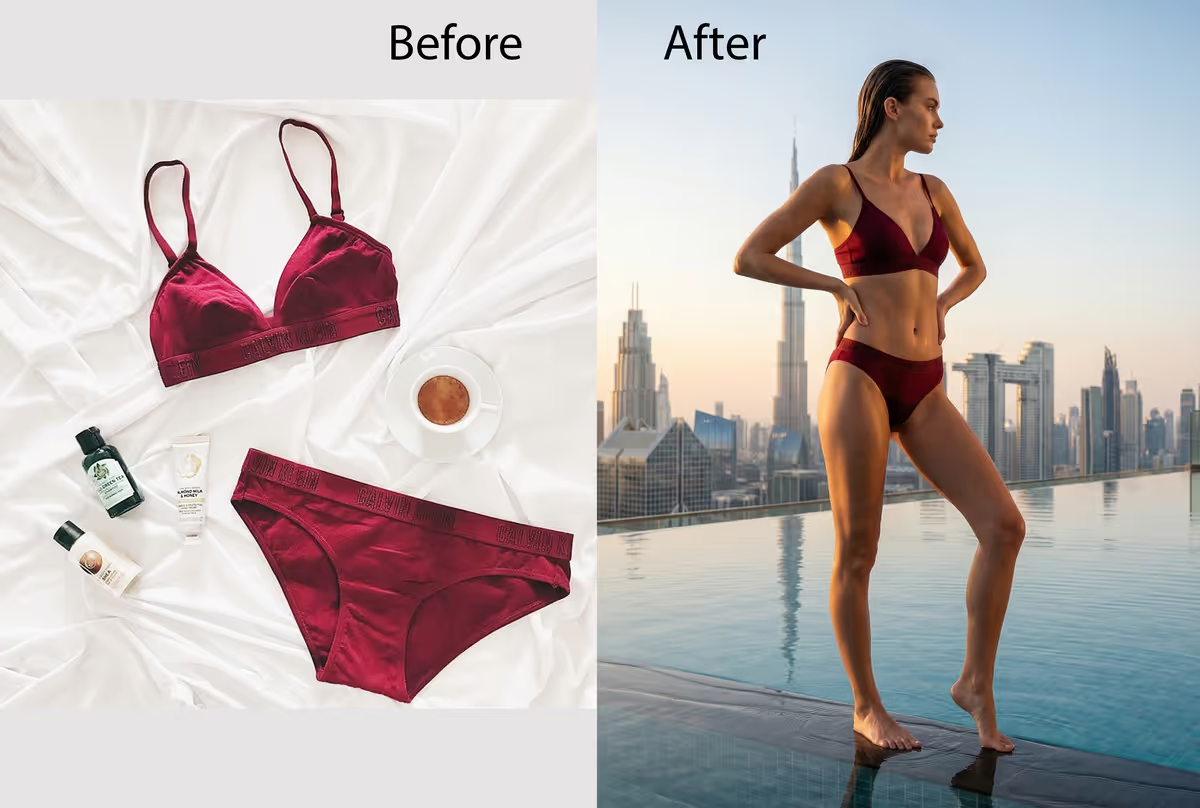
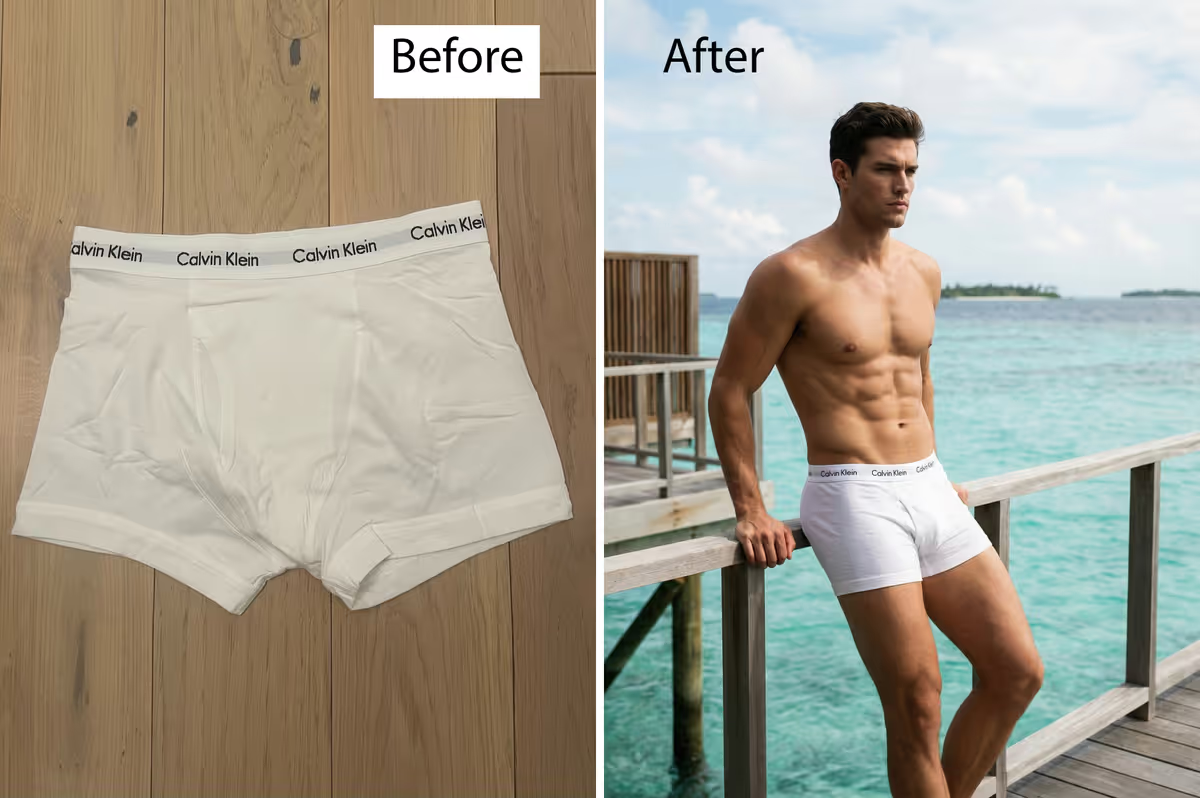
Turn a simple flat lay into a photorealistic model photoshoot for product launches, catalog campaigns, marketplaces, and social media content.
The #1 AI virtual try-on platform. Try on clothes online with AI - upload any garment, saree, or flat lay and instantly see it on photorealistic virtual models. Free online virtual try-on with 4K export.
Built For
Brands Designers Studios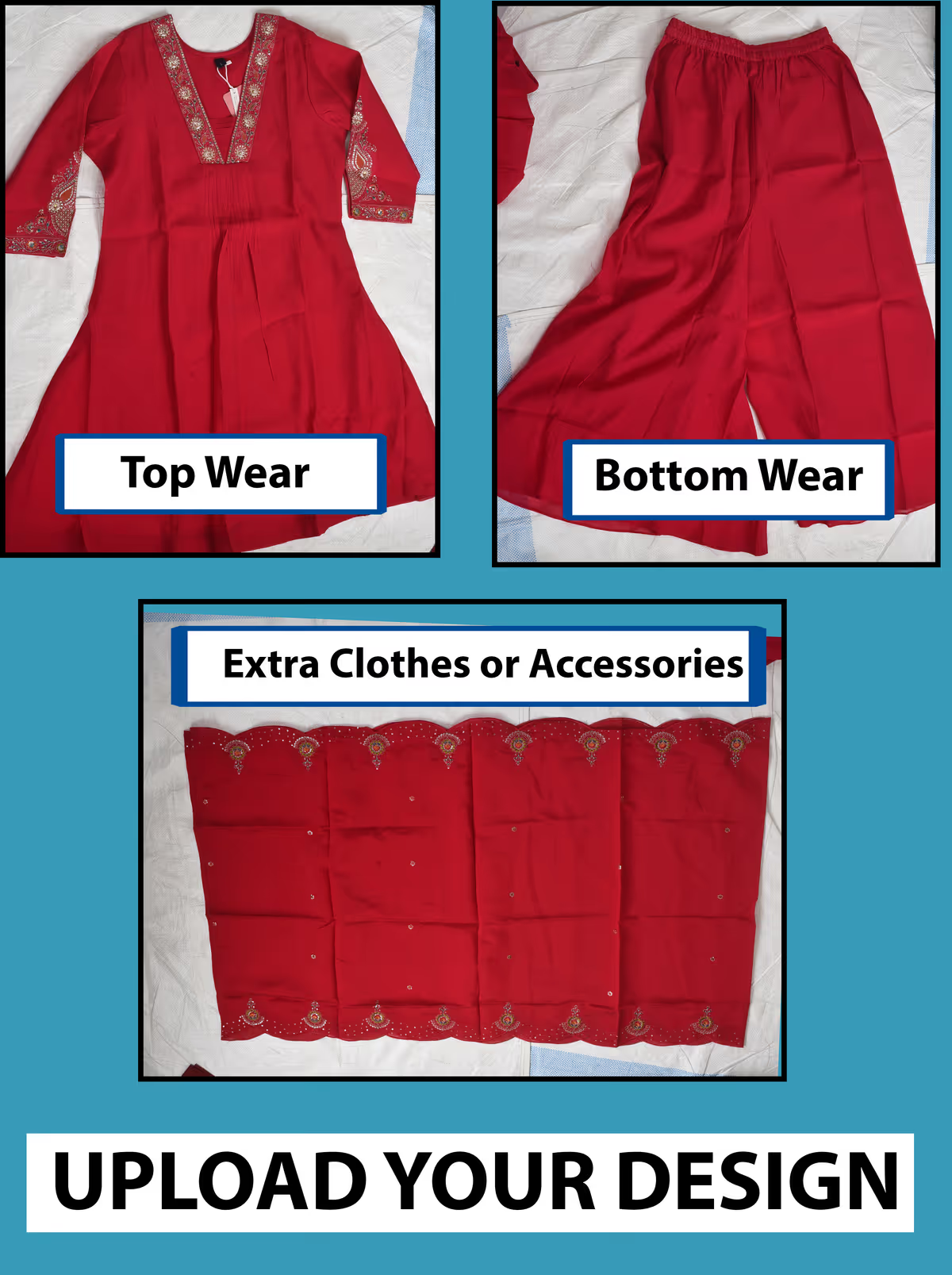
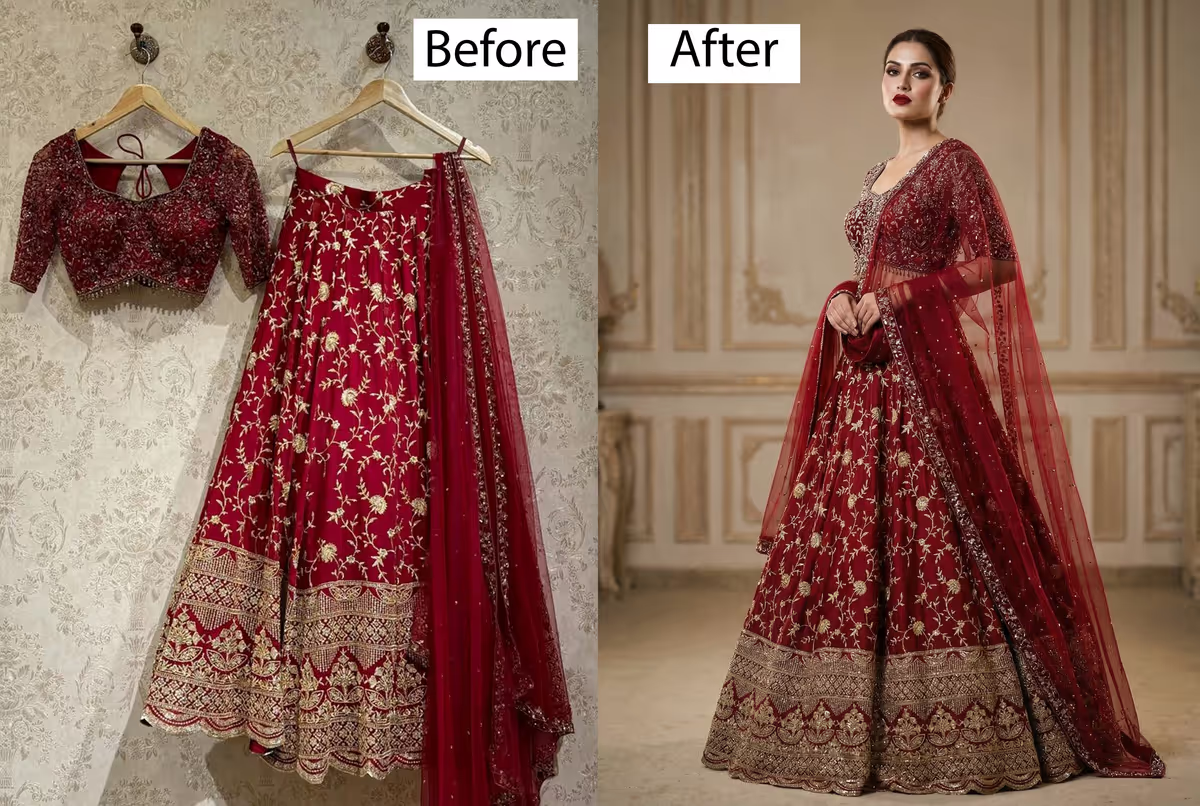
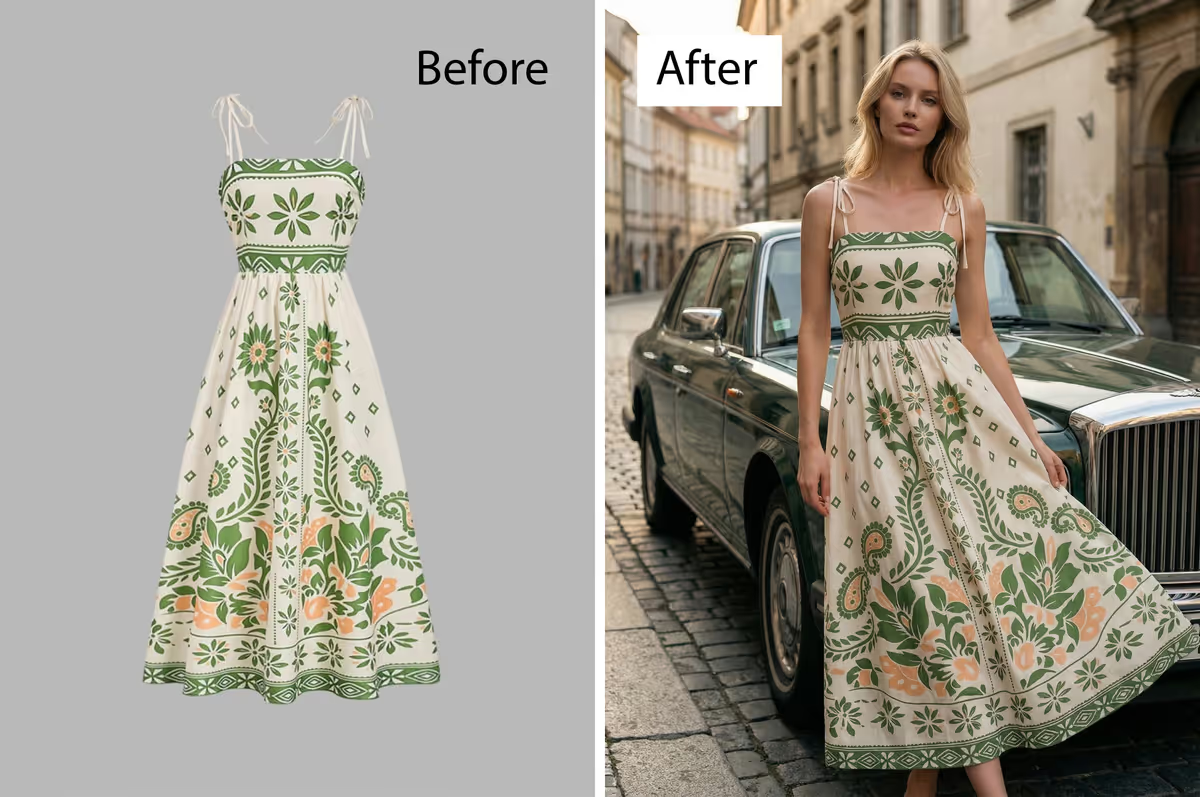
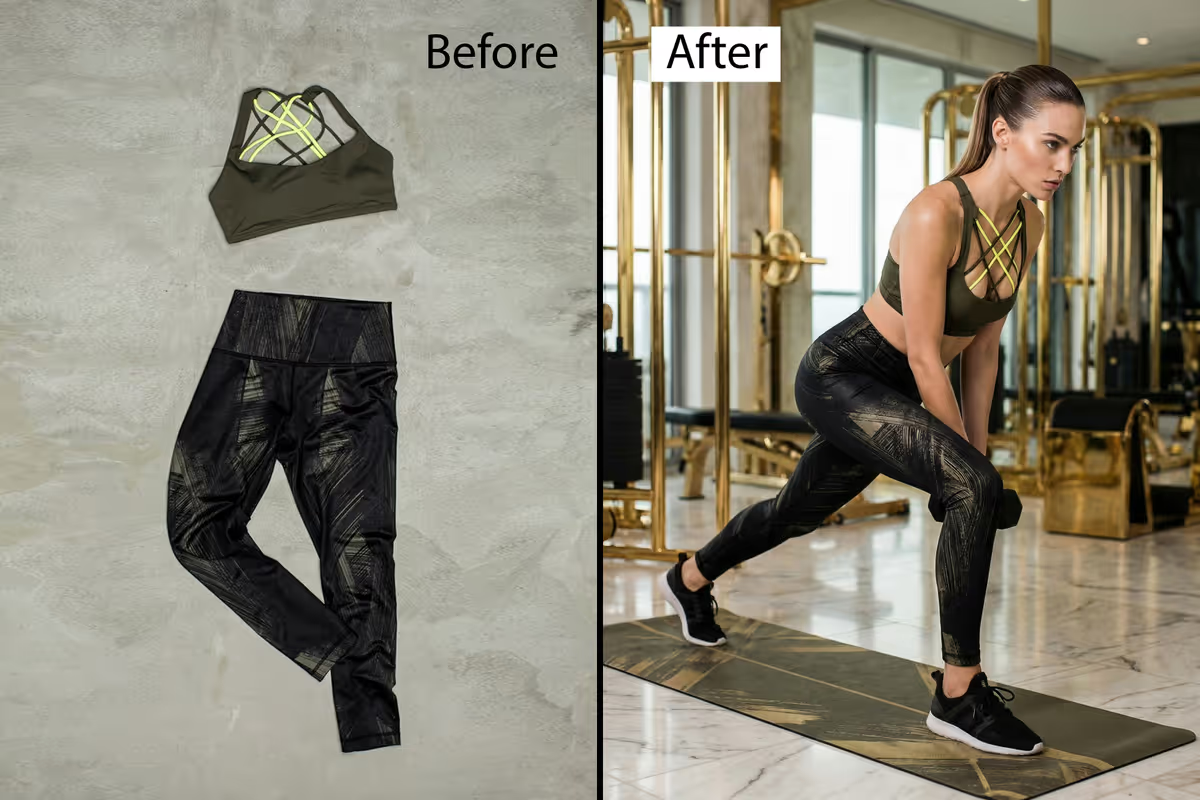
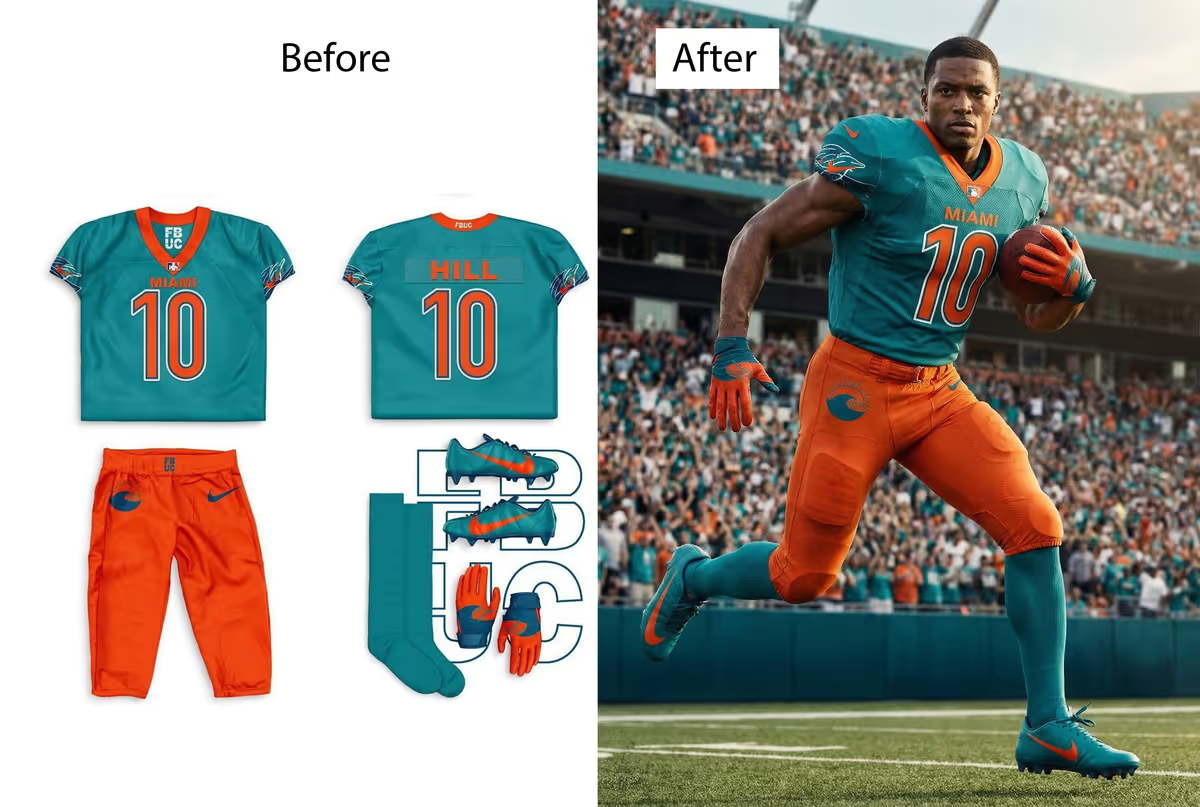
Discover the advanced tools built into Vera AI to give you total creative control over your fashion photography.
This is a mandatory step. Choose between a 2-Piece Set (e.g., Top and Bottom) or a 1-Piece Outfit (e.g., Gown, Nighty, or Fashion Sketches). Your selection provides dedicated upload boxes to ensure the AI perfectly understands your garment structure.
While the main outfit is required, adding "Extra Clothes or Accessories" is completely optional. You can add items like dupattas, scarves, or sunglasses to further enhance your model shoot.
 outfit upload box for 1 piece.png)
 outfit upload box for 2 piece.png)
Selecting your model's nationality is a mandatory requirement to ensure the generation aligns with your target market. Choose from Indian, French, American, and more.
For Indian models, the "Fair Skin Model" checkbox is an optional refinement to further customize your model's appearance.
 select model country and skin type.png)
This is the final mandatory step. You must select who will wear the outfit: Woman, Man, Girl (Kids), or Boy (Kids).
 target model type man_woman_kids.png)
This feature is optional. You can manually select hairstyles like straight, curly, open, or tied hair. If left unselected, Vera AI will automatically choose a hairstyle that best fits the overall aesthetic of the outfit.
 model hair style.png)
This feature is optional. You can choose from premium subjects like Studio, Outdoor, or Luxury.
If you don't select a background, Vera AI will intelligently analyze your outfit and automatically generate the most suitable location and background for your model.
 model backgroung (un check).png)
Manual pose selection is optional. In fact, we recommend letting the AI handle this for the best results.
Vera AI's "Auto Pose" technology automatically generates natural, high-fashion poses based on the garment's flow. Only use this feature if you require a very specific, pre-defined pose.
 model pose (uncheck).png)
 model poses after check.png)
This is optional. Set a specific tone like Bridal, Minimalist, or Avant-garde. If skipped, Vera AI will automatically detect the most flattering style for your outfit.
 fashion style select options.png)
 type color or color code.png)
Optional feature. Only use this if you need to override or clarify the fabric's colors using Color Codes. By default, Vera AI perfectly replicates the colors from your original upload.
Optional feature. Type in specific looks like Smoky Eyes or Pink Lipstick. If left blank, the AI will apply professional-grade makeup that complements the model and background.
 mackup look.png)
 type extra details and changes.png)
Optional feature. Add extra nuances to your vision. If no instructions are provided, the AI uses its high-fashion training to deliver a top-tier result autonomously.
Optional feature. Use our 30+ default prompts to fine-tune quality. Even without negative prompts, our engines are optimized for high-quality generation.
 negative prompts.png)
 ai models.png)
Optional feature. Default is Vera Pro. Select based on your speed requirements. Both ensure 4K results.
Simply upload your outfit, select the mandatory options, and click "Generate Design".
Even if you skip all optional features, Vera AI will automatically handle the pose, background, and styling to deliver a professional-grade model shoot without sacrificing any quality.
 image genrate button.png)
 privew pannel.png)
Inspect your generated images in high detail. Our preview panel includes Zoom In/Out and easy navigation to move the image in any direction (Up, Down, Left, Right), allowing you to check every stitch and texture before final export.
Efficiency meets elegance. Spend less on logistical nightmares and more on creative direction.
Drag and drop your garment photos to start creating apparel product images.
Describe the virtual model, pose, and background using our AI outfit builder.
Download your realistic clothing mockup and AI fashion photography instantly.
VERA Fashion AI is designed for fashion brands, apparel manufacturers, ecommerce teams, and designers who need flat lay to model generation, AI fashion photoshoots, Indian wear mockups, and sketch-to-editorial visuals at production speed.
Turn a simple flat lay into a photorealistic model photoshoot for product launches, catalog campaigns, marketplaces, and social media content.
Create Indian wear mockups and ethnic fashion editorials with accurate drape handling, embroidery detail, and high-resolution outputs for premium collections.
Convert sketches and concept references into virtual model campaigns, helping designers validate garments before sampling and studio production.
Generate consistent, campaign-ready apparel visuals for tshirts, hoodies, activewear, wedding wear, and seasonal drops without booking a full traditional shoot.
Join 500+ fashion brands who have slashed their photoshoot costs by 90% while improving quality.
Launch Your First Session