Men's T-Shirts — AI Photoshoot Examples
T-shirts are the highest-volume product in most menswear stores, which makes them the place where on-model photos pay off fastest. These examples show crew-neck, sports and casual tees generated from flat lays — with the print kept sharp and in the right place, the cotton creasing naturally at the waist and sleeves, and the fit reading as regular rather than painted on. Use them as a reference for what a consistent, same-day catalogue of tees can look like.
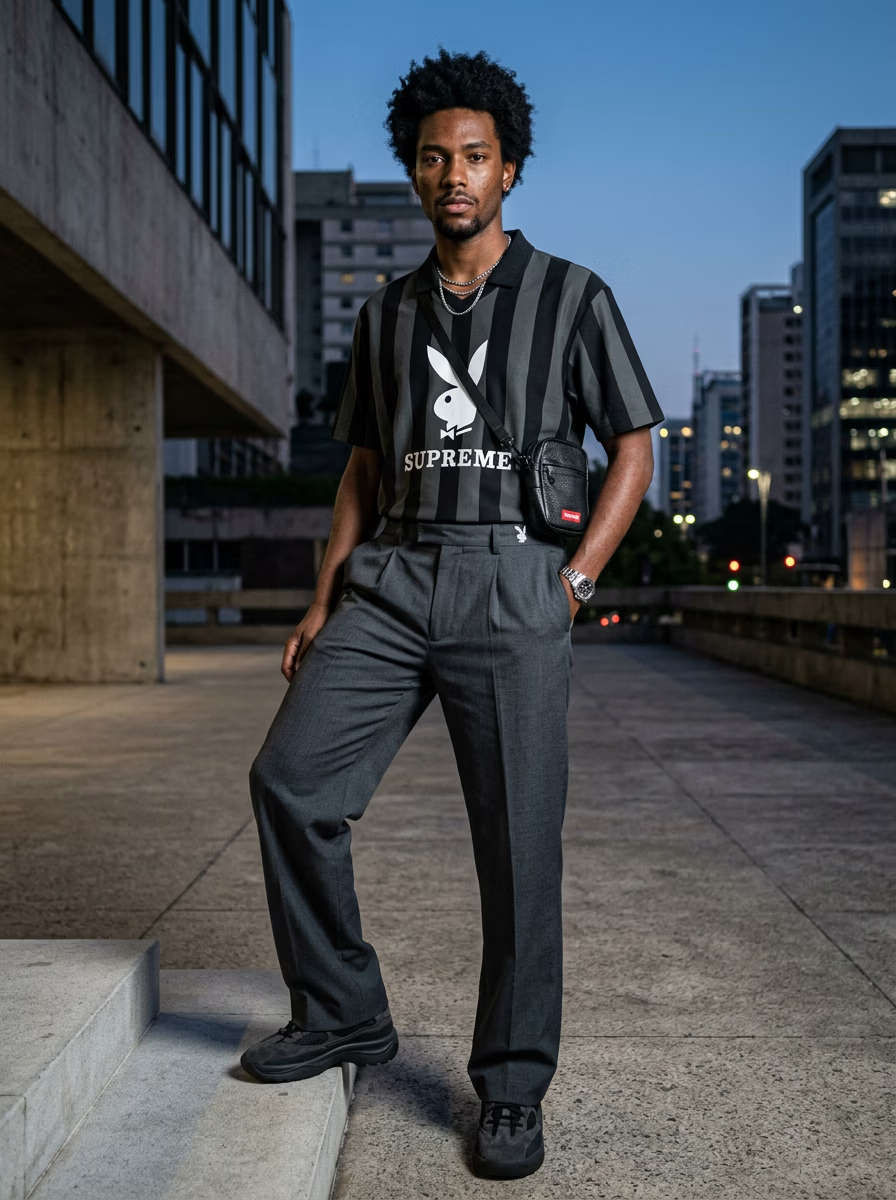
Mens Casual T-Shirts — look 1
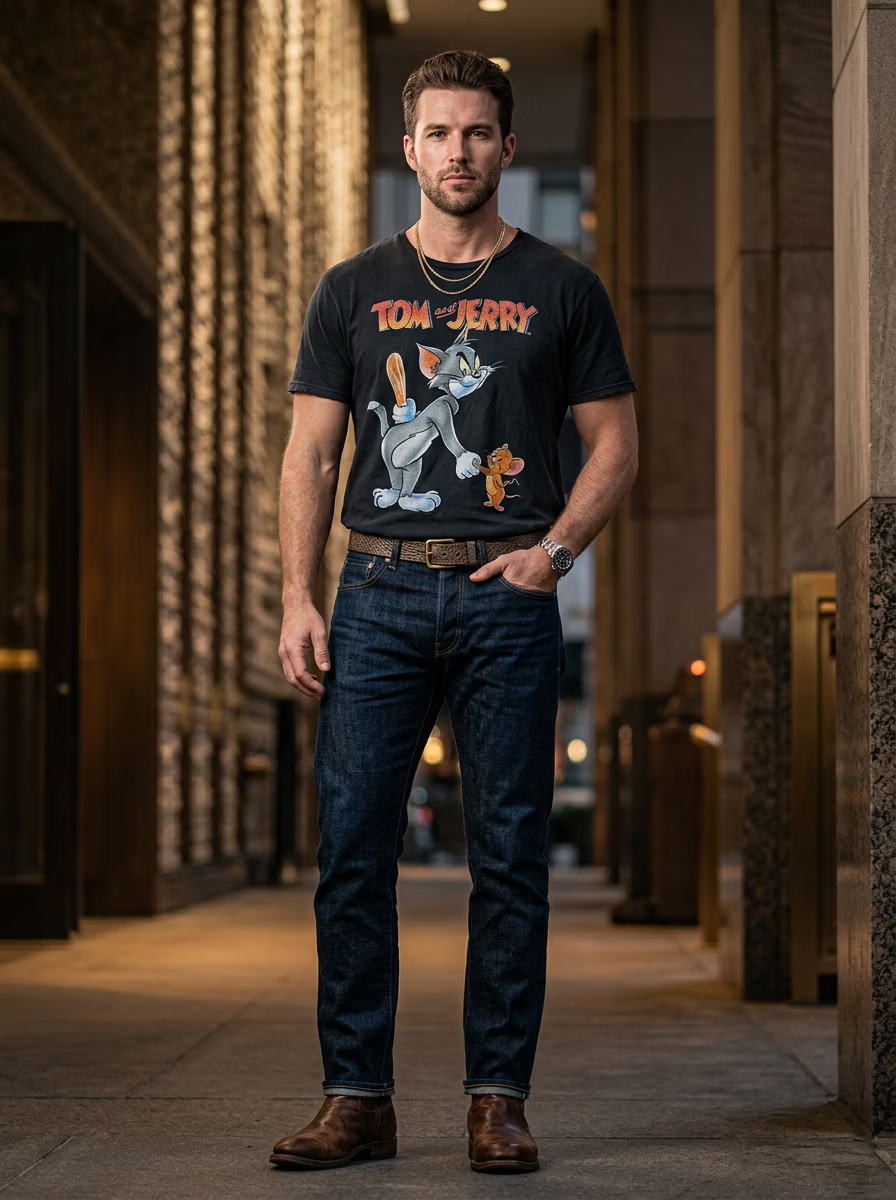
Mens Casual T-Shirts — look 2
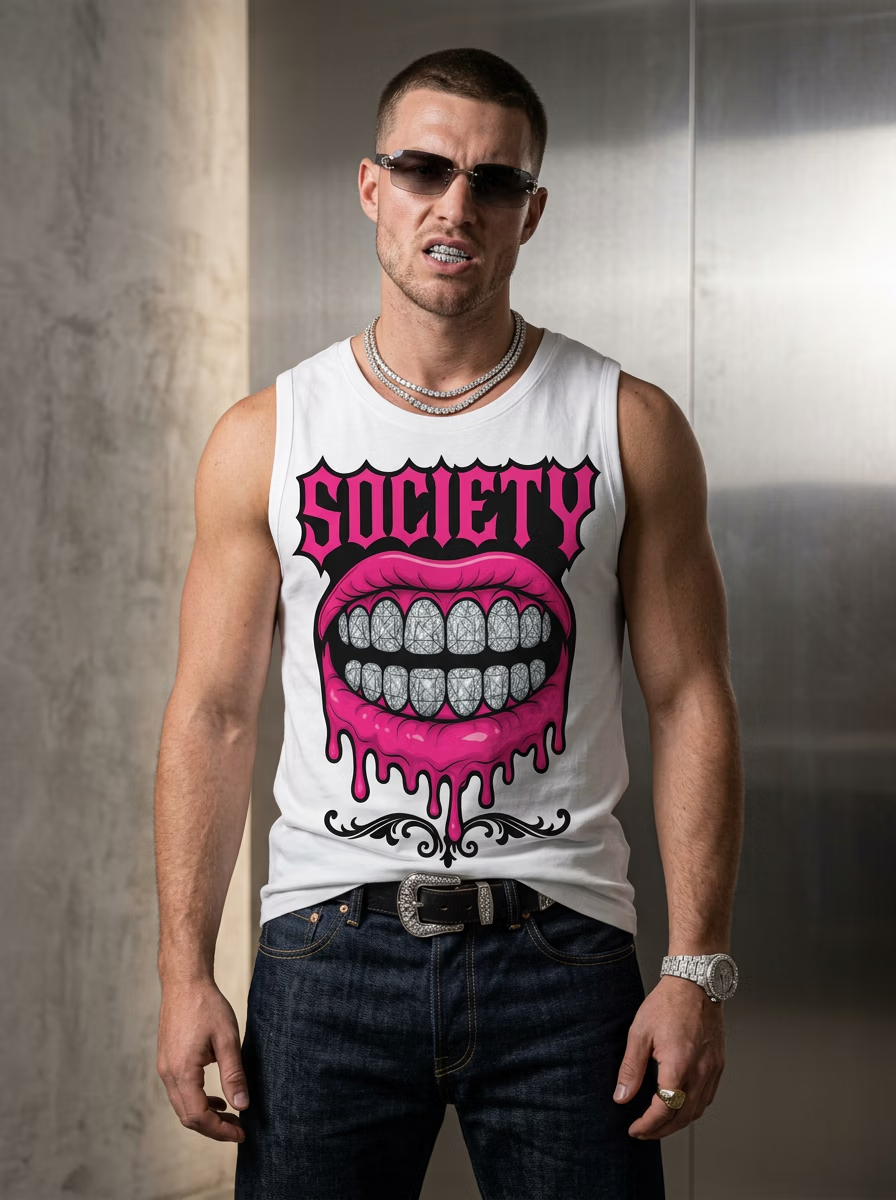
Mens Casual T-Shirts — look 3
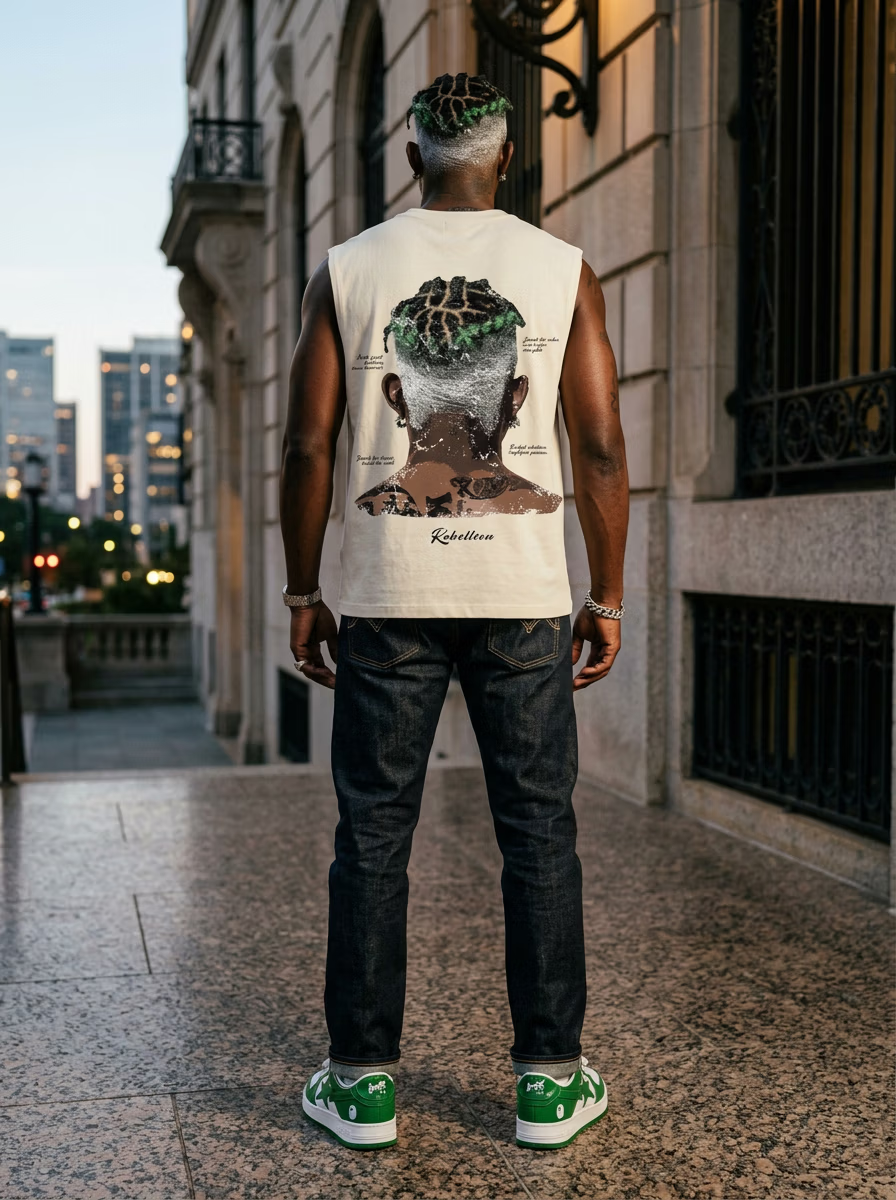
Mens Casual T-Shirts Back Pose — look 4
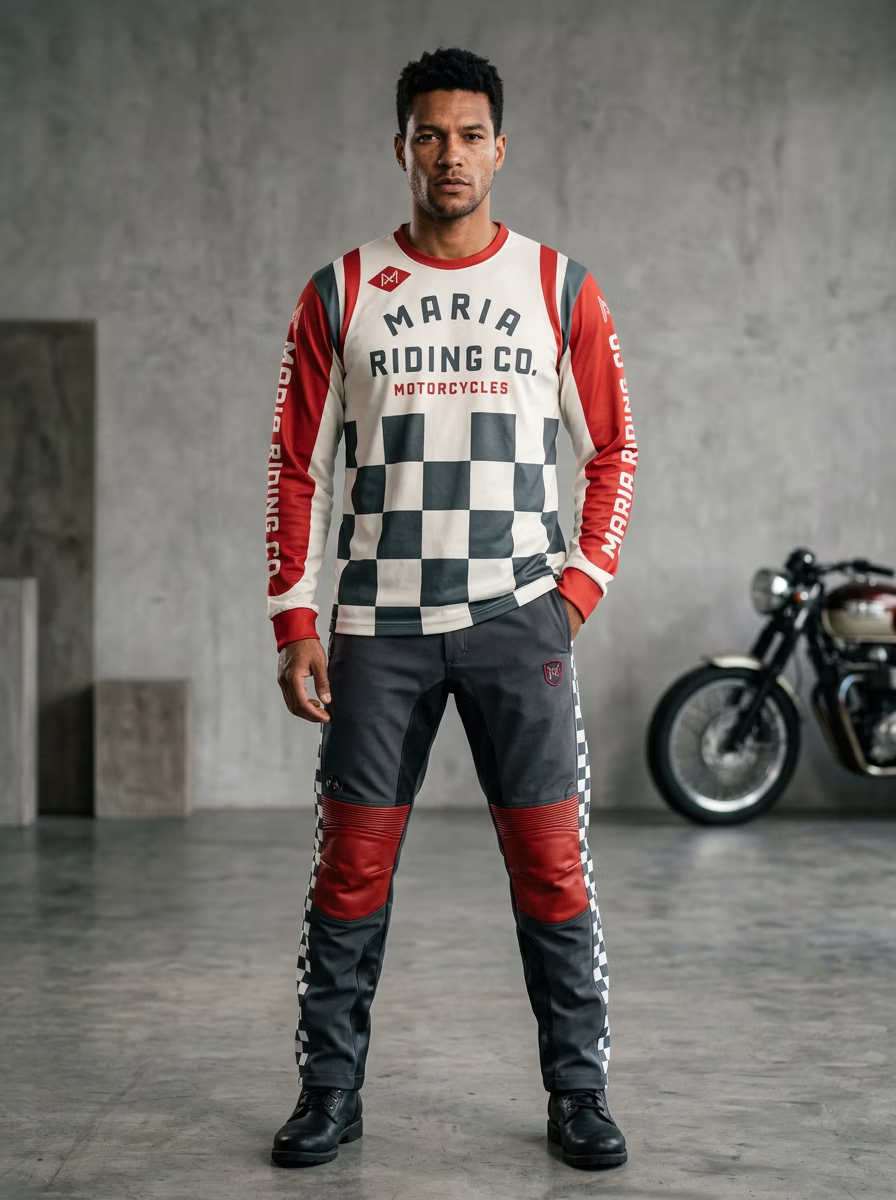
Mens Sports Race T-Shirts — look 5
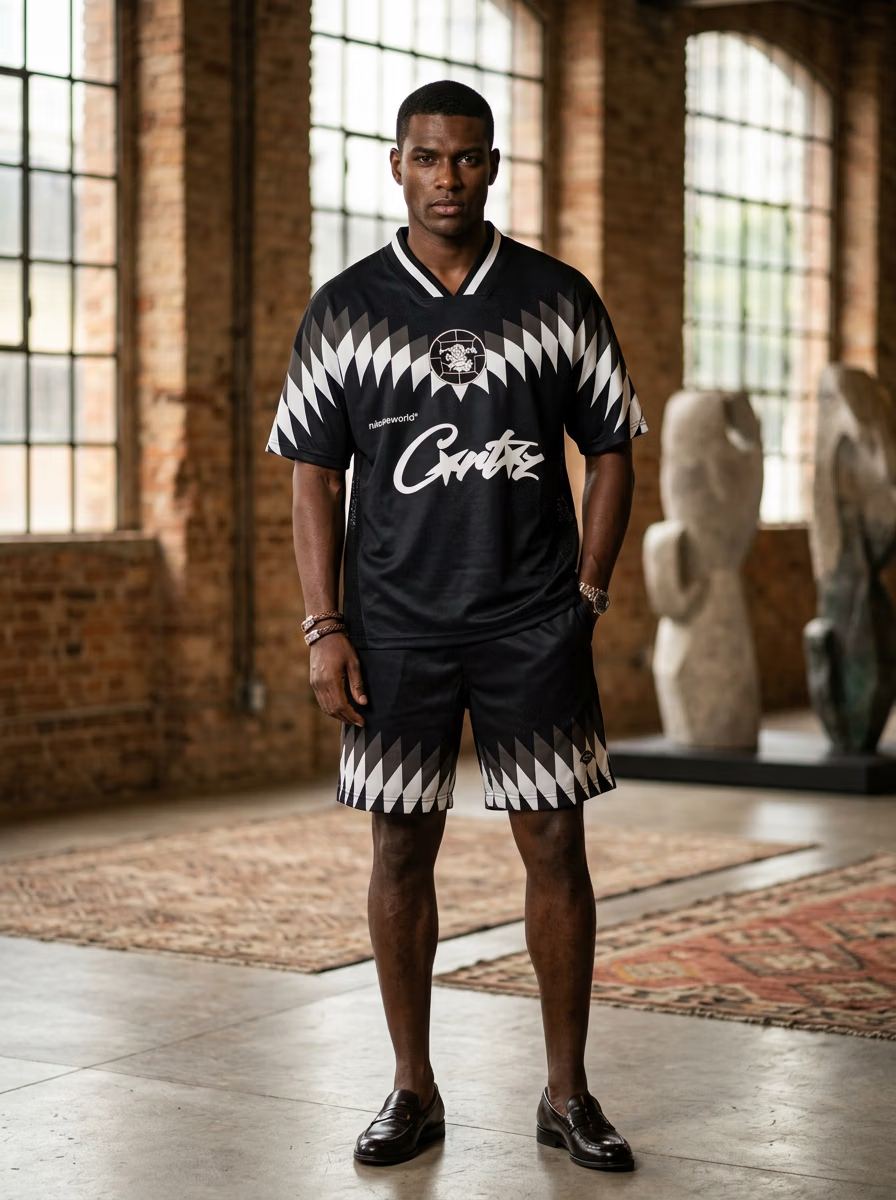
Mens Sports T-Shirts — look 6
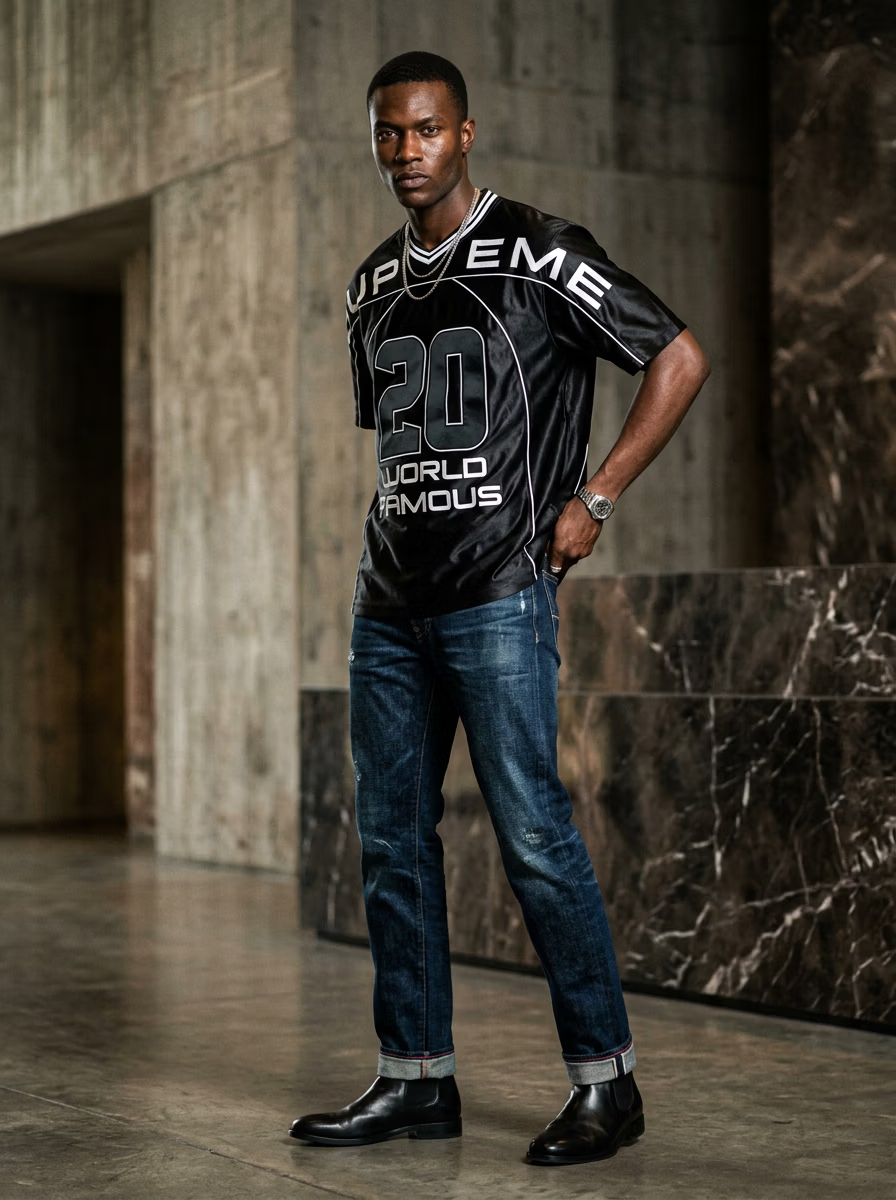
Mens Sports T-Shirts — look 7
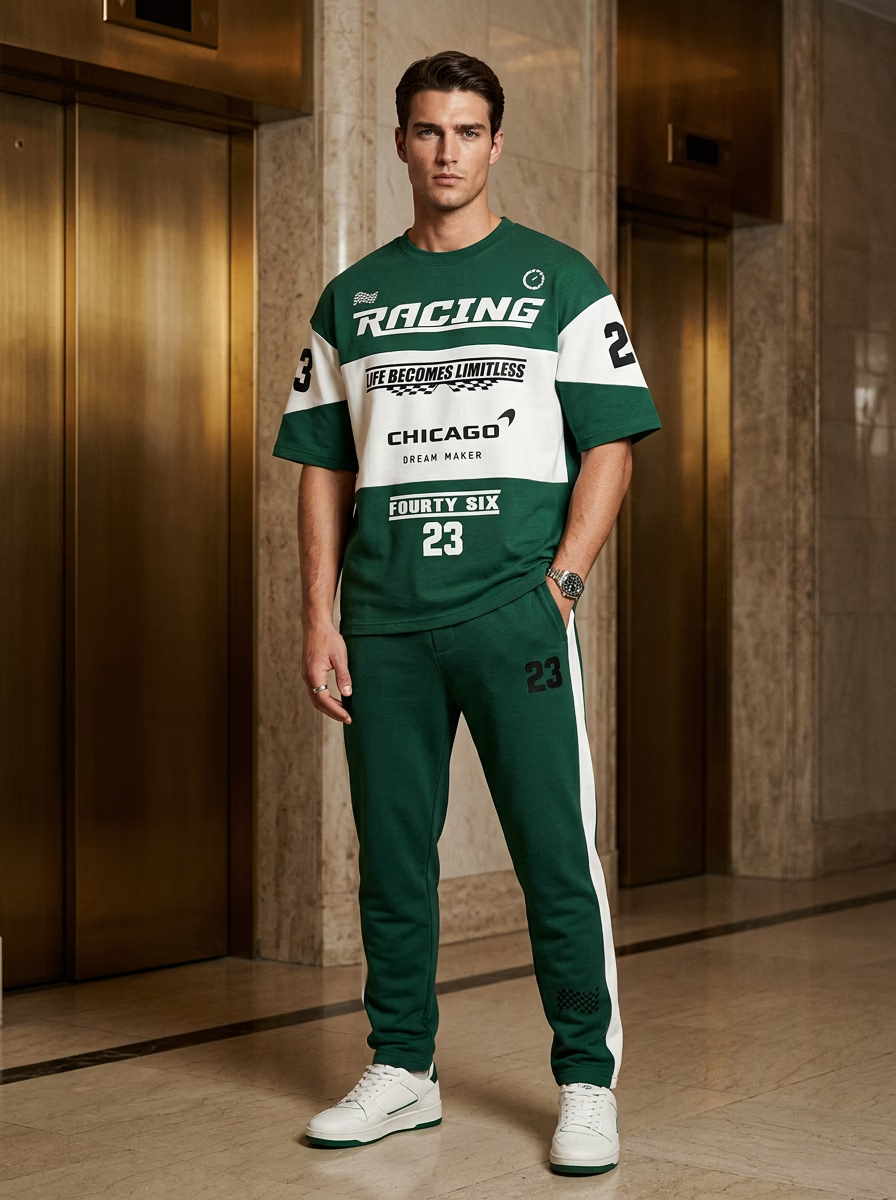
Mens Sports T-Shirts — look 8
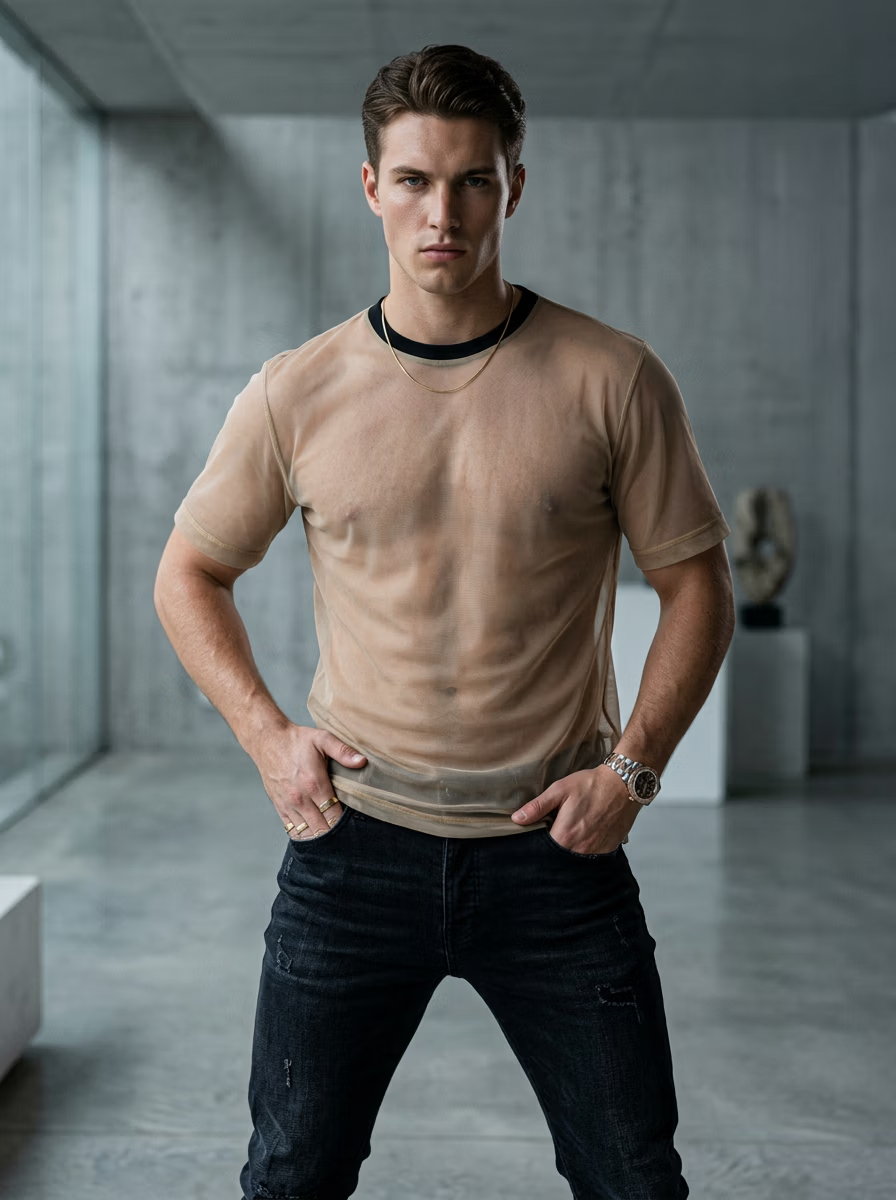
Mens Transparent Casual T-Shirts — look 9
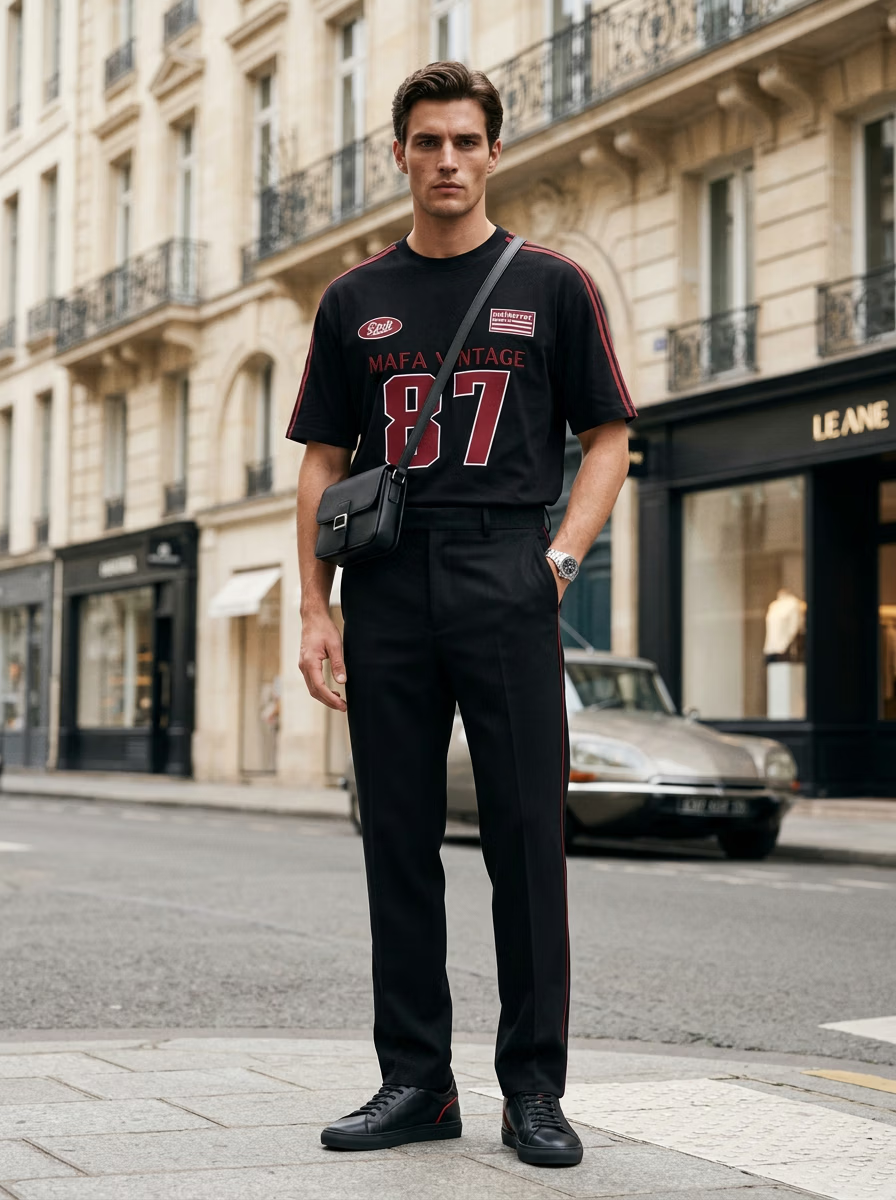
Mens T-Shirts — look 10
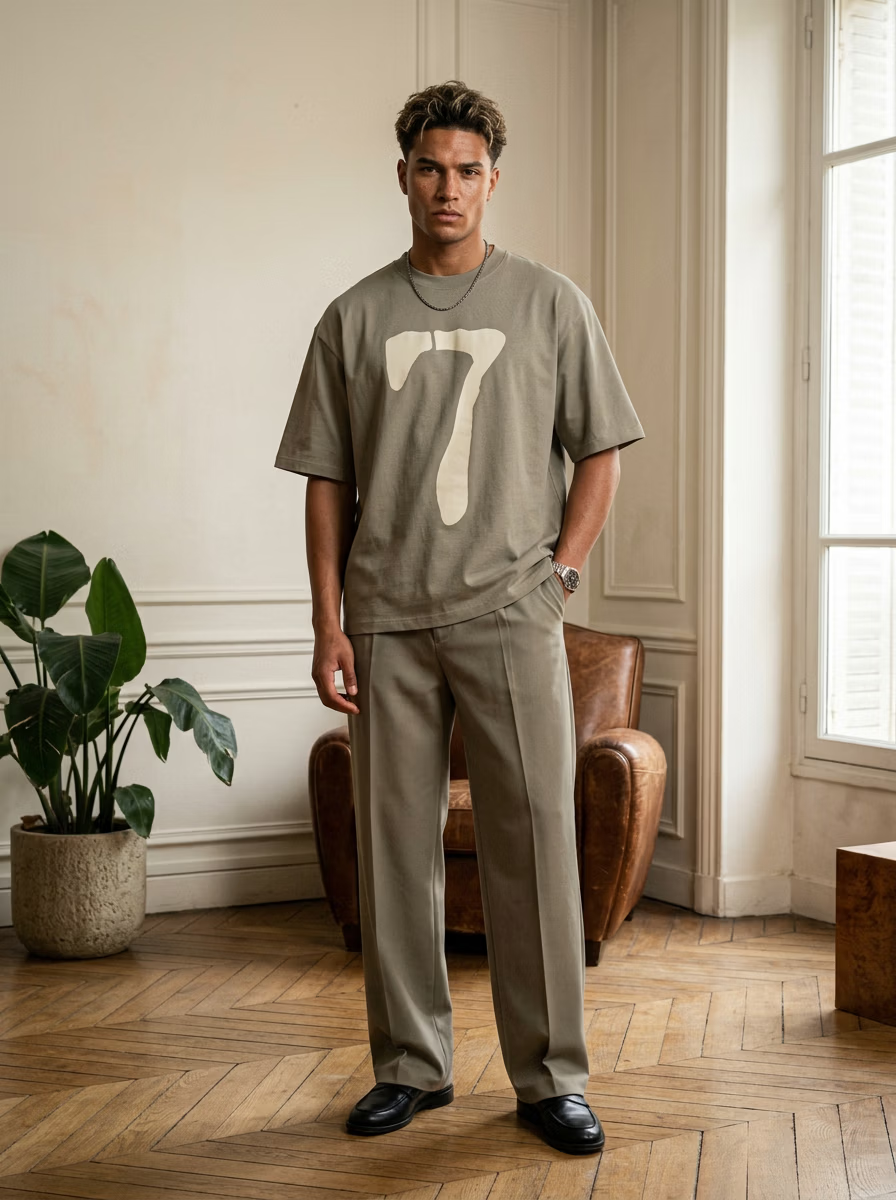
Mens T-Shirts — look 11
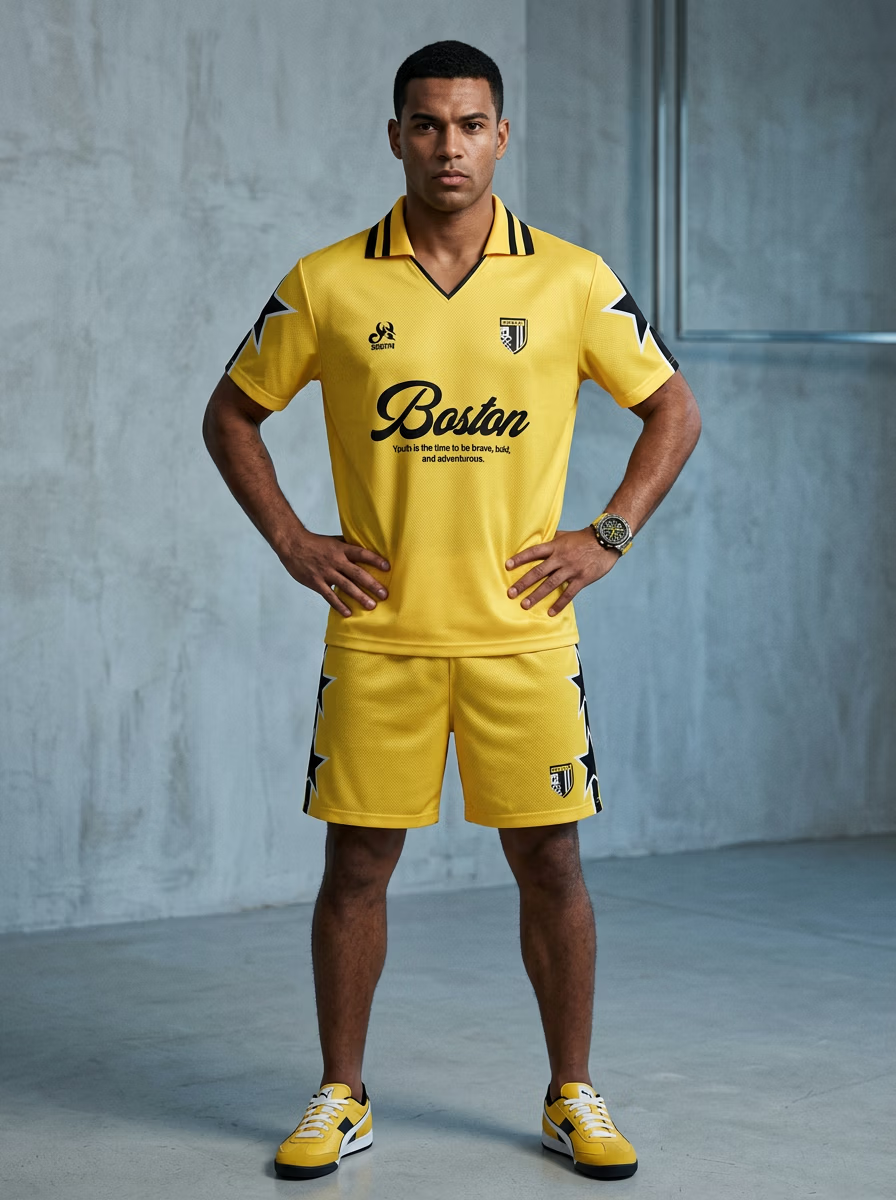
Mens Volleyball Race T-Shirts — look 12
How to get a great AI men's t-shirts photoshoot
- Photograph the tee flat and fully smoothed; wrinkles in the flat lay become wrinkles on the model.
- For printed or embroidered chests, add a straight-on close-up in 360° Design Details so the artwork is reproduced exactly instead of reinterpreted.
- Keep one background and pose set for the whole collection — shoppers compare tees side by side and consistency makes the range look premium.
- If you sell the same tee in several colours, generate one colour, then use Edit Photo → Masking → Select Garment to check the others against it.
Men's T-Shirts — questions
Will the AI keep my t-shirt print exactly as it is?
VERA uses your photo as the reference for the garment, so prints, logos and text placement are preserved. Adding a close-up of the print in 360° Design Details gives the model a sharper reference for fine artwork.
Can I show a back print too?
Yes — upload the back of the tee as an extra angle and choose a back-view pose, or use Copy from photo with a back-facing reference pose.