Women's Pants & Jeans — AI Photoshoot Examples
This is one of the largest categories in the gallery: office trousers, wide-leg designer pants, leather pants, joggers and many denim washes. Each was generated from a product photo, keeping rise, leg shape, pockets and wash exactly as designed, so shoppers can judge fit before they buy.
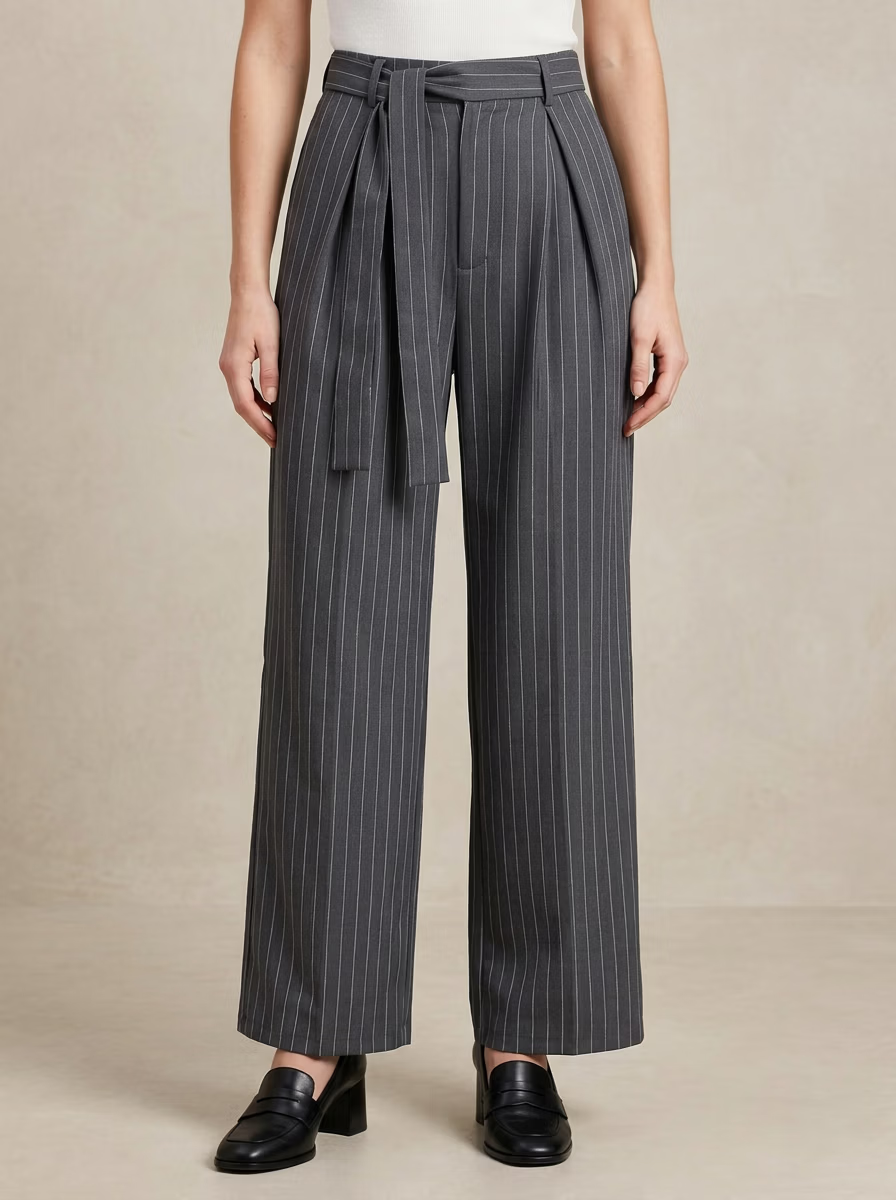
Trouser Cotton Office Casual Pant Womens — look 1
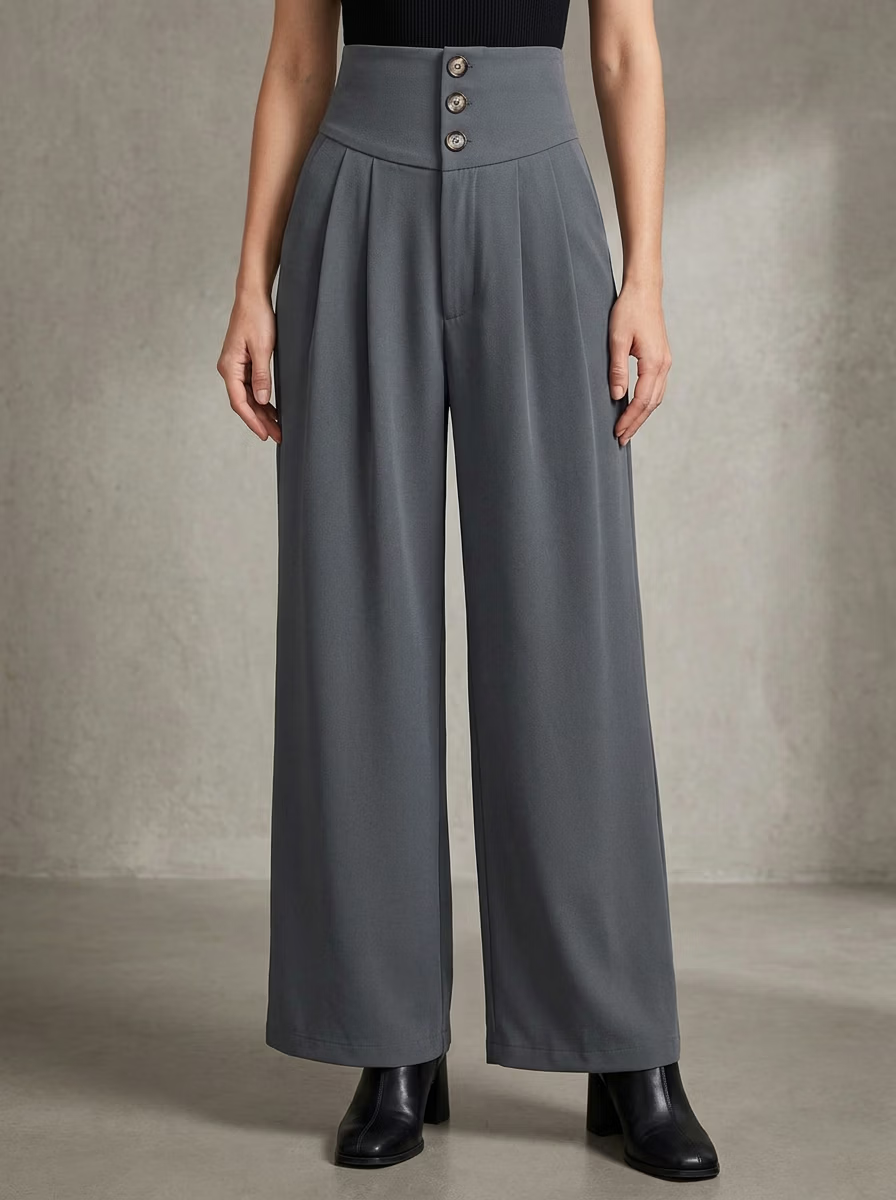
Trouser Cotton Office Casual Pant Womens — look 2
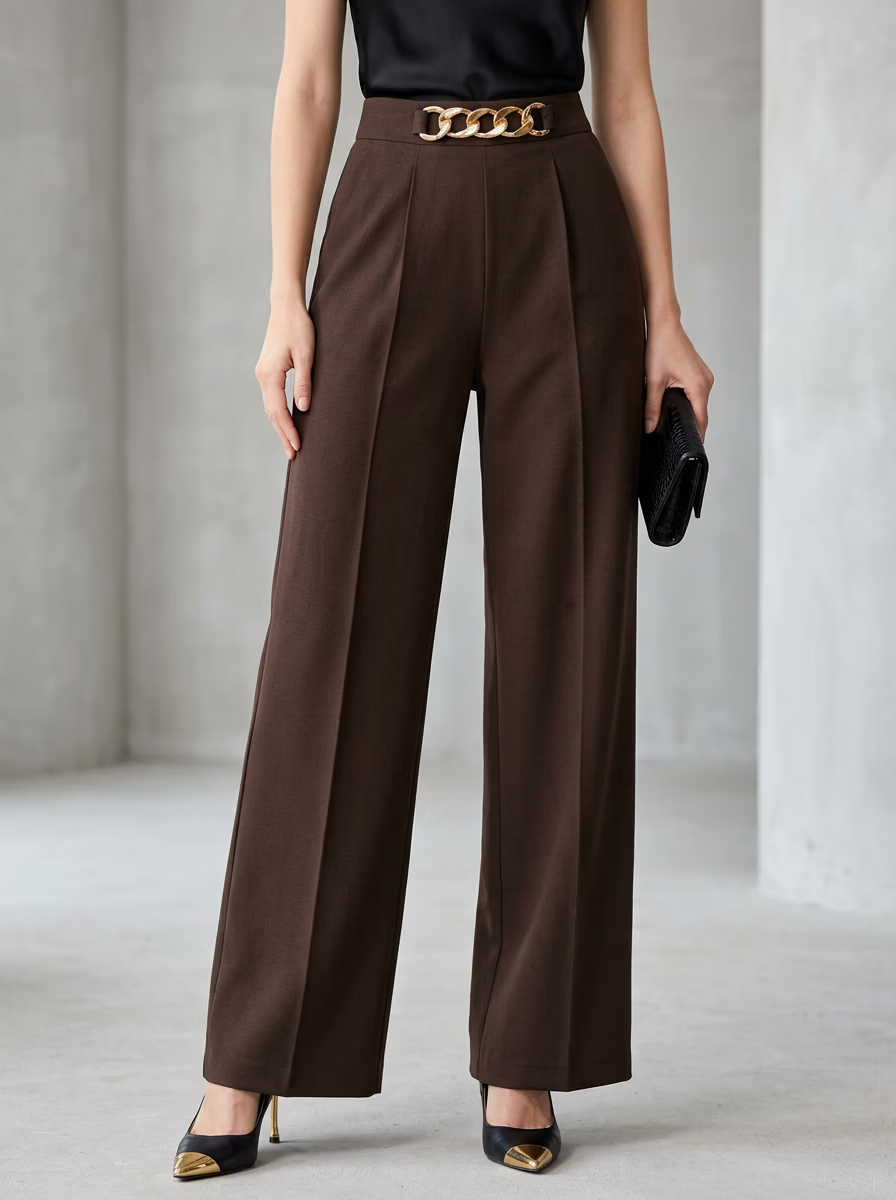
Trouser Cotton Office Pant Womens — look 3
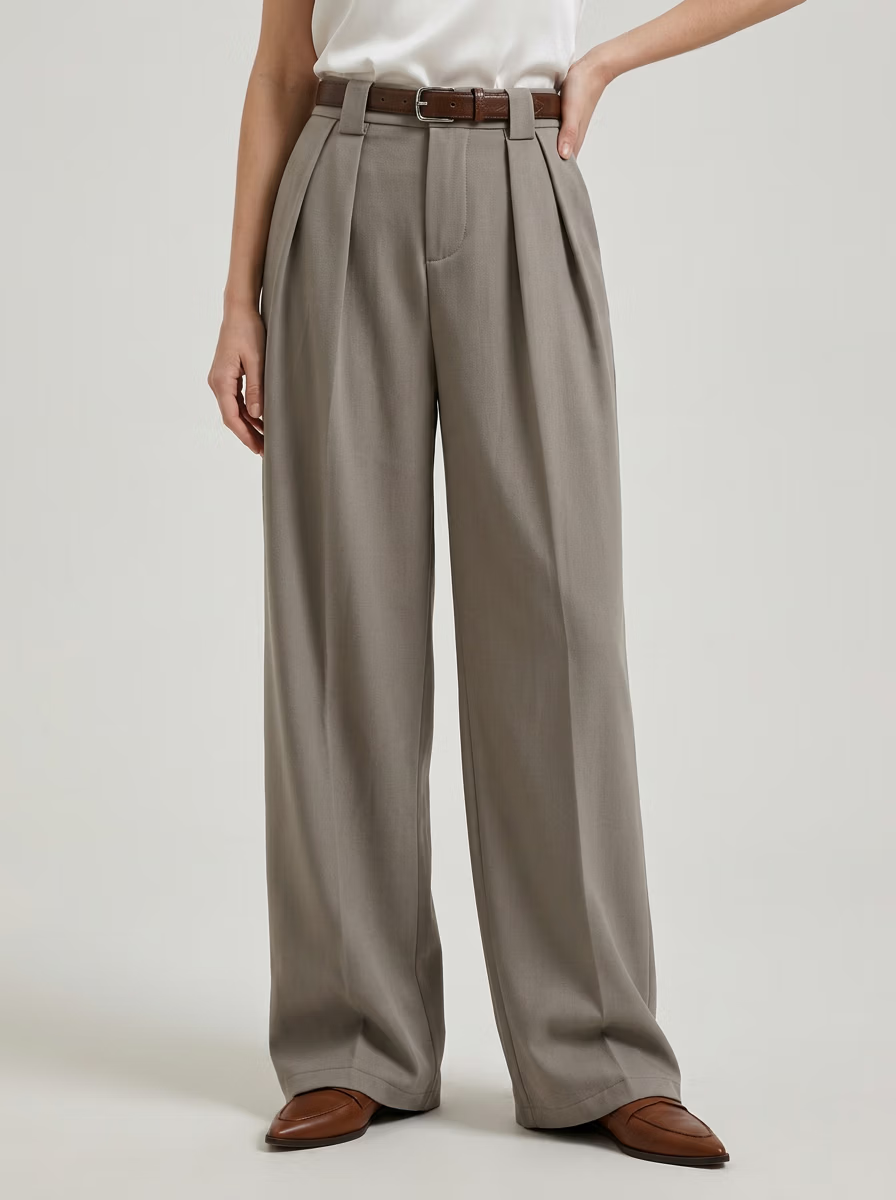
Trouser Cotton Office Pant Womens — look 4
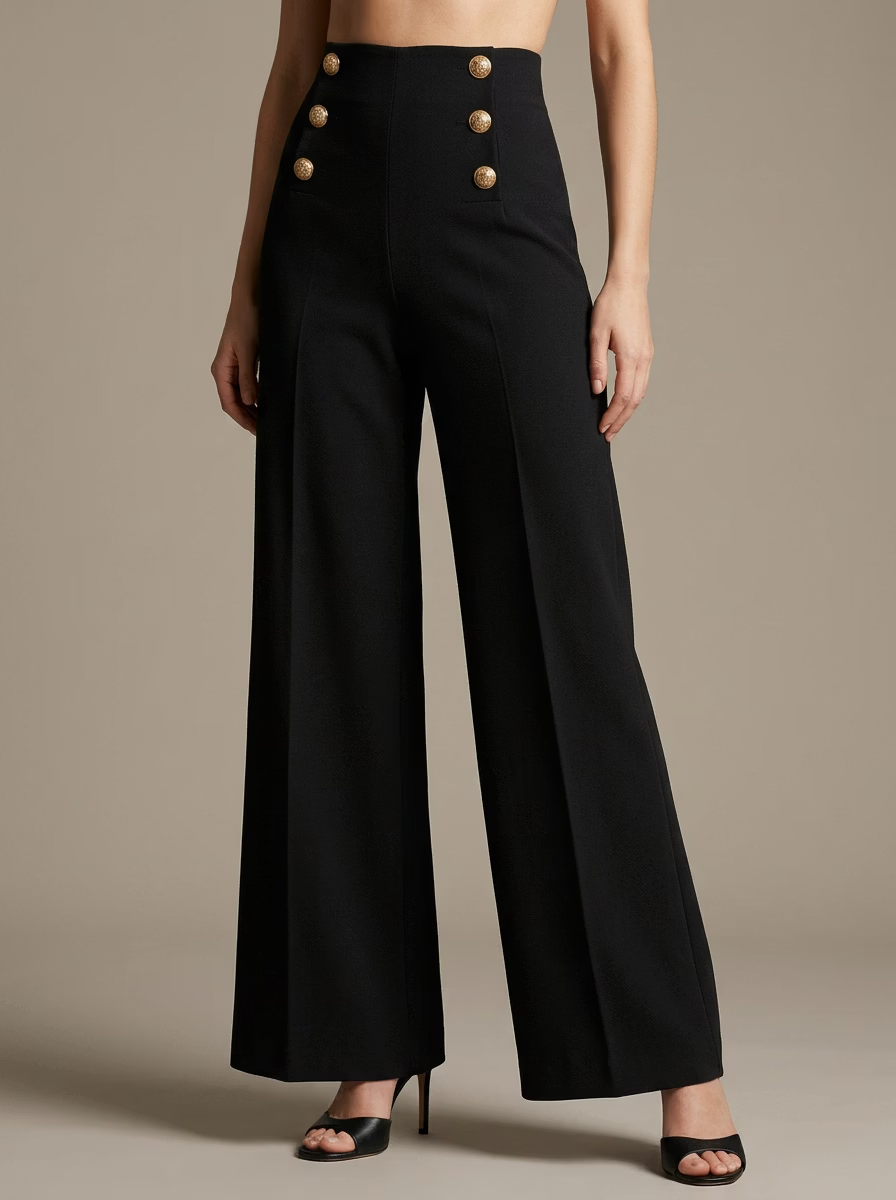
Trouser Cotton Office Pant Womens — look 5
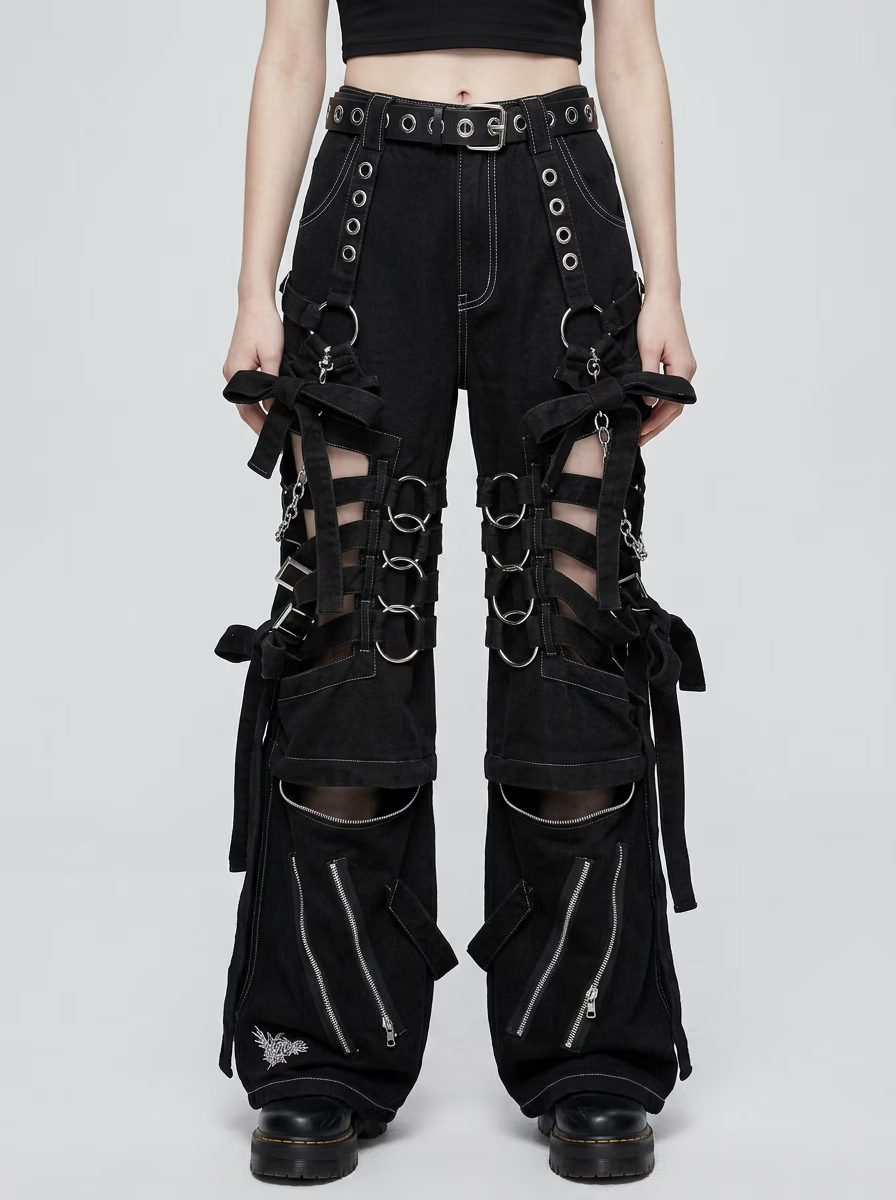
Women's Custom Denim Jeans Pants — look 6
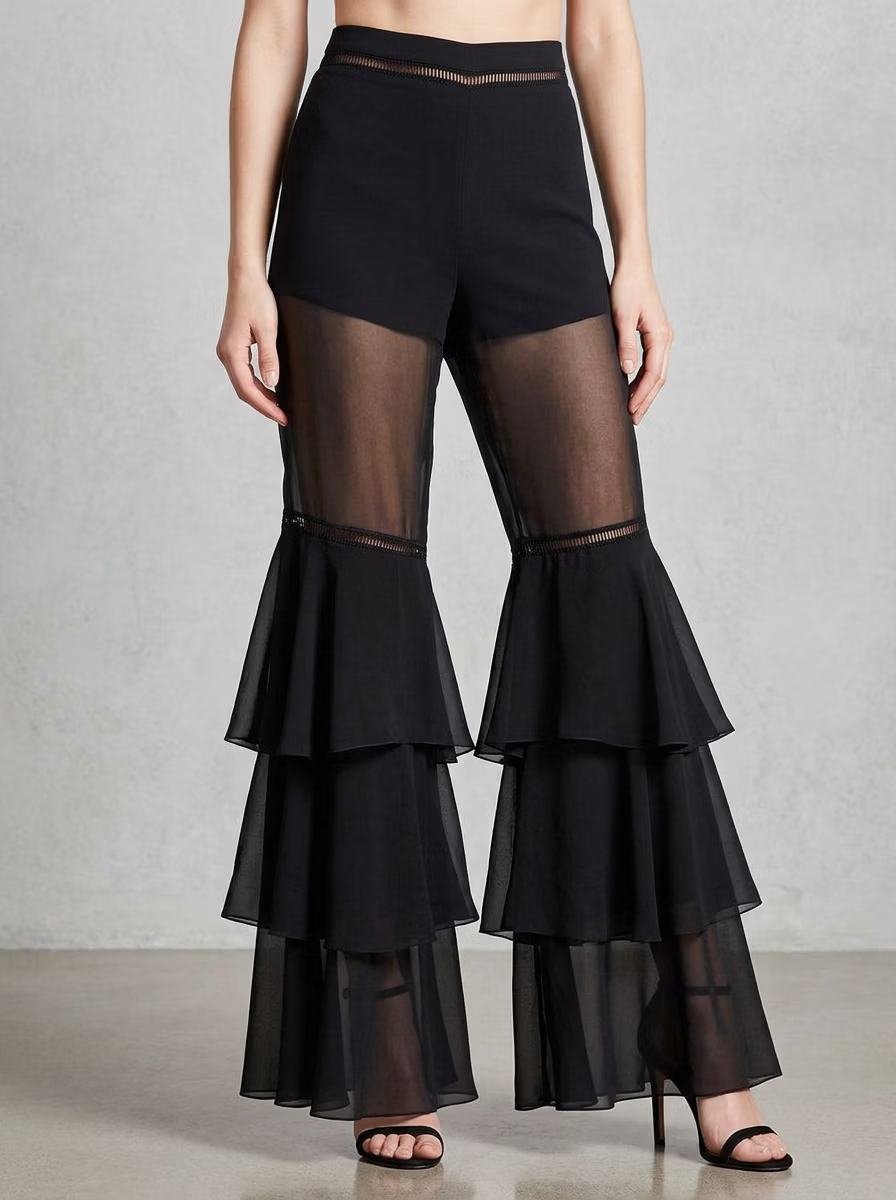
Women's Designer Transparent Pants — look 7
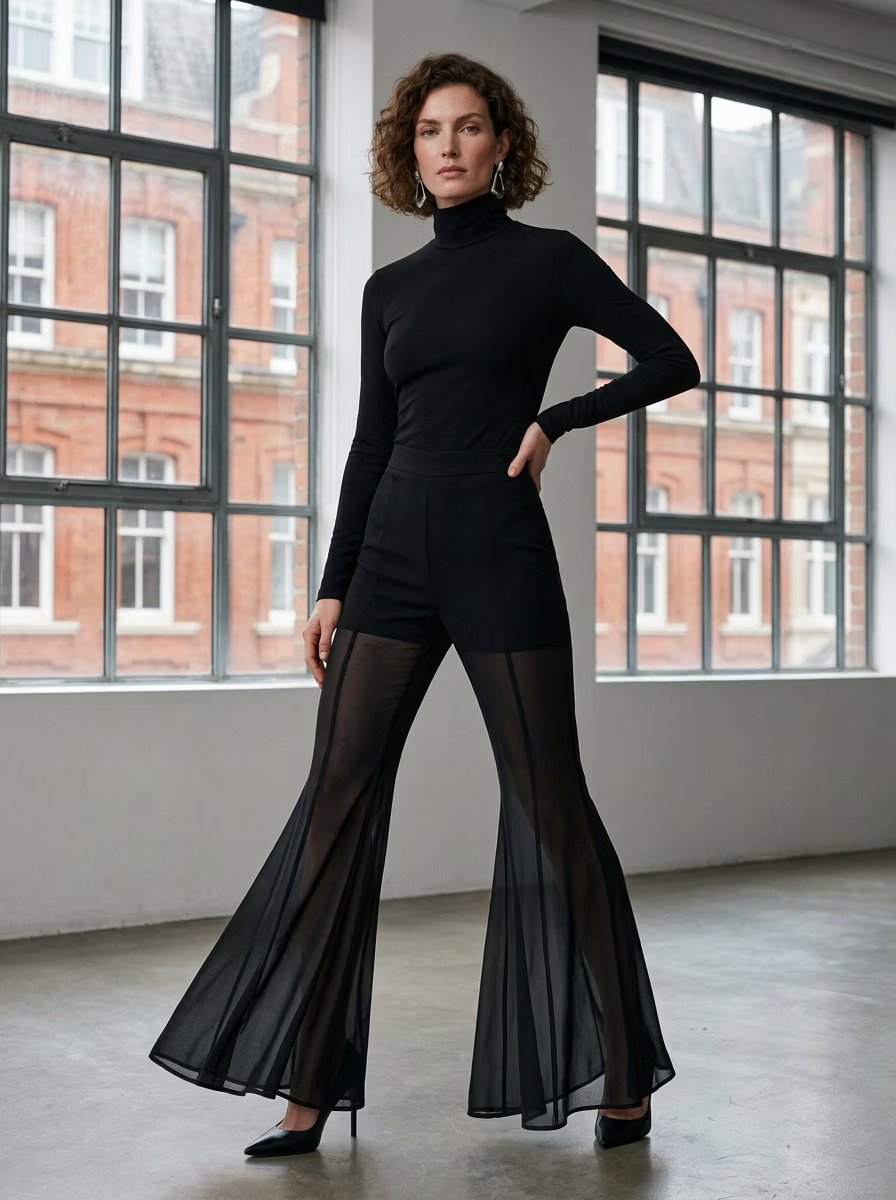
Women's Designer Pants — look 8
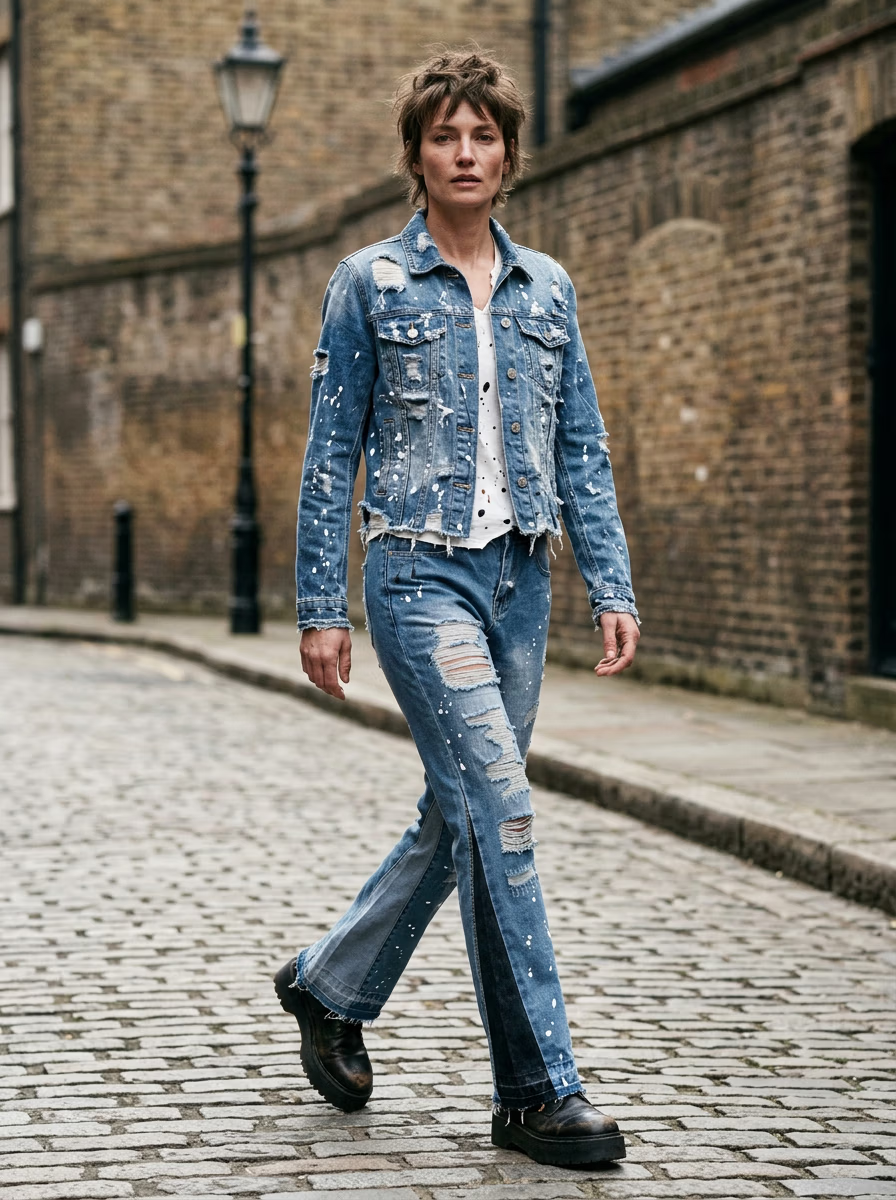
Women's Jeans Denim Pants — look 9
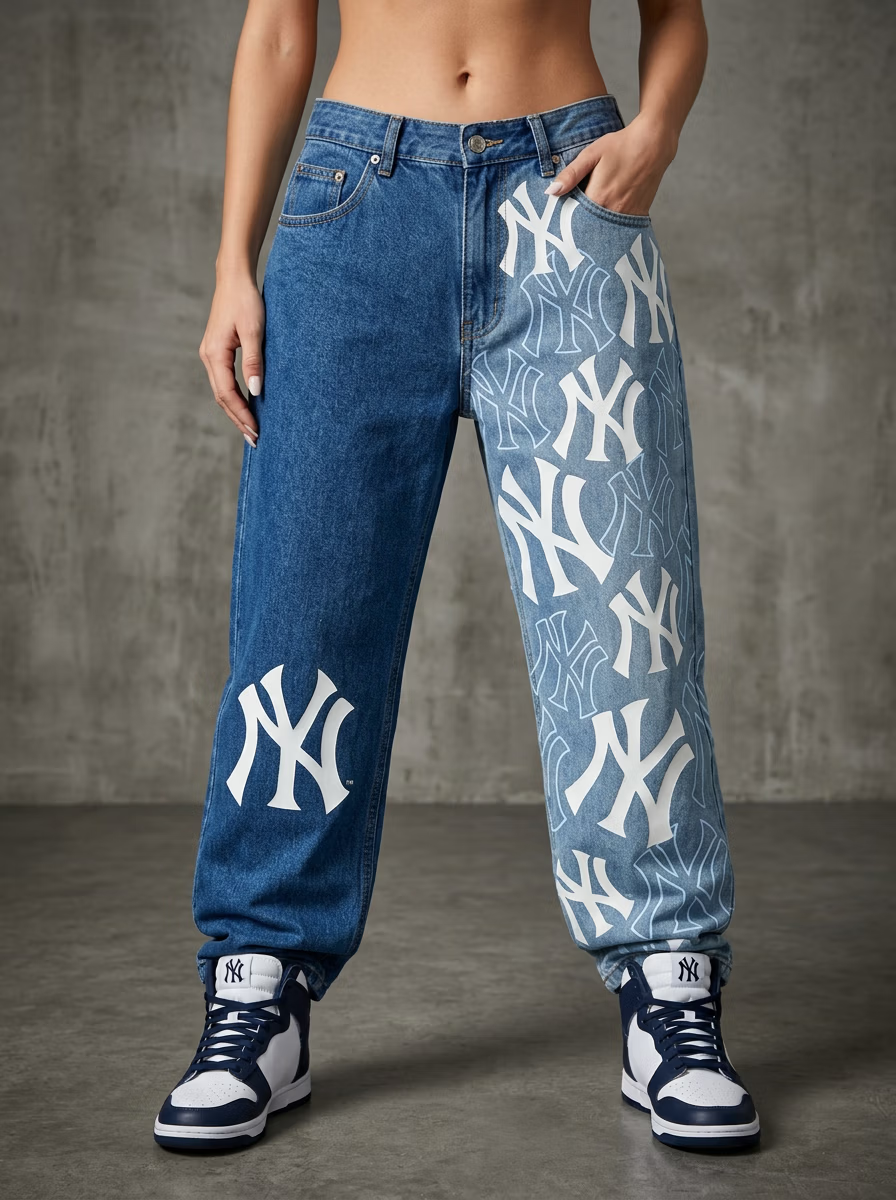
Women's Jeans Denim Pants — look 10
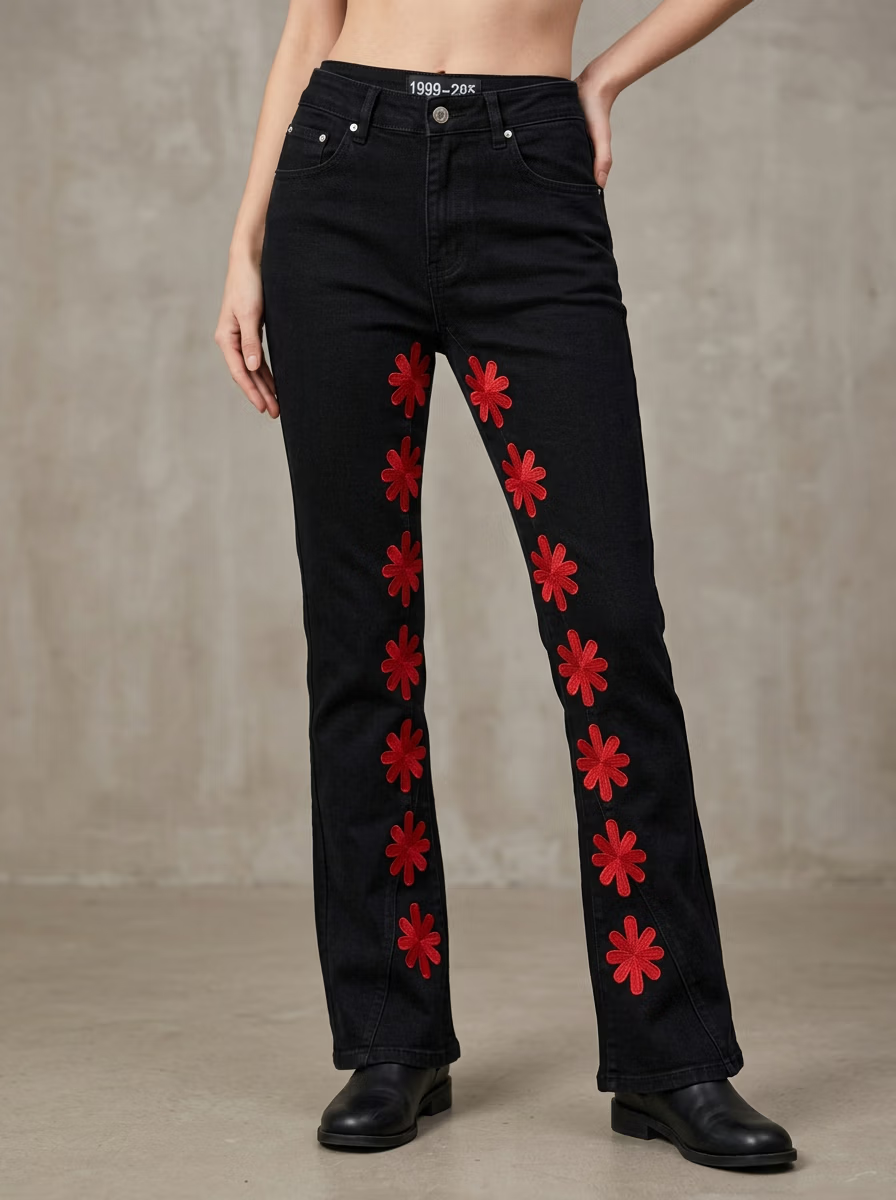
Women's Jeans Denim Pants — look 11
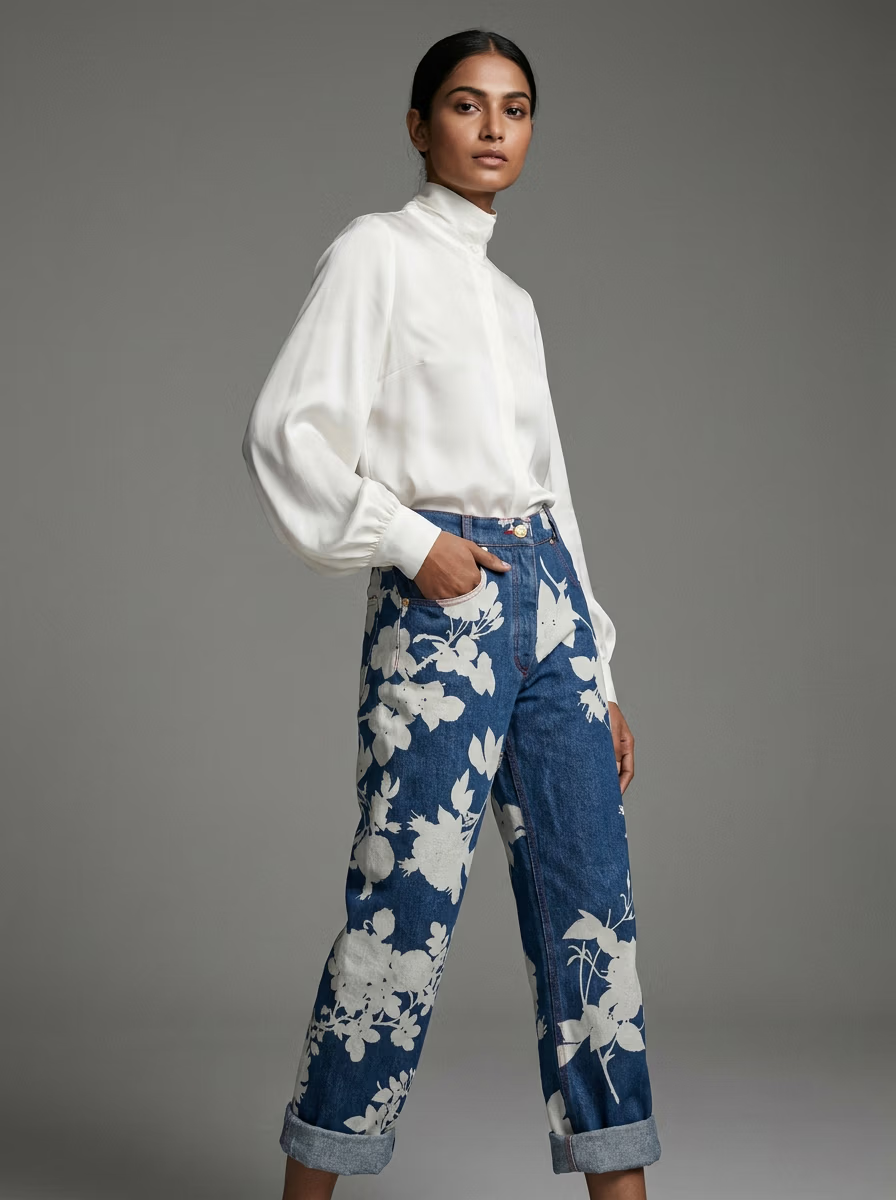
Women's Jeans Denim Pants — look 12
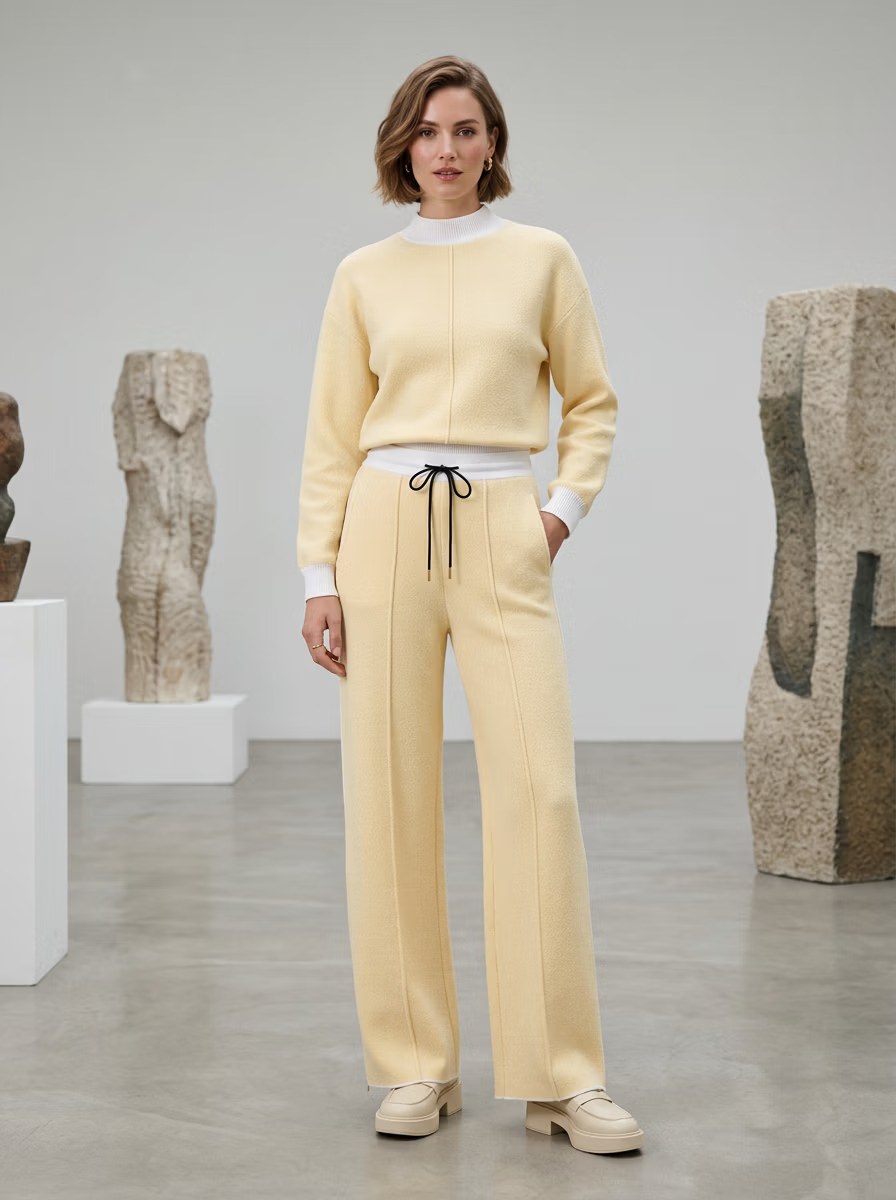
Women's Joggers — look 13
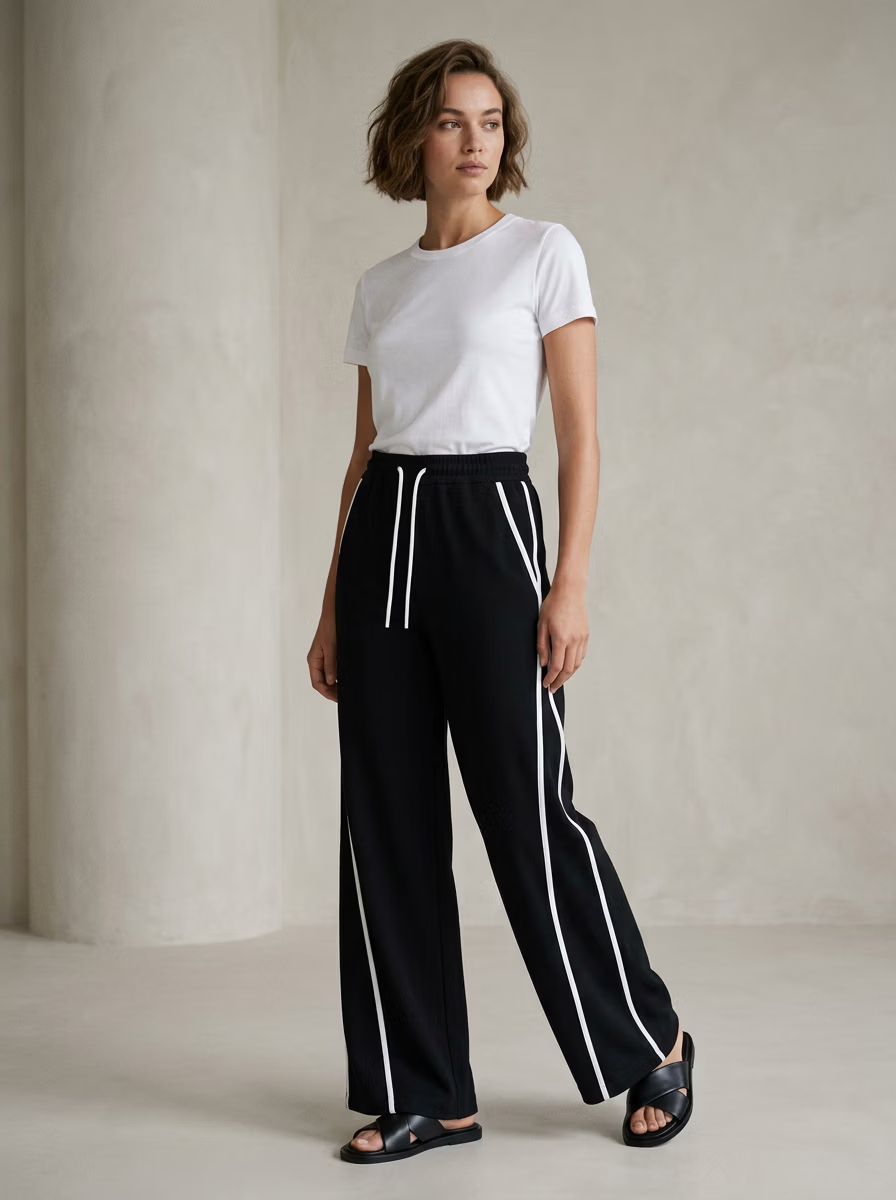
Women's Joggers — look 14
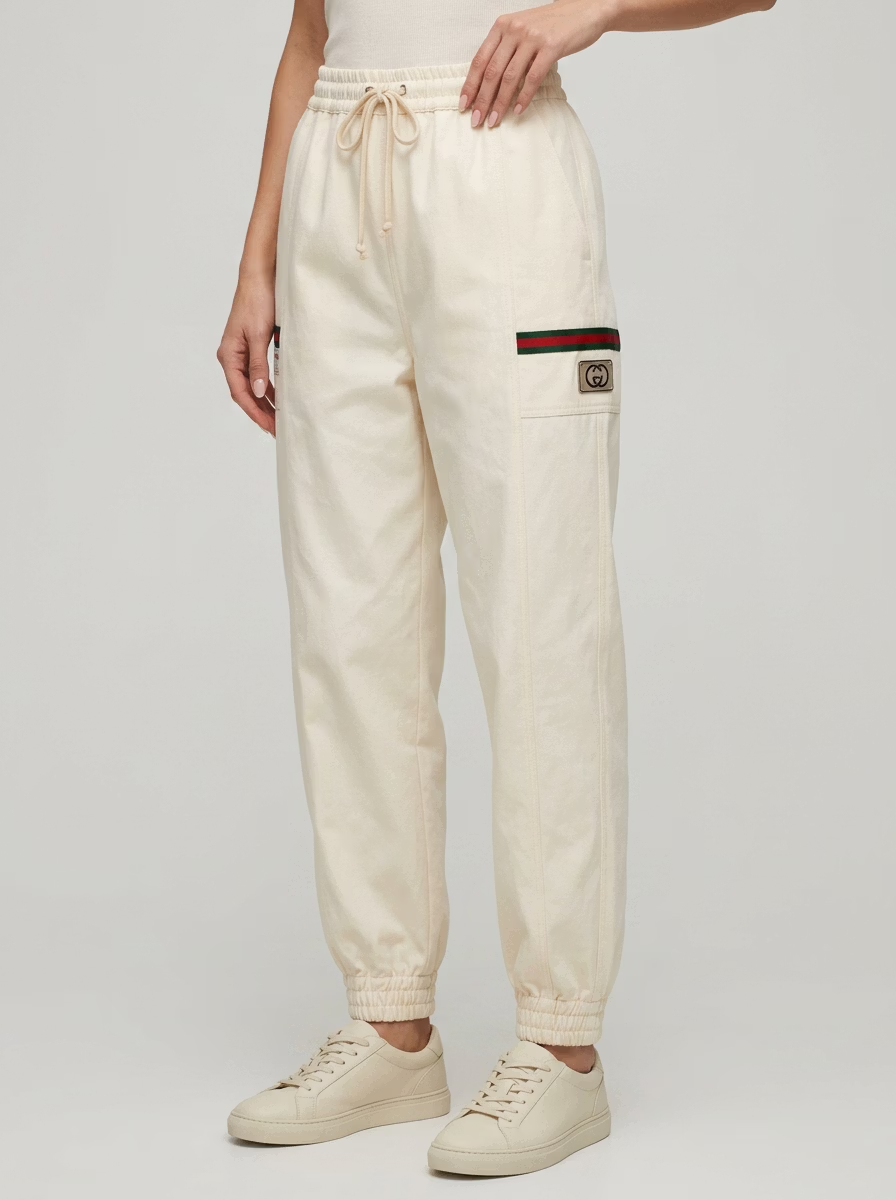
Women's Joggers — look 15
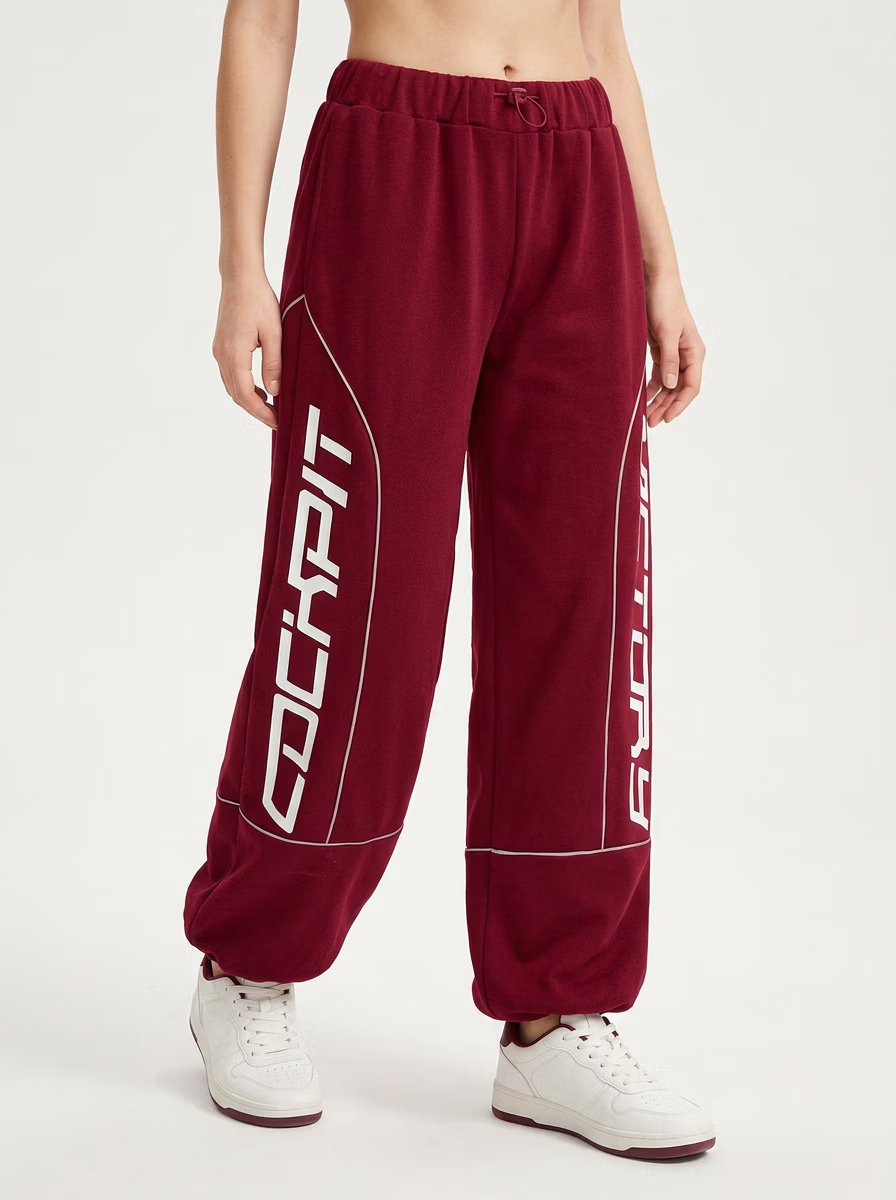
Women's Joggers — look 16
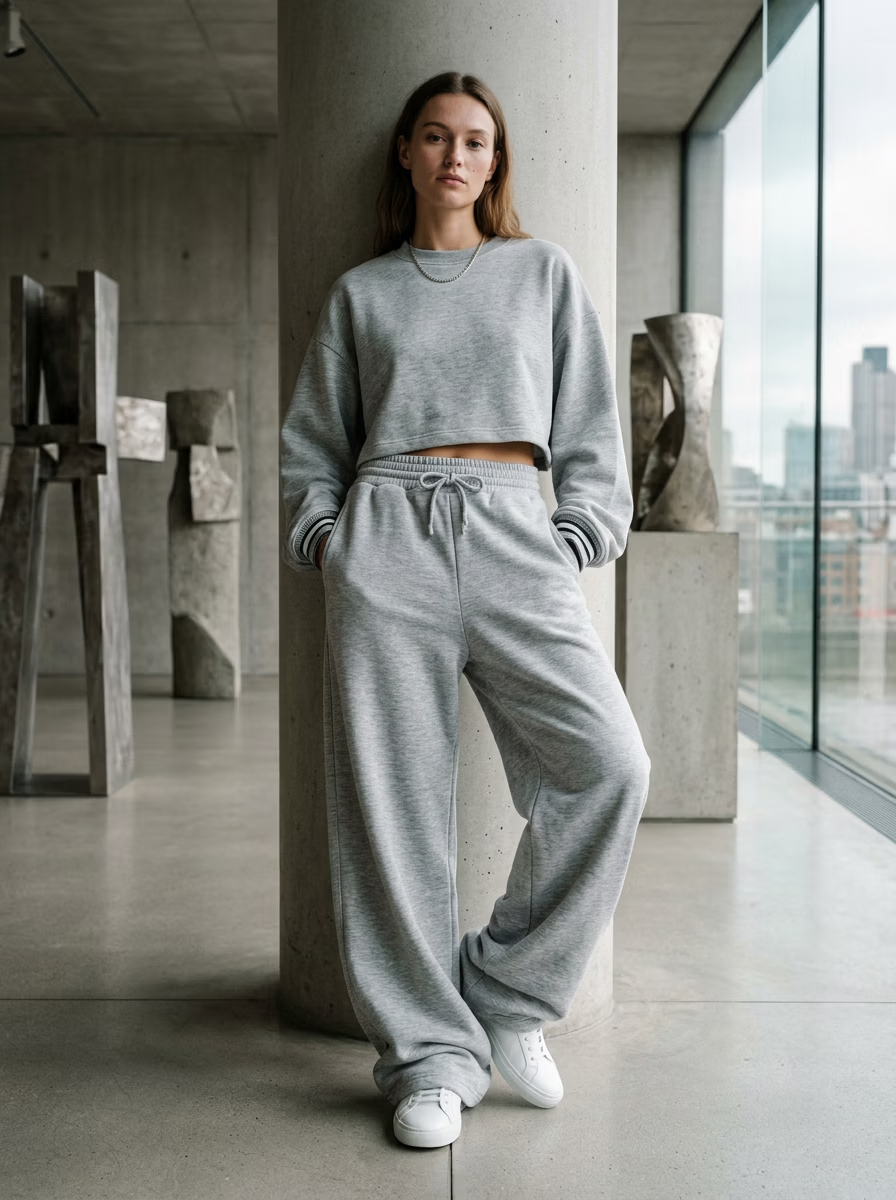
Women's Joggers — look 17
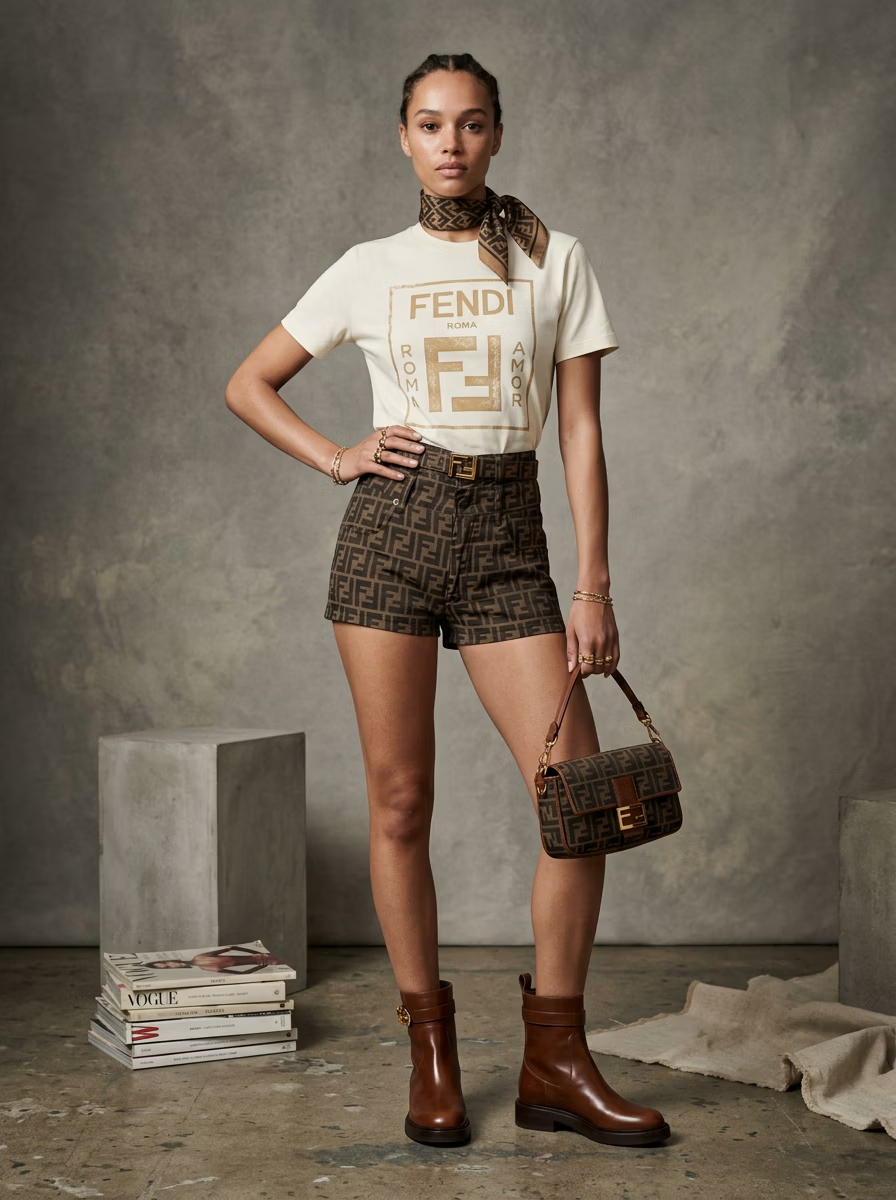
Women's Luxury Shorts — look 18
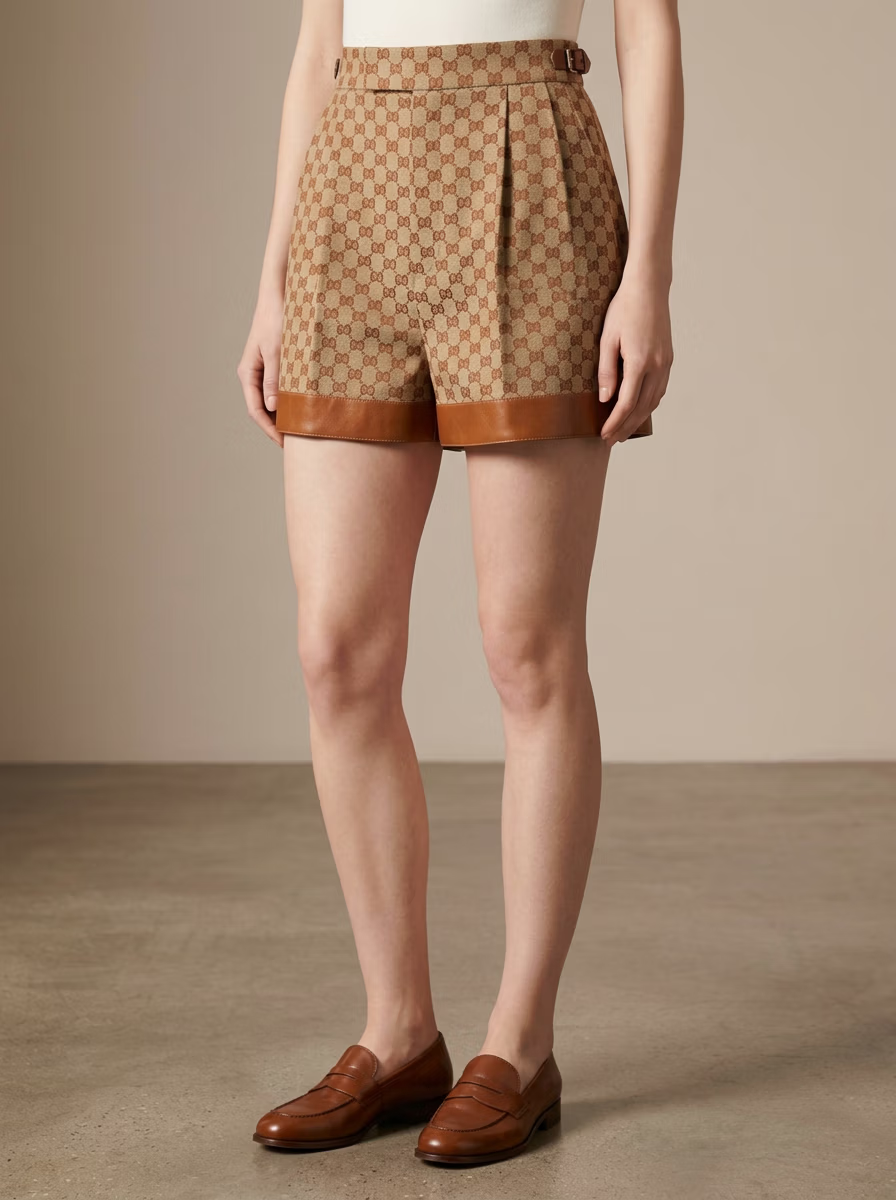
Women's Luxury Shorts — look 19
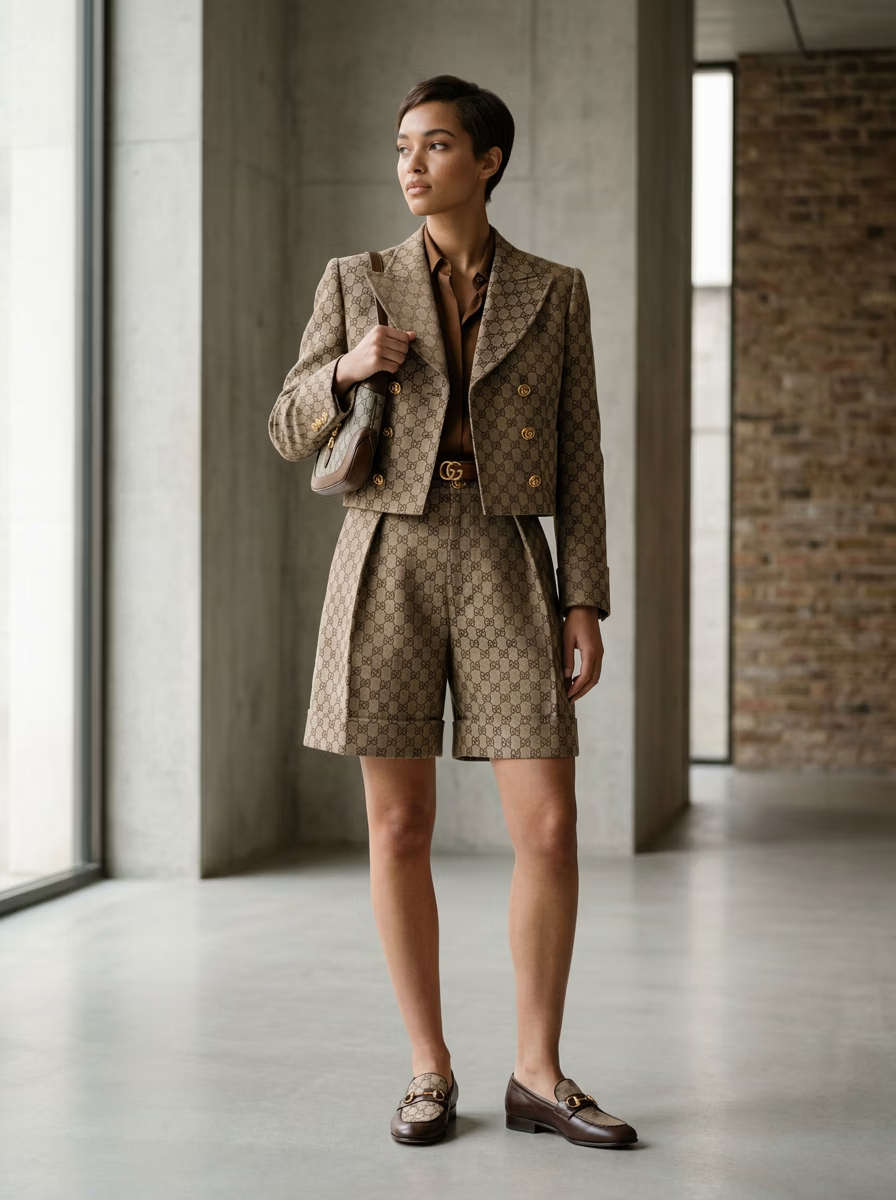
Women's Luxury Shorts — look 20
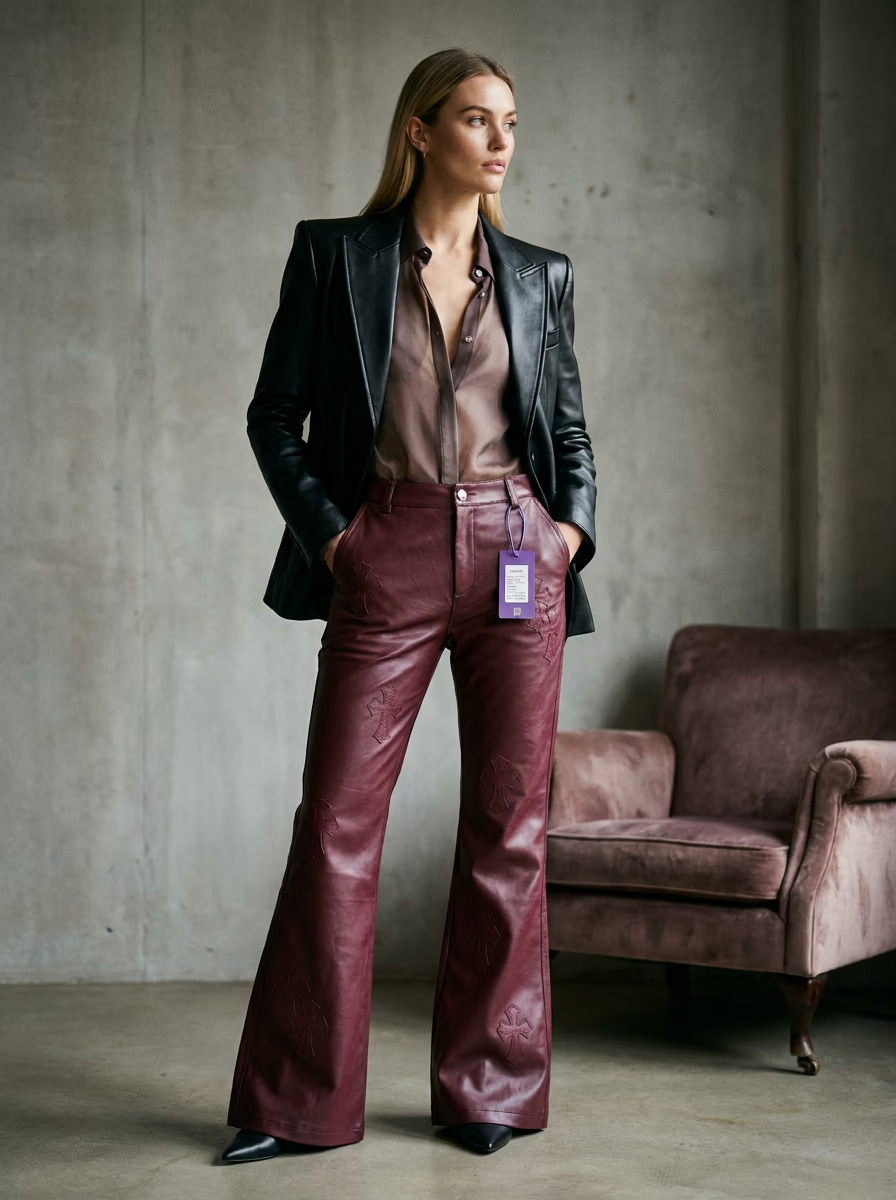
Women's Leather Pants — look 21
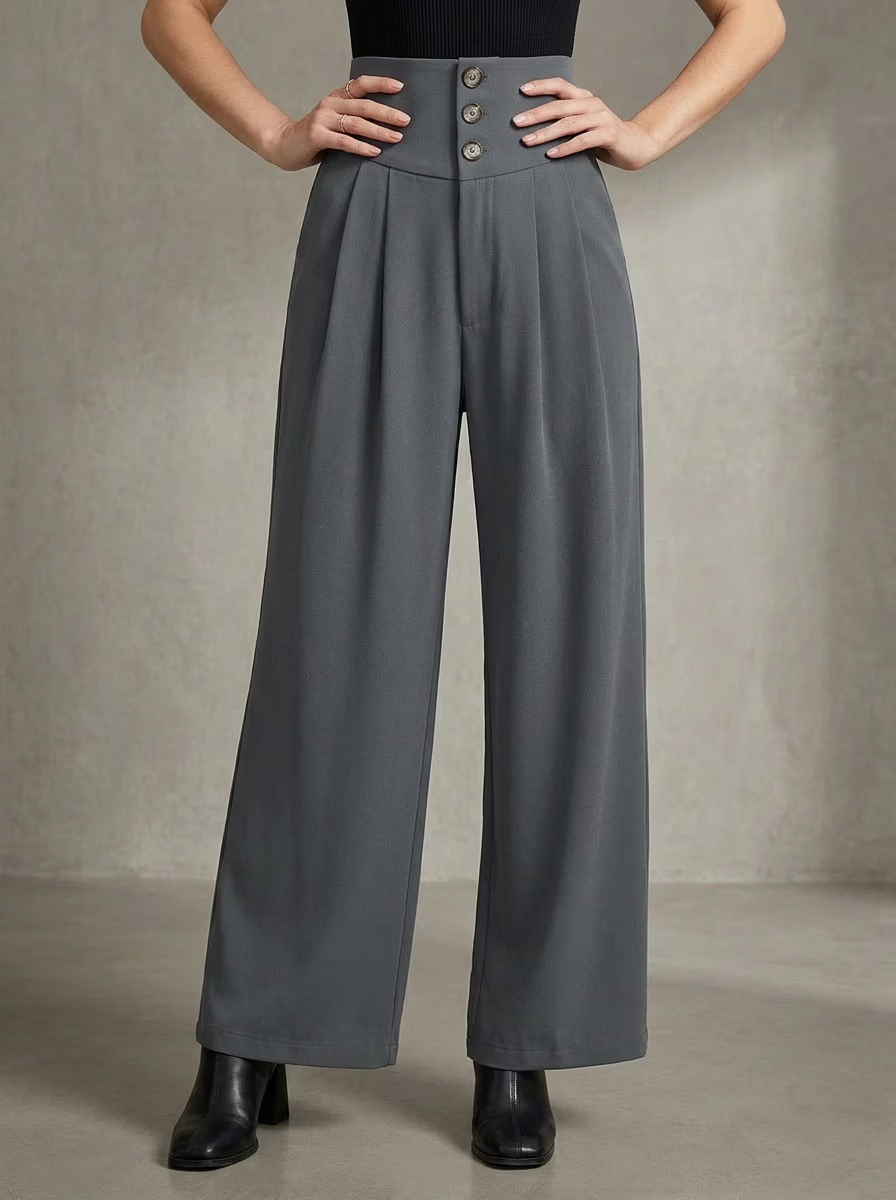
Women's Office Trouser — look 22
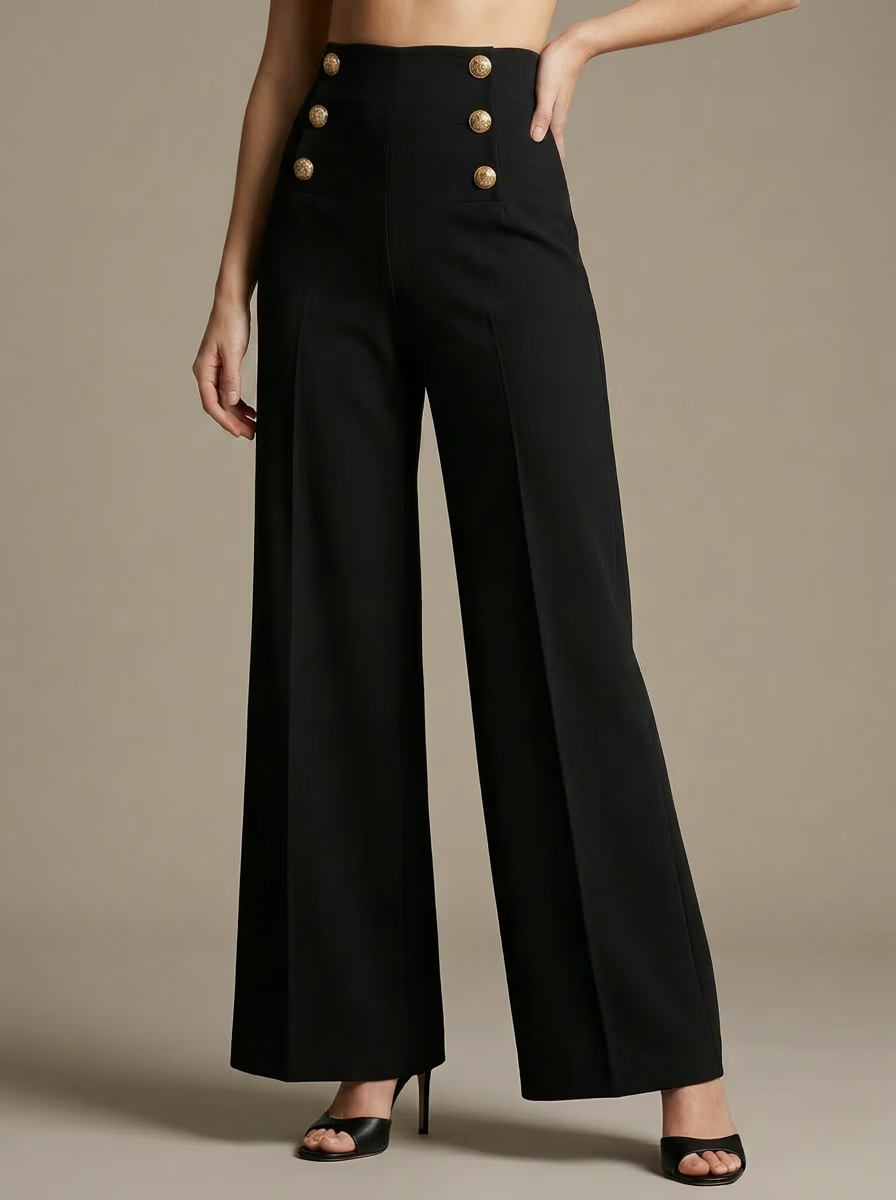
Women's Office Trouser — look 23
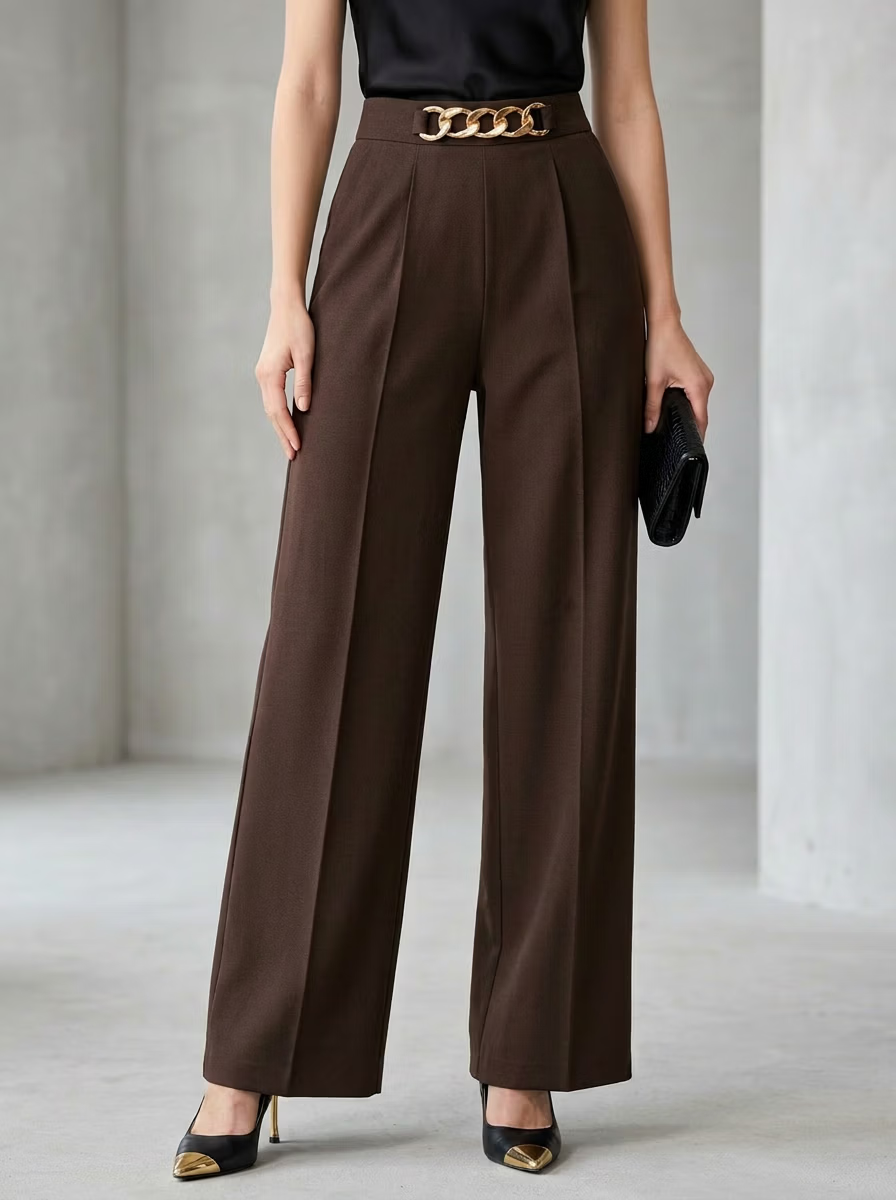
Women's Office Trouser — look 24
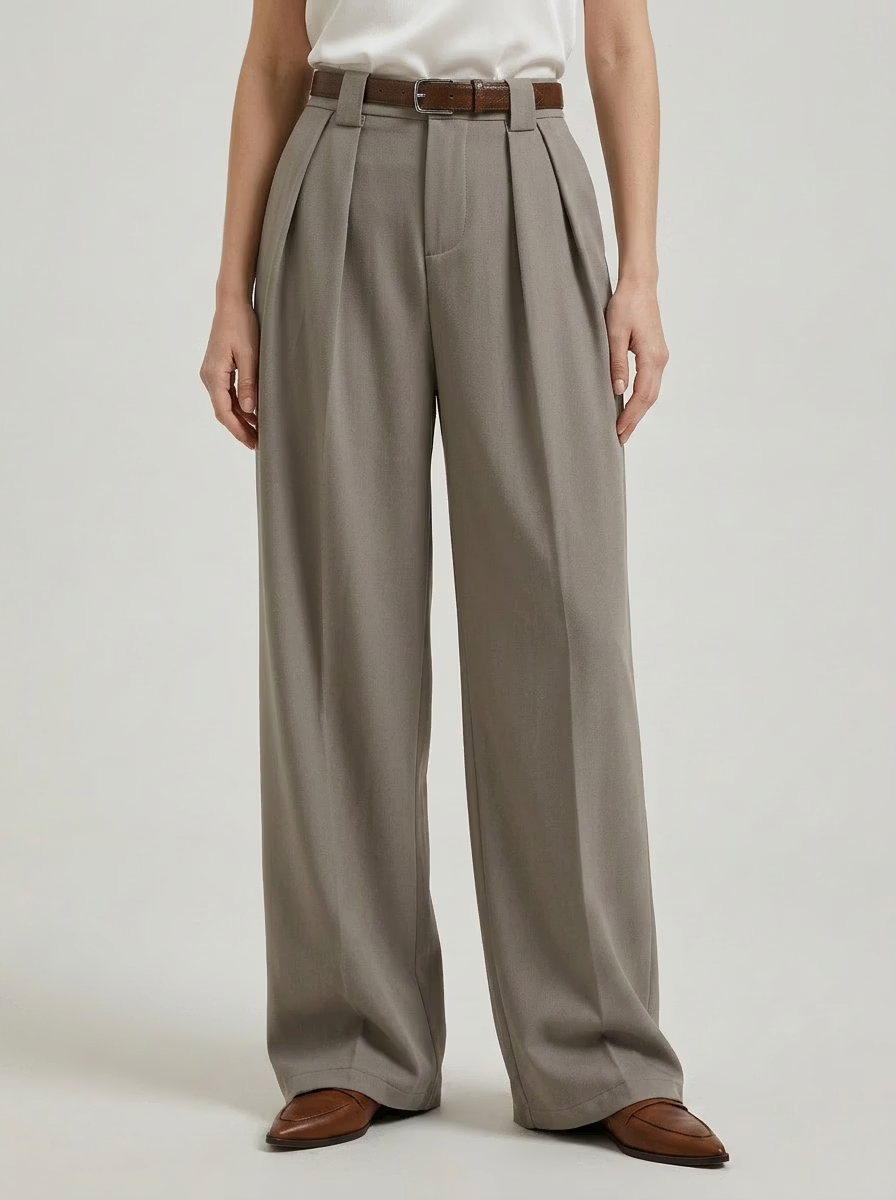
Women's Office Trouser — look 25
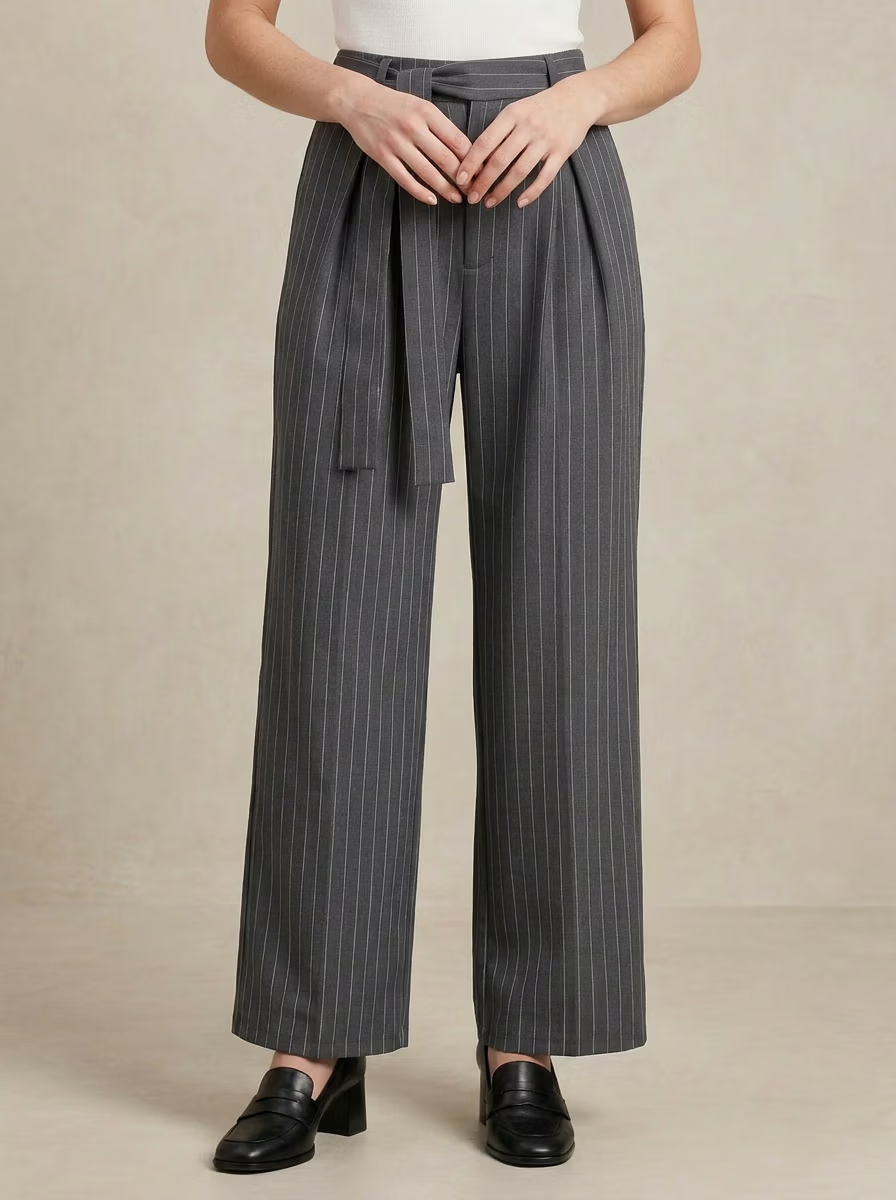
Women's Office Trouser — look 26
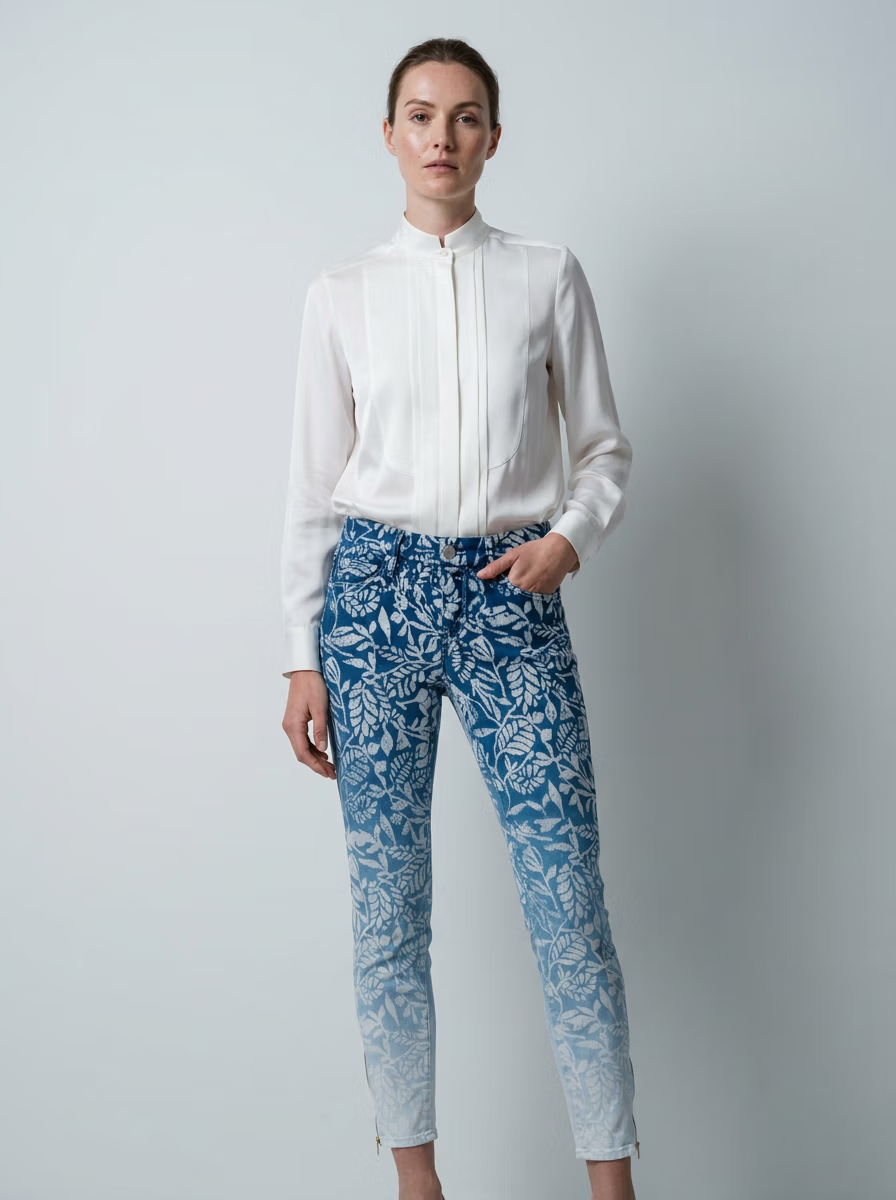
Women's Wash Print Jeans Denim Pants — look 27
How to get a great AI women's pants & jeans photoshoot
- State the cut in your prompt — wide-leg, straight, skinny, flared — because it controls the whole silhouette.
- Show jeans with a simple top tucked in so the waistband and rise are visible.
- For sheer or designer pants, describe how they should be styled and what is worn underneath.
Women's Pants & Jeans — questions
Can I show the same jeans in a full-length and a close-up shot?
Yes — generate a full-body pose for fit and a half-body pose for waistband and pocket detail.
Will distressing and rips be kept?
Yes, they are copied from your garment photo.