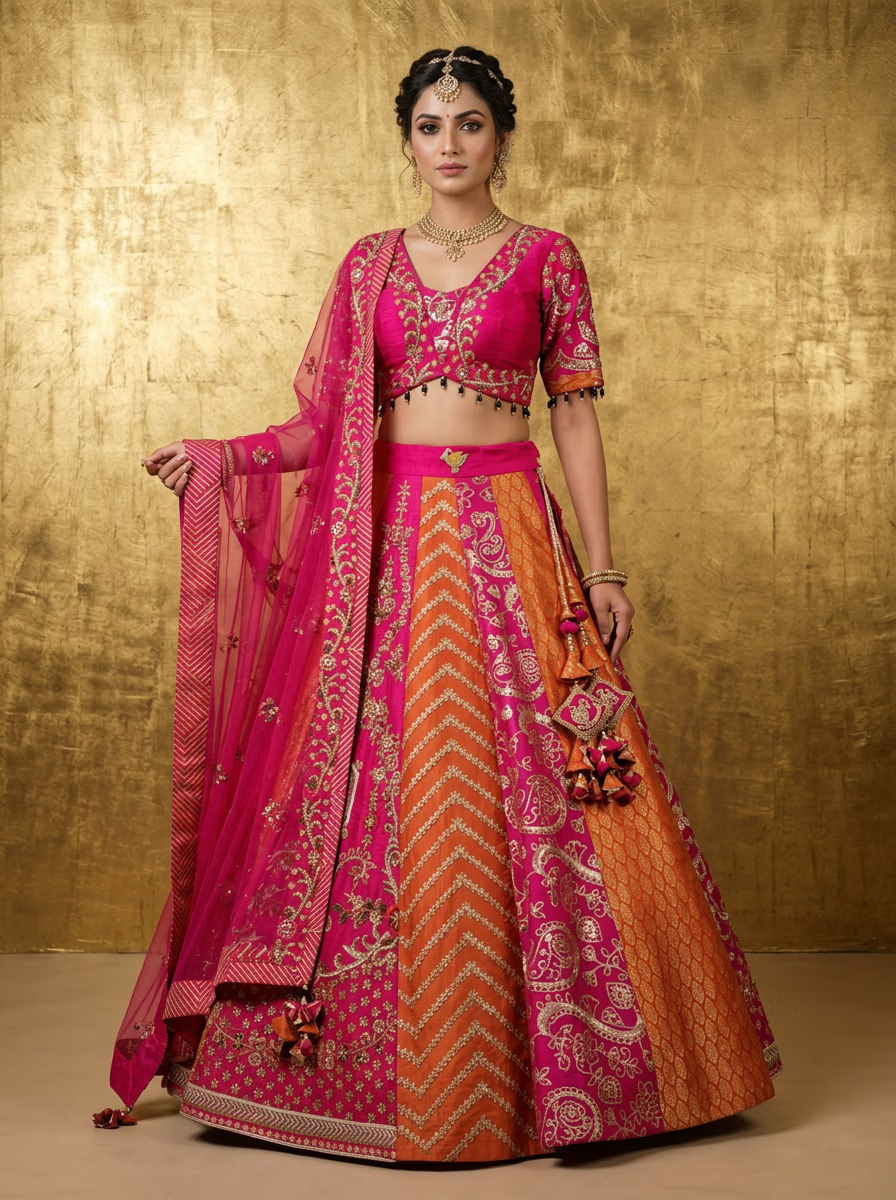
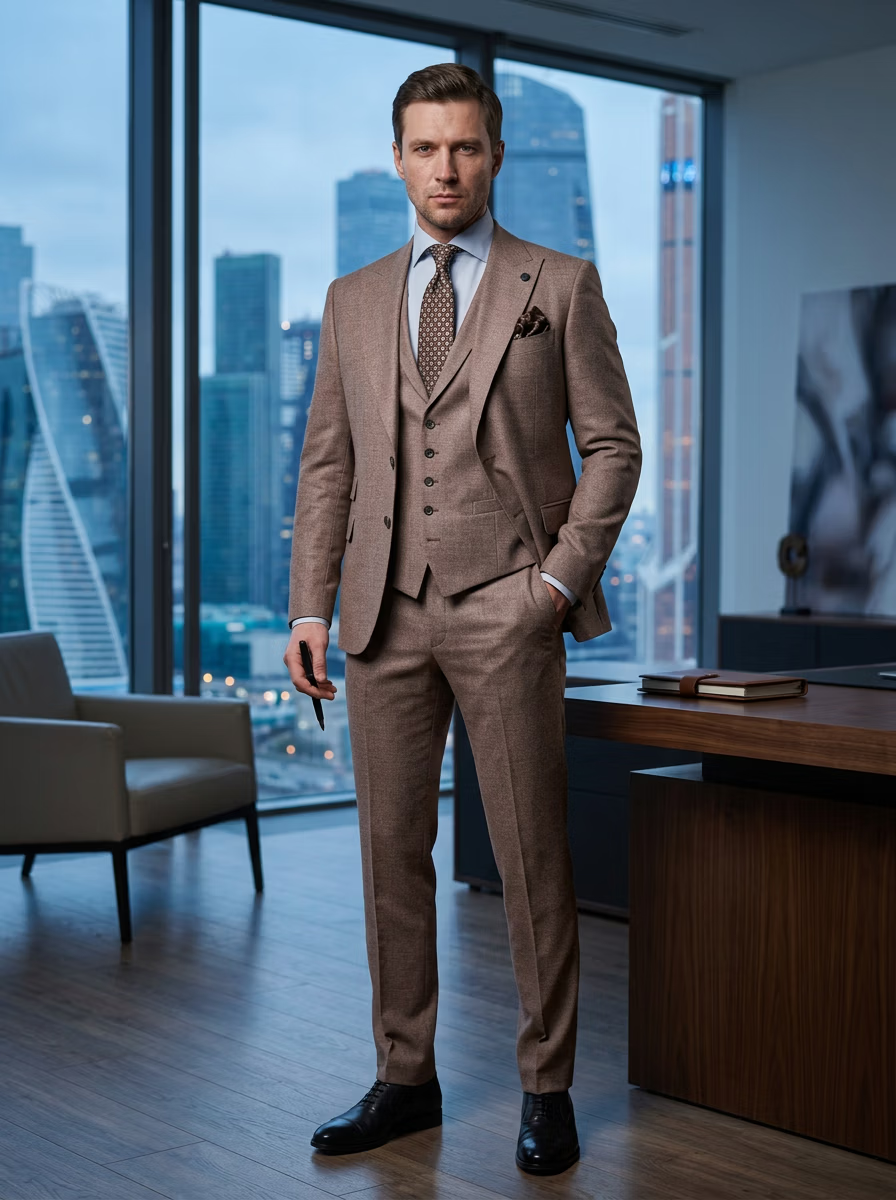
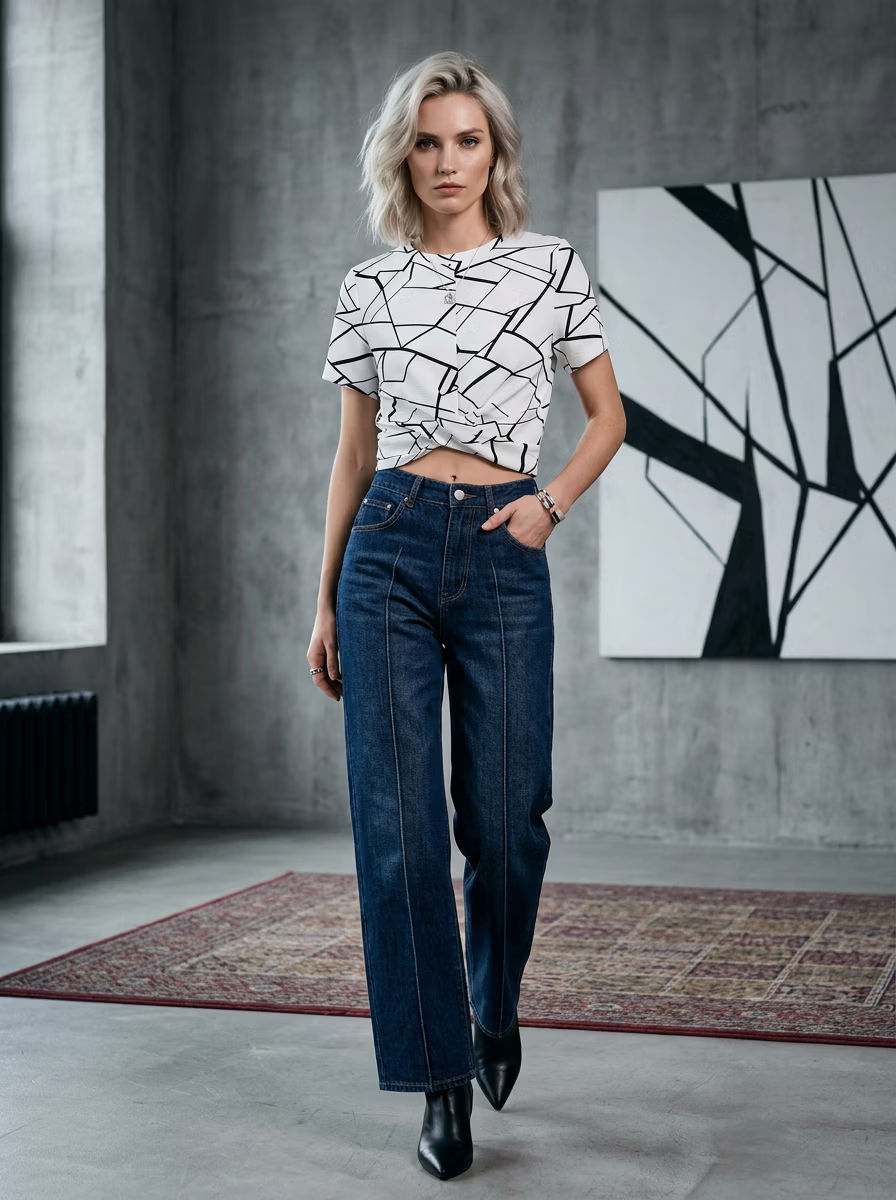
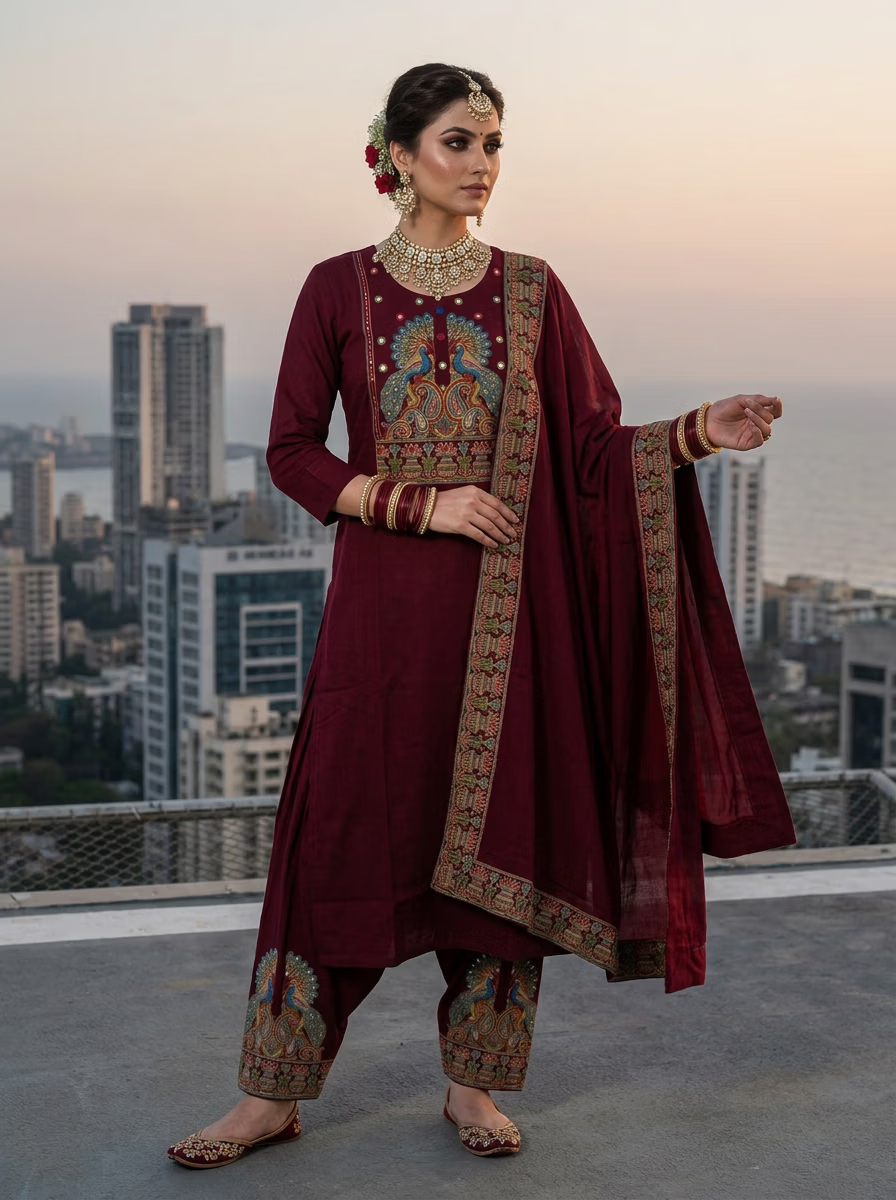
Three ways to change clothes with AI in VERA
| You want to… | How in VERA | Good for |
|---|---|---|
| Put a garment on a model | Upload the garment photo → choose model, pose, background → generate | Product pages and marketplace listings |
| Show another colour | Edit Photo → Masking → Select Garment → Hue / Saturation | Colourways without a reshoot |
| Change the scene | Studio and location backgrounds, My Photo, Photo DNA | Ads, social posts, seasonal campaigns |
How it works
- Upload your garment photo in VERA (add side, back and close-up photos in 360° Design Details for complex designs).
- Choose the model, pose and background, then generate.
- To show another colour, open Edit Photo → Masking → Select Garment and move the Hue slider; only the clothes change.
- Download in up to 4K for your store, marketplace or ads.
Who it is for
Clothing sellers, boutiques and brands that need on-model photos of real products — t-shirts, dresses, kurtis, sarees, lehengas and more. Compare with AI virtual try-on and outfit AI, or browse 600+ examples.
Ready to create on-model photos?
Upload a garment and let VERA generate photorealistic AI fashion model shots in seconds — no studio, model, or photographer.
Frequently Asked Questions
Is there a free AI clothes changer?
VERA has a free trial — one image with each AI model (4 in total) at 1K. Paid plans start at ₹299 / $3.99 per month.
Can I change the clothes on my own selfie?
VERA is built for product photos: it puts a real garment on an AI model. It is not designed for changing outfits on personal selfies.
Can I show one design in several colours?
Yes. Generate it once, then use Edit Photo → Masking → Select Garment and the Hue slider; only the garment changes.
What garments work?
Tops, bottoms, dresses, gowns, sarees, lehengas, suits, activewear and kidswear — one-piece or two-piece outfits.