What an AI stylist does for your product photos
| Styling choice | How you set it in VERA |
|---|---|
| Model | Woman, man, girl or boy, and the model's country — Indian, American, European and more |
| Pose | Pose library, copy a pose from any reference photo, or describe a new pose |
| Hairstyle | Auto (match the outfit), straight open hair, waves/curls, high ponytail, messy or sleek bun, traditional braid, bob, pixie, layered blowout, half-up |
| Makeup | Describe the look — dewy, smokey eye, no-makeup and so on |
| Accessories | Add accessories with the outfit, or describe jewellery |
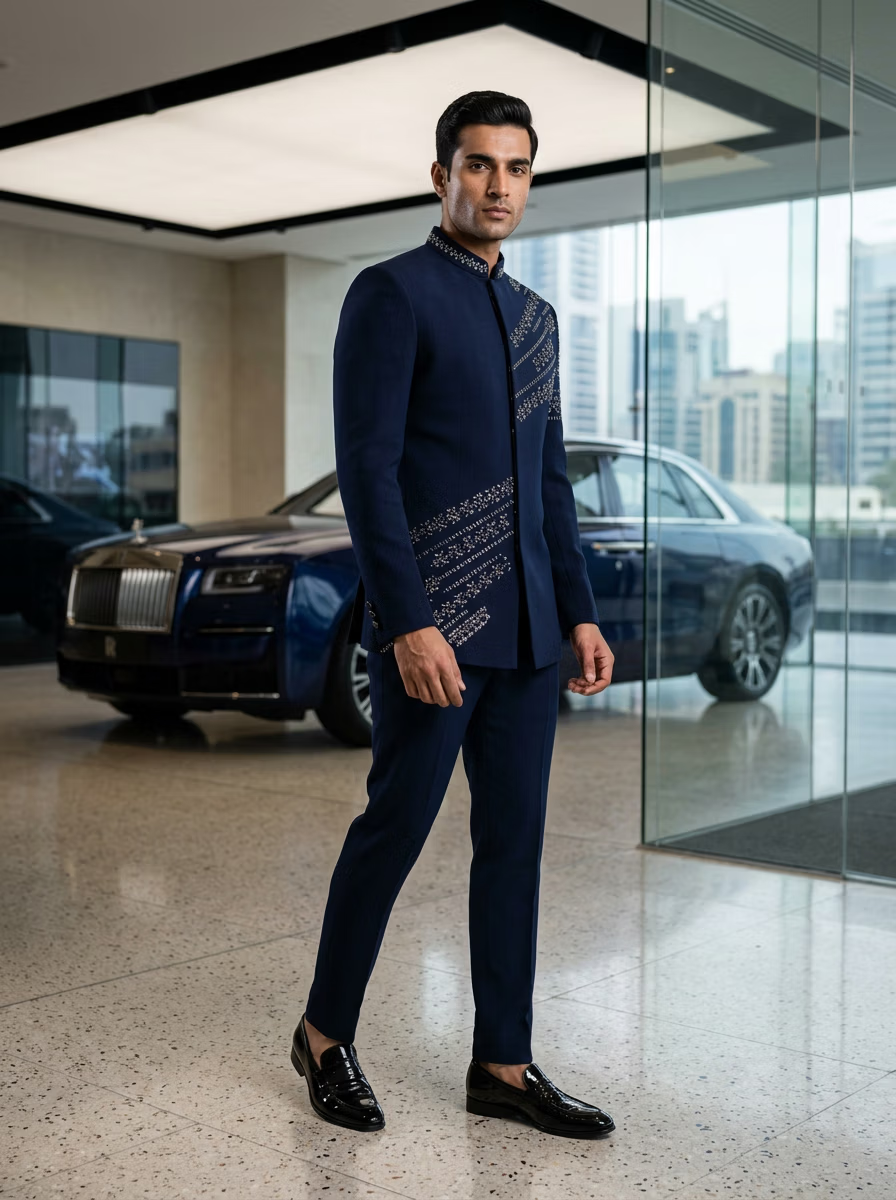
| Style direction | Write it in Instructions — bridal, minimalist, streetwear, editorial |
| Background | Studio, outdoor and luxury scenes, your own photo (My Photo) or a reference look (Photo DNA) |
Style once, stay consistent
The difference between a cheap-looking catalogue and a premium one is consistency: the same model, light and setting across every product. Choose your styling once and reuse it for the whole collection, then save your colour look as a preset in the editor.
Styling ideas by category
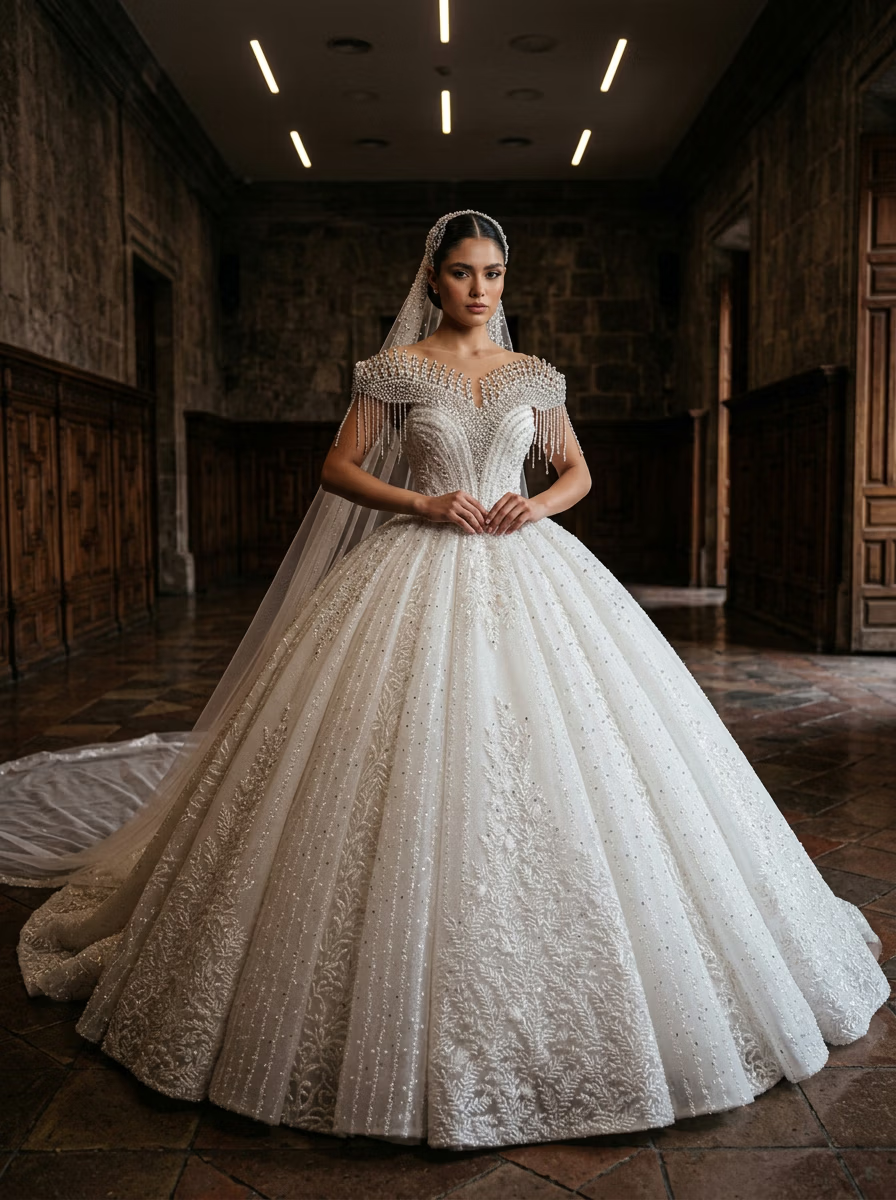
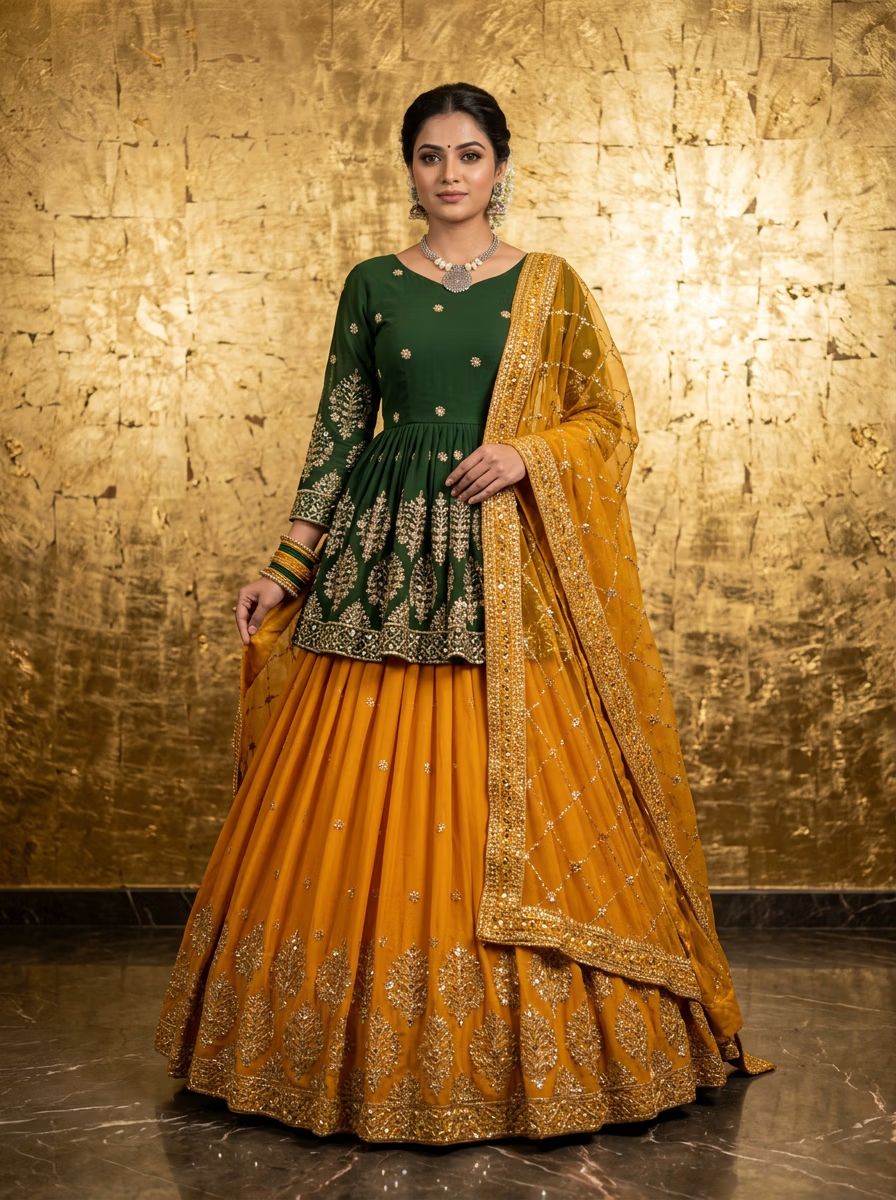
- Bridal and festive: palace or haveli backgrounds, jewellery described in the prompt, graceful poses
- Everyday ethnic: soft daylight, home or garden settings, relaxed standing poses
- Office wear: plain or office backgrounds, confident straight poses
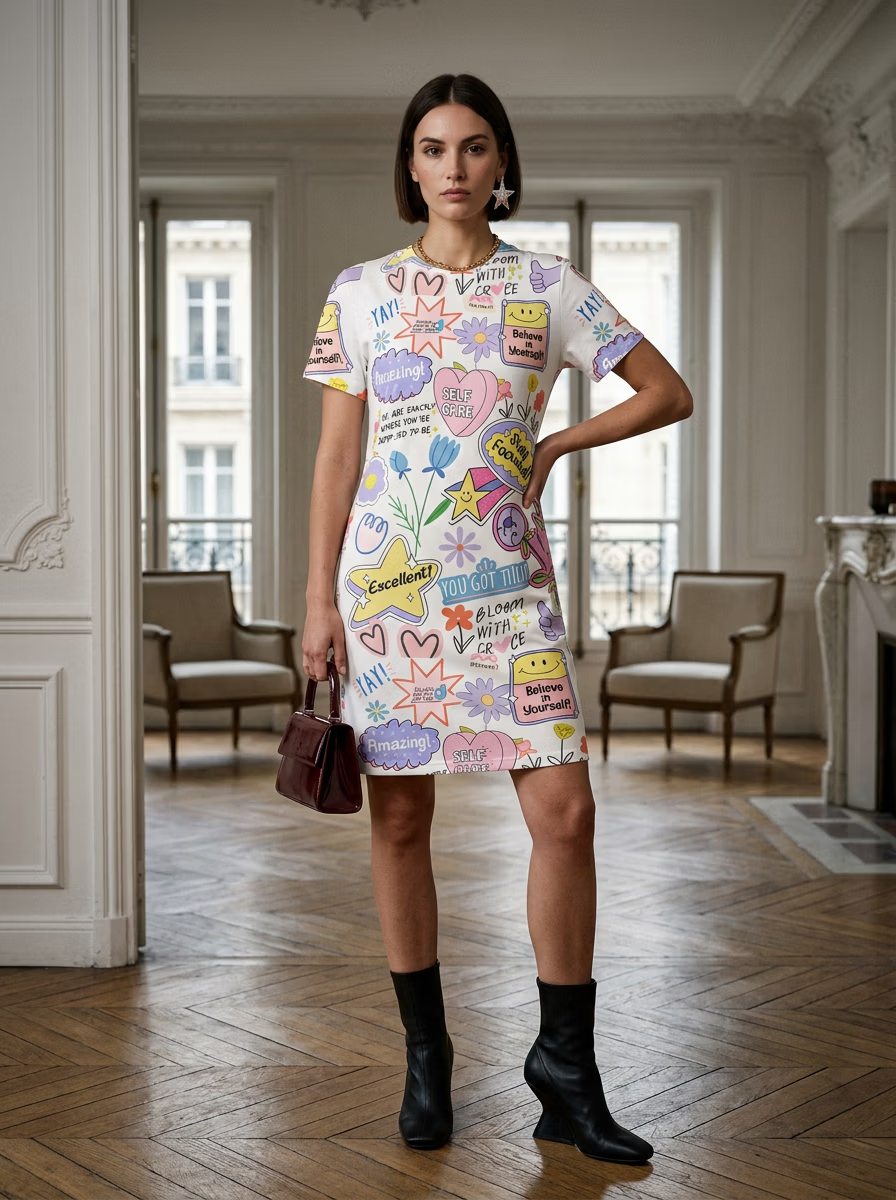
- Streetwear and activewear: urban or gym settings, dynamic poses
- Marketplace main images: plain studio background, catalogue pose, no props
Related tools
Combine pieces with outfit AI, change garments with the AI clothes changer, and see the full AI fashion photography workflow. For saree styling words, use the saree prompts.
Ready to create on-model photos?
Upload a garment and let VERA generate photorealistic AI fashion model shots in seconds — no studio, model, or photographer.
Frequently Asked Questions
Is this a personal stylist that tells me what to wear?
No. VERA is an AI stylist for clothing sellers and brands: it styles how your garments are photographed on AI models — model, pose, hair, makeup, accessories and setting.
Can the AI choose the styling for me?
Partly — the hairstyle has an Auto setting that matches the outfit, and optional fields such as makeup can be left blank. For full control, set each choice yourself or copy a pose from a reference photo.
Can I keep the same styling across my catalogue?
Yes — reuse the same model, pose style and background for every product, and save your colour grade as a preset in the editor.
How much does it cost?
A free trial (one image with each AI model, 4 total), then plans from ₹299 / $3.99 a month.